





A technician reaches a remote site, opens the panel, and finds equipment that does not match the manual. The delay soon reaches beyond the work order: customers wait, an asset stays unavailable, and a scarce specialist may need to travel simply to understand what the technician sees.
AR remote support for field technicians combines augmented reality (AR), live video, and on-screen guidance so an off-site expert shares the technician’s view and directs the next repair step in real time. It gives both people a common visual reference, helping them interpret unfamiliar equipment, resolve escalations, and retain a clear record of the work.
That shared view changes the quality of an escalation. Phone calls require a technician to translate a physical condition into words, while a static manual may leave them searching for a diagram that does not reflect the asset in front of them. Visual guidance brings the expert into the decision without making every complex case an automatic dispatch.
This article sets out where AR-assisted guidance fits in field service, the operating model that makes it repeatable, and the metrics that separate useful support from session volume. It also covers deployment choices, access and evidence requirements, and the governance controls needed to turn resolved cases into approved guidance for the next technician.
Why is AR support urgent for field teams?
Visual support is most valuable when a technician faces a physical condition that a remote specialist needs to see before advising the next step. It gives the specialist and technician the same view of a valve, control panel, or wiring layout, so guidance is based on the asset in front of them rather than a verbal interpretation.
A phone-only escalation often begins with the technician describing a loose connection or unfamiliar indicator. With remote visual collaboration, the expert sees the same layout, adds an annotation, and directs attention to the relevant component. Research from City, University of London’s Augmented Reality for Remote Assistance (2023) identifies lower cognitive effort, reduced task time, and fewer errors as the main mechanisms behind this form of technical support.
The time pressure is tangible. In a controlled maintenance-task study, AR instructions reduced time spent on high-demand tasks by 14.94% compared with paper instructions (PMC, 2023). That finding does not promise the same result across every service operation, but it shows why visual context deserves evaluation where delays affect asset availability or customer commitments.
Which pressures make visual support strategic?
- Expert scarcity: Specialist knowledge cannot reach every site through travel alone.
- Asset complexity: Connected, highly configured equipment makes diagnosis less certain.
- Downtime exposure: Delay at a service-critical asset often costs more than the support interaction.
- Training continuity: New technicians need guided experience with uncommon failures.
| Legacy escalation method | AR-enabled support model | Executive implication |
|---|---|---|
| Phone description | Shared live view with annotations | Advice rests on visible evidence |
| Static manual search | Relevant document guidance during work | Less time is spent locating procedures |
| Specialist travel | Remote triage before dispatch | Travel becomes a deliberate escalation decision |
| Informal follow-up | Session outcome recorded in the service workflow | Repeated issues become learning material |
The business case starts with service conditions, not device choice. Teams with dispersed assets, constrained specialist capacity, and costly delay have the clearest reason to test visual guidance.
Which operating model makes AR assistance scalable?
A repeatable AR program needs an operating model that connects service demand, expert availability, service records, session controls, and reusable guidance. Without those links, visual assistance stays a useful demonstration that creates disconnected work rather than a managed field-service capability.
Think of the model as a dispatch desk with a shared map: it decides which calls deserve specialist attention, records what happened, and improves the route for the next technician. The five dimensions are service fit, expertise routing, workflow integration, session governance, and learning loop. Each answers a different leadership question.
- Service fit: Identifies repair classes where visual ambiguity and service criticality justify live expert input.
- Expertise routing: Directs a request to the qualified specialist without treating every escalation as a travel requirement.
- Workflow integration: Keeps ticket, asset context, resolution notes, and follow-up actions in the operational system of record.
- Session governance: Defines who joins a session, what they may access, and what evidence the organization retains.
- Learning loop: Turns validated outcomes into approved procedures and training material.
Service fit and expertise routing
Start by classifying work according to service criticality, failure frequency, safety exposure, and the availability of subject-matter expertise. Remote visual guidance earns its place when a technician needs help interpreting a physical condition. It adds less value to simple work that is already fully documented and has little visual ambiguity.
The economics become clearer when triage prevents unnecessary specialist dispatch. AR Insider’s Case Study: Surepoint Lessens Machine Downtime with AR reported that Surepoint resolved 60% of service issues without dispatching senior experts during a six-month period (2025). Treat that as a case-specific example of escalation design, not a universal benchmark.
Workflow integration, governance, and learning
The ticket must remain the system of record. It needs to hold the reason for escalation, participants, relevant evidence, resolution notes, and assigned follow-up, so a support session does not disappear into a chat thread or personal device.
Session controls need the same discipline. Microsoft Security’s Rethinking remote assistance security in a Zero Trust world states that remote assistance should verify each session, user, and device before access, then monitor the interaction throughout (2025). Outcomes from recurring sessions should then feed an approved knowledge base, giving new technicians a reviewed procedure rather than an informal workaround.
| Operating-model dimension | Leadership question | Evidence source | Maturity signal | Common misread |
|---|---|---|---|---|
| Service fit | Which repair decisions need a shared visual view? | Ticket and asset history | Defined eligible service classes | Treating every visit as suitable |
| Expertise routing | Who decides when a specialist joins? | Escalation records | Named routing criteria | Equating remote support with no dispatches |
| Workflow integration | Where is the outcome recorded? | ITSM or field-service record | Complete ticket linkage | Leaving evidence in separate tools |
| Session governance | Who is authorized for each interaction? | Access and session records | Reviewable session evidence | Granting broad standing access |
| Learning loop | How does resolved work improve future work? | Approved knowledge base | Validated guidance is reused | Counting recordings as learning |
CISA’s Guide to Securing Remote Access Software requires leaders to maintain an inventory of authorized remote-access tools and configurations, then review logs containing executable, request, IP-address, and date/time data (2023). Those controls give field-service leaders a defensible record of how expertise reached the site.
Which 5 AR remote support metrics matter?
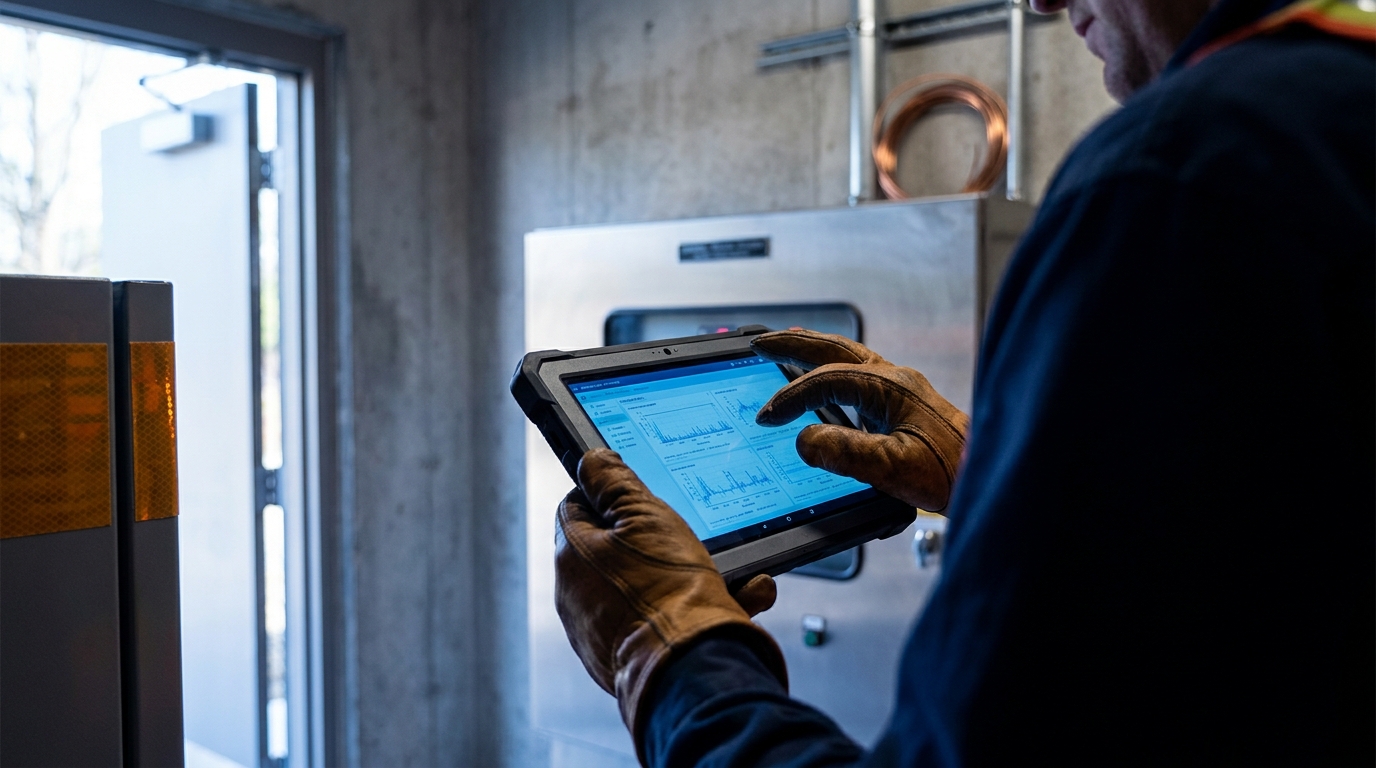)
A useful scorecard separates faster work from better repair decisions, avoided travel, technician capability, and complete session evidence. Measure each against a baseline for a defined service segment; a single enterprise-wide return figure usually hides the operational reason performance changed.
Task-level research helps define the categories without setting a promise. MDPI’s Enhancing Industrial Processes Through Augmented Reality: A Scoping Review reported inspection-time reductions of up to 50% and fault-documentation-time reductions of 66% in reviewed industrial studies (2025). Those findings describe specific tasks, not an automatic enterprise return.
- Time to expert engagement: Measure elapsed time from escalation to qualified visual support.
- First-time-fix rate: Track repairs completed without a repeat visit or further escalation.
- Downtime per incident: Separate asset unavailability from technician labor time.
- Avoided expert travel: Record prevented senior-specialist dispatches rather than every truck roll.
- Session-to-knowledge conversion: Measure how often recurring support becomes approved guidance.
| Metric | Formula or evidence source | Decision supported | Common interpretation error |
|---|---|---|---|
| Time to expert engagement | Escalation timestamp to specialist join time | Expert-capacity planning | Measuring only total visit duration |
| First-time-fix rate | Completed repairs without repeat visit | Repair-quality assessment | Counting a closed ticket as a completed repair |
| Downtime per incident | Asset restoration time by service class | Service-criticality investment | Combining downtime with labor hours |
| Avoided expert travel | Prevented senior-expert dispatches | Travel and capacity decisions | Calling every remote session avoided travel |
| Session-to-knowledge conversion | Validated sessions turned into guidance | Training and knowledge governance | Treating raw recordings as approved procedures |
A field case offers a practical way to keep the measures separate. Surepoint reported reducing equipment downtime by 14–20 hours per job after resolving some issues with AR support rather than dispatching senior experts (AR Insider, 2025). Leaders need to test whether their own improvement comes from faster diagnosis, avoided travel, or a different service mix.
Adoption rate is not proof of value. If session volume rises while repeat visits, downtime, and approved knowledge remain unchanged, the workflow needs review before wider investment.
How do you deploy visual assistance responsibly?
Deployment should begin with a bounded service problem and a clear record of current performance. A phased approach lets IT, operations, and finance test whether visual assistance improves the repair decision without committing every technician to the same endpoint or process.
Security requirements belong in the first design discussion. NIST SP 800-171 Rev. 3 states: “Implement multi-factor authentication for access to privileged and non-privileged accounts” (2025). Organizations must apply identity controls according to the connected asset, data handled during the session, and their compliance scope.
- Define the service boundary: Select a repair class, asset group, and escalation trigger with a measurable performance baseline.
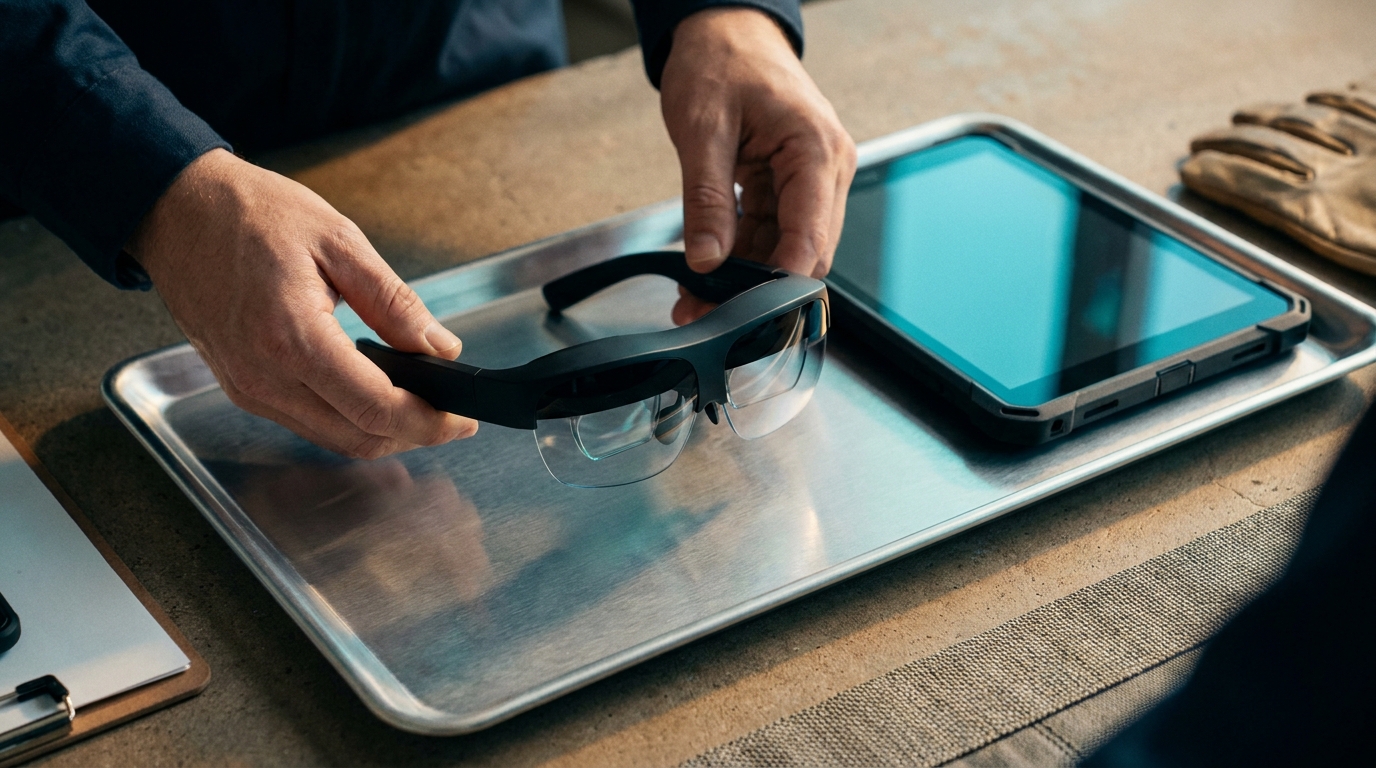
- Choose the lowest-friction endpoint: Compare smartphones, tablets, and smart glasses by hands-free need, connectivity, safety requirements, and worker acceptance.
- Connect the system of record: Require ticket creation, asset context, session outcome, and evidence capture in IT service management (ITSM) or field-service workflows.
- Scale through controlled learning: Promote validated recordings and resolved cases into governed knowledge assets.
| Deployment decision | Context favoring it | Implication |
|---|---|---|
| Smartphone | Short, occasional guidance sessions | Low barrier to entry, but hands remain occupied |
| Tablet | Document-heavy diagnostics and shared views | Larger display, with less mobility in constrained work areas |
| Smart glasses | Hands-free work where visual direction is essential | Requires careful acceptance, connectivity, and safety assessment |
| Limited pilot | Defined asset class with measurable escalation demand | Creates evidence before broader fleet decisions |
Least privilege must also apply to remote support. CISA’s Guide to Securing Remote Access Software advises organizations to use Zero Trust or least-privilege configurations through endpoint- or identity-based controls (2023). This means a specialist receives only the access needed for the active support task, with the session tied to the relevant record.
The endpoint decision is contextual, not ideological. A smartphone may be sufficient for a brief inspection, while a hands-free device needs a stronger case rooted in the work itself.
AR remote support risks that outlive a pilot
A closely managed pilot can conceal the governance issues that emerge once more technicians, specialists, assets, and records enter the process. The lasting risks are usually unclear decision rights: who approves guidance, who can join a session, what evidence is retained, and when access ends.
Microsoft’s Zero Trust guidance summarizes the discipline plainly: “Verify explicitly, use least privilege, and assume breach” (Microsoft Security, 2025). The organization must match those controls to asset criticality and data sensitivity, rather than applying identical rules to every repair interaction.
- Evidence sprawl: Images, recordings, and equipment context require retention, access, and deletion rules.
- Unbounded expert access: Specialists need session-scoped permissions rather than standing access across environments.
- Guidance drift: Procedures need named owners, review triggers, and version control.
- Adoption illusion: Session volume may rise while technicians bypass the approved workflow.
| Risk signal | Governance response |
|---|---|
| Session evidence sits outside the ticket | Define required records and retention ownership |
| Specialists use informal accounts | Require authorized identities and session approval |
| Old visual procedures remain available | Assign review dates and procedure owners |
| Technicians use unofficial channels | Compare ticket records with actual support demand |
User response is useful evidence, but it is not the same as measured service performance. In a 2024 case study, 90% of surveyed Alghanim Industries technicians reported positive feedback on guided instructions, while 88% reported learning new skills from subject-matter experts (CareAR, 2024). That feedback signals knowledge-transfer potential; leaders still need operational measures to confirm durable workflow change.
A mature program makes the approved route easier to use than the informal one. That is how governance becomes part of daily service work rather than an audit-week exercise.
RealVNC and the Field-Service Access Problem
)
Visual guidance and controlled endpoint access address different parts of a field incident. A technician may need an expert to interpret a physical condition, while an IT or engineering specialist separately needs authorized access to a connected workstation, gateway, human-machine interface, or support system. Expertise routing, session governance, and ticket evidence need to cover both interactions.
RealVNC Connect supports the controlled-access portion of that workflow. Multi-factor authentication (MFA) and single sign-on (SSO) with Microsoft Entra ID or Okta verify the identity behind a support request. Role-based access controls (RBAC) and granular action-based permissions limit each session to the required actions, including separate control of keyboard, mouse, and file transfer. Session monitoring, recording, and detailed audit logs provide a reviewable account of who connected, when, and with what permissions. Cloud-brokered and Direct deployment options let organizations align remote access with their network and operational requirements.
That boundary matters in field-service design. AR collaboration establishes shared physical context; RealVNC Connect governs authorized interaction with connected systems and retains session evidence for review. IT leaders can assess service speed without loosening accountability around access or records.
Final Words
Field leaders need to decide where visual guidance changes the repair decision, rather than treating AR as a device purchase. AR remote support for field technicians delivers value when service fit determines which cases need a shared view, expertise routing brings in the right specialist, and workflow integration keeps the outcome in the ticket. Session governance then defines who joins and what records remain, while the learning loop turns reviewed resolutions into guidance that new technicians can use.
That discipline keeps visual collaboration separate from authorized work on connected endpoints, yet joins both within one accountable field-service record. RealVNC Connect supports that controlled-access layer with multi-factor authentication (MFA), single sign-on (SSO), role-based access controls (RBAC), and detailed audit logs. These controls verify the specialist, limit each session to the actions required, and give IT a reviewable account when a connected workstation, gateway, or support system needs attention. Leave these decisions unmanaged and fast expert advice creates disconnected records and unclear accountability. Arrange a meeting to assess how RealVNC Connect can bring controlled access and auditable session evidence to your field-support workflow.
FAQs
What is the operating model for AR-assisted field service?
AR remote support for field technicians works best as an operating model that connects escalation criteria, visual guidance, service records, access controls, and reusable knowledge. The model helps leaders assess where shared visual context improves a repair decision, rather than treating AR as a device or video-collaboration purchase. Its core decisions cover service fit, expertise routing, workflow integration, session governance, and the learning loop.
What is the difference between AR guidance and remote access?
AR guidance gives a remote expert a shared view of the physical asset, with live annotations, documents, or instructions that direct the technician’s work. Remote access governs authenticated interaction with a digital endpoint, such as a connected workstation, gateway, or support system. A field-service workflow may use both, but they require separate permissions and evidence rules.
Which controls apply to remote field-support sessions?
Remote field-support sessions require identity verification, session authorization, least-privilege access, monitoring, and defined evidence-retention rules. NIST SP 800-171 Rev. 3 requires multi-factor authentication for privileged and non-privileged accounts, while CISA’s Guide to Securing Remote Access Software recommends Zero Trust or least-privilege configurations and reviewable access logs. Apply those controls according to asset criticality, data sensitivity, and compliance scope.
When is visual assistance suitable for field technicians?
Visual assistance is suitable when a technician needs a specialist to interpret a physical condition that is difficult to describe or resolve from static documentation. It fits complex troubleshooting, uncommon equipment faults, and situations where specialist travel would delay service. Simple, well-documented tasks with little visual ambiguity usually need a lighter support method.
What should a remote field-support session record contain?
A session record should contain the escalation reason, participants, asset context, relevant evidence, resolution notes, and follow-up actions. Linking those details to the IT service management or field-service record keeps the interaction available for review and knowledge governance. A recording alone does not prove that guidance was accurate or approved for reuse.
How does RealVNC support field-service access workflows?
RealVNC Connect supports the authorized remote-access component through multi-factor authentication, single sign-on (SSO) with Microsoft Entra ID and Okta, role-based access controls, and granular action-based permissions. Session monitoring, session recording, and detailed audit logs give IT teams visibility into activity and evidence for review, while Cloud and Direct deployment options address different network and operational requirements. RealVNC Connect governs access to connected systems; it does not provide the AR visual overlays used for technician guidance.




