





Reduce site visits and equipment downtime with Raspberry Pi remote access software
From digital signage to IoT devices, RealVNC Connect lets you securely access your Raspberry Pi remotely from a desktop computer, tablet, or mobile device.
Connect to your Raspberry Pi from anywhere
Remote access built in
RealVNC Server is included with Raspberry Pi OS 13 or earlier, giving you easy access to your remote devices. Just ensure your settings are configured correctly, subscribe to a RealVNC Connect plan, and you're ready to go.
A world of endless innovation
Whatever plans you have for your Raspberry Pi devices, from community projects to elementary school classes, bring them to life with RealVNC Connect.
Supercharge learning
Inspire a new generation of innovators and engineers by showing them what’s possible when you’re no longer limited by location.
Innovation made easy
Optimized performance
Stay connected even in environments with low bandwidth and high latency. RealVNC Connect automatically optimizes your connections for network speeds.
Do more with direct render capture
RealVNC Connect is the only remote access solution that captures direct render overlay. It lets you view and remotely control other modules, like the Pi Camera module, or even interact with text-based consoles.
Works without a monitor
Remotely access and use your devices as though they have a monitor, even if you're running them headless, by creating a virtual desktop using Virtual Mode. No need to connect a physical display or configure screen sharing manually.
Power productivity
Packed with helpful tools like two-way file transfer, remote printing, in-session chat, and screen recording, RealVNC Connect helps you get more done using a remote desktop connection.
Backwards compatibility
In addition to Raspberry Pi OS 12, RealVNC Connect also supports older versions (up to Pi 9), so you can make the most of all your devices, even the well-loved ones.
Immersive experience
Feel like you're there with a high-quality remote connection that lets you capture high-definition audio from remote devices when connecting via Device Access.
By using RealVNC® together with Centurion Solar, we are able to remotely monitor, manage and support thousands of solar installations, ensuring uptime, performance, value for money and more importantly, a return on investment for every customer that bought our software.
Johan Booysen
Owner
Seamless integration across applications and industries
Retail and Hospitality
Manage POS terminals, self-service kiosks, and digital signage across every location without leaving your desk. Our Raspberry Pi remote access software gives your support team instant access to customer-facing systems, so you can resolve issues before they impact the guest experience. Whether you’re updating menu boards or troubleshooting a payment terminal, secure remote access means fewer site visits and faster fixes.
Manufacturing and Industrial
Keep production running smoothly with remote access to equipment interfaces, monitoring systems, and control panels. RealVNC Connect lets engineers and technicians troubleshoot machinery, update configurations, and support factory floor operations from anywhere. With enterprise-grade security built in, you get the access you need without compromising your operational technology environment.
Healthcare
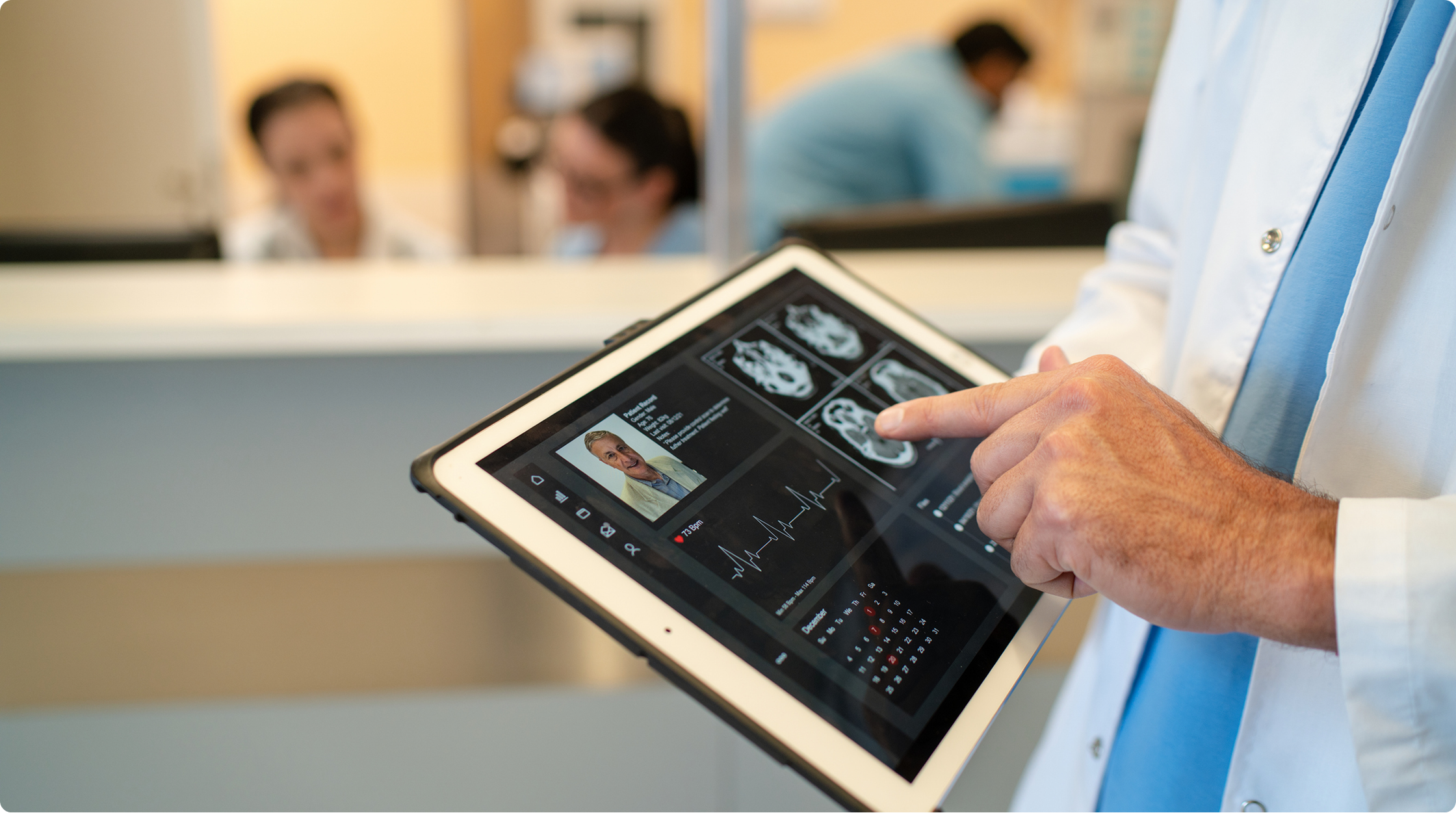
Securely access and support medical devices, patient check-in systems, and clinical workstations across facilities. RealVNC Connect provides the encrypted, compliant remote access healthcare IT teams need to maintain critical systems while protecting sensitive data. Reduce response times, minimize disruption to clinical workflows, and keep your technology running when it matters most.
Education and Research
Support computer labs, manage classroom devices, and give researchers access to specialized equipment without being physically present. RealVNC Connect helps IT teams maintain distributed learning environments while enabling educators to assist students remotely. From STEM labs to university research facilities, secure remote access keeps technology working and learning uninterrupted.
Secure by design
Any device connected to the internet poses risks to your network. RealVNC Connect features high-grade security features that are trusted by government institutions and large organizations the world over to protect them from external threats. You also have access to a suite of admin tools that give you complete control of data access across all devices.
Trusted by leading IT teams worldwide
How Sirona Care & Health supports a distributed healthcare workforce with RealVNC
"Being able to remote into [a carer’s device] while they’re out in the community is game changing."
A Windows 11 migration became the moment to standardise remote support on one simpler tool
"A Windows 11 migration became the trigger to standardise remote support on one secure, cross-platform tool."

How a GP network kept smart card clinical access running from home
"When lockdown ruled out office access, RealVNC let clinicians securely reach their smart card-locked PCs from home."

How a medical practice care system is hardening remote access across a sprawling estate
"One platform, stronger authentication: how this NHS ICB tightened security across a sprawling, multi-site estate."

One tool, tens of thousands of devices, and a service desk that stopped firefighting.
"Tens of thousands of devices, one remote support tool — how this trust's service desk stopped firefighting."
An On Prem Management Console
"Moving from a small-scale deployment to an estate of several hundred industrial control systems requires a different level of security, visibility, and control. We're pleased to support the manufacturer as it standardises on RealVNC Connect, enabling secure offline remote access and centralised management that aligns with the long-term requirements of its automation environment."
Getting started in 3 easy steps
Download RealVNC Viewer
Download and install our free RealVNC Viewer app on every computer or mobile device you want to connect from.
Set up your Raspberry Pi
Activate the built-in version of RealVNC Server on your Raspberry Pi OS (formerly Raspbian).
Frequently asked questions
Didn’t find the answer you were after? Check out our Help Center for more FAQs, technical docs and how-to guides.
RealVNC Connect (RealVNC Viewer and RealVNC Server) offers support for Raspberry Pi OS 11, Raspberry Pi OS 10, and Raspberry Pi OS 9. View this Help page for more detail.
You certainly can. Use Virtual Mode to create virtual desktops that exist within the memory for your Raspberry Pi device. You will be able to view and use the device as though you had a monitor connected to it. Learn more here.
It varies, depending on your subscription. You can find out more on our Pricing page.
Starting with Raspberry Pi OS Bookworm, the default display server is Wayland, which uses a different VNC implementation. RealVNC Server is still included with the operating system, but to use it, you’ll need to switch your display settings from Wayland to X11. This takes just a few steps in the Raspberry Pi configuration menu. See our setup guide for detailed instructions.
Yes. RealVNC Connect supports both local network connections and remote access over the internet. For local connections, you can connect using your Raspberry Pi’s IP address. For remote access, cloud connectivity means no port forwarding or firewall configuration is needed.
No. RealVNC Connect works independently of SSH. However, many Linux users choose to enable SSH alongside VNC for command line access when needed.
Need to use RealVNC® Connect remote desktop software commercially?
Looking to use RealVNC Connect on Raspberry Pi as part of a product or service? Get in touch today to discuss how we can help:
- Empower your organization with secure, remote access.
- Improve service levels for your helpdesk and support teams.
- Support flexible working environments for employees.

