
RealVNC logomark

RealVNC Viewer

Productivity

icon close circle

How to stay safe with remote access in 5 easy steps

Learn five essential practices that will improve your organization’s remote a ccess security from RealVNC’s CIO, Andrew Woodhouse and Head of Cyber Security, Ben May.

Stay Secure with RealVNC© Connect

MicrosoftTeams-image

256-bit end-to-end encryption

Cloud-based connections through RealVNC Connect are fully encrypted meaning no need for firewall configurations.

Making it simpler and safer for users to remotely access their devices.

MicrosoftTeams-image

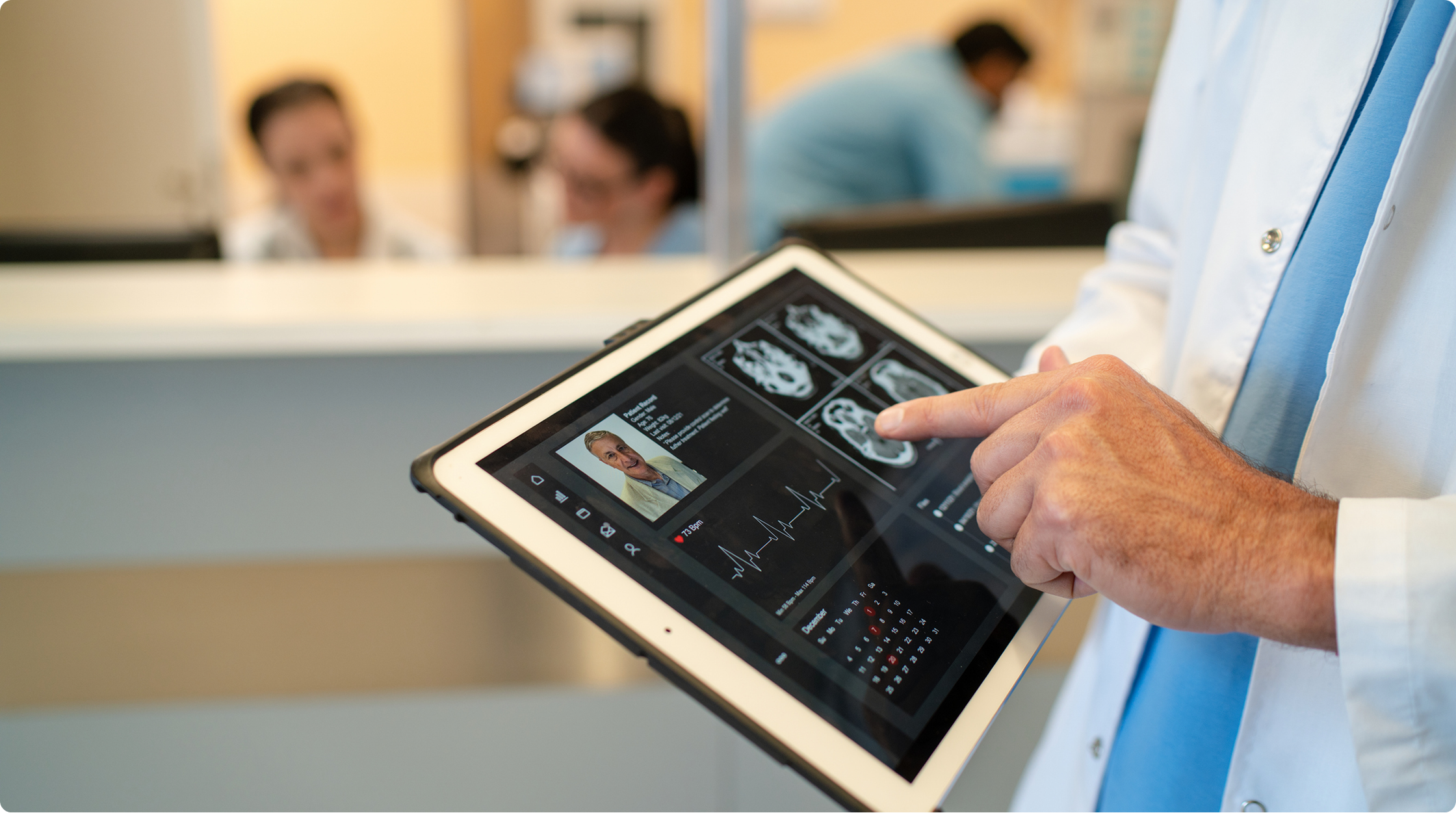
Two-Factor & Multi-factor Authentication

For added security, every RealVNC Connect account comes with two-factor authentication as standard, on any plan.

Choose from a selection of MFA methods (including Smartcard, RADIUS, and DUO) to authenticate session access.

Choose one method or combine several MFA methods for even stronger security.

MicrosoftTeams-image
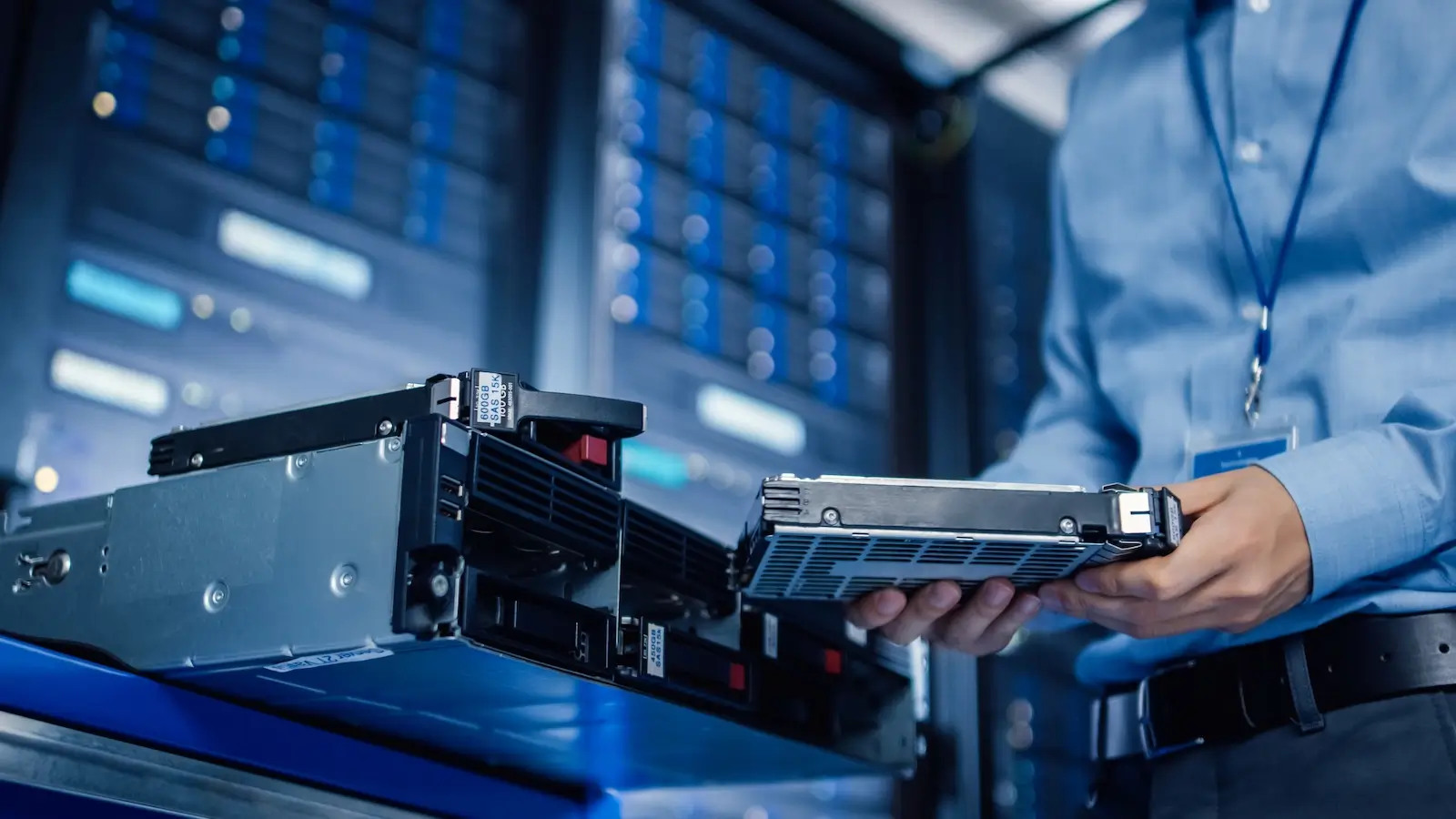
Device Access

Cloud connectivity

Simplify your remote device access without compromising on security.

Fully encrypted and needing no firewall reconfiguration, cloud connections give you simple, secure access to your devices.

Combine cloud with direct connectivity to access networks that need to stay off the grid.

RealVNC is trusted by more than 60,000 enterprise customers

Shell
Intel
Dreamworks
Philips
NASA
IBM

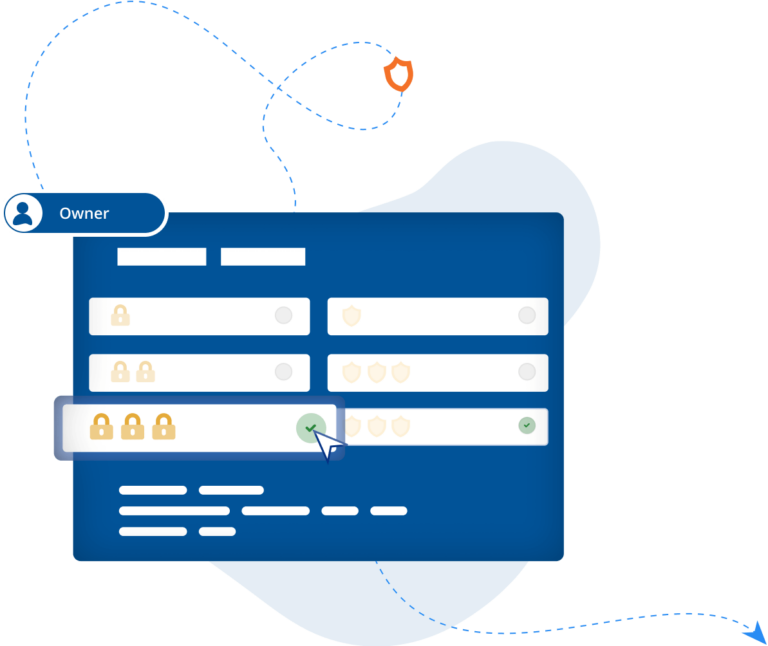
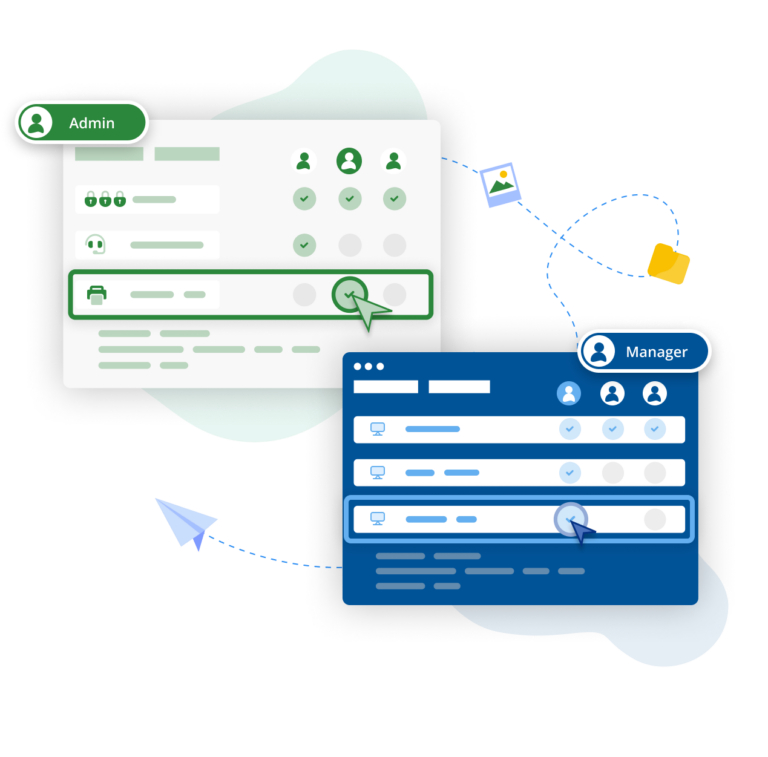
An On Prem Management Console

"Moving from a small-scale deployment to an estate of several hundred industrial control systems requires a different level of security, visibility, and control. We're pleased to support the manufacturer as it standardises on RealVNC Connect, enabling secure offline remote access and centralised management that aligns with the long-term requirements of its automation environment."
Harness Roofing Inc.

"One of the reasons we chose RealVNC was its responsiveness during photo reviews. Our COO frequently connects remotely to review project and inspection photos as part of the estimating process, sometimes flipping through 80 or more images in a single session. With RealVNC, each photo appears almost instantly as he moves through the image set. Other remote-access and screen-sharing solutions we evaluated introduced noticeable lag when displaying the next photo, which made the review process frustrating. RealVNC provided a much smoother experience and allowed him to review large numbers of photos efficiently from a remote location."

Biotronik

BIOTRONIK increases efficiency and customer support with RealVNC Connect

"We can use RealVNC to have a direct connection to the programming device and even take over the control of the device to … have a direct look without any interpretations. It's very easy to establish and a very big help to supporting our customers there and, of course, increasing patient safety."

– Jan Iden, Medical Engineer

REJI

"The fact that RealVNC Connect is compatible with a wide range of operating systems is important for our future growth. With RealVNC Connect, we can monitor a digital sign running on Android, or customer kiosks that have a Windows-based OS. Having the flexibility to work with any system makes it much easier for us to say ‘yes’ to any potential customer."

- Frank Yoder, CEO

Qtrac

“We immediately realized the user interface was much better for us, and much more user friendly for the help desk team. Pretty soon we said, ‘Let's just switch everything to RealVNC.’”

Aleks Nikolovski

100.3 FM

“Being able to operate in two markets is really important for our business. VNC Connect allows us to do this without needing to constantly drive between Timaru to Oamaru. This is a game changer for us.”

James Valentine

G2

4.7 stars, 400+ reviews
Top 50 IT Management
Products 2020

Apple App Store

4.8 stars, 11,700 reviews
Apple App Store 5M+ downloads

Google Play Store

4.6 stars, 55,000 reviews
Google Play Store 5M+
downloads

Capterra

4.5 stars, 100+ reviews
Best Software Reviews
Platform