

RealVNC Connect Portal
Centralized management for your remote access
Our web-based Portal gives you centralized control over everything to do with your RealVNC Connect deployment, making it easy to manage devices and users.
CENTRALIZED MANAGEMENT
Stay in full control of your remote access deployment
When it comes to secure remote access, one of the first steps is ensuring you’ve visibility of the devices that can be accessed, and who can access them.
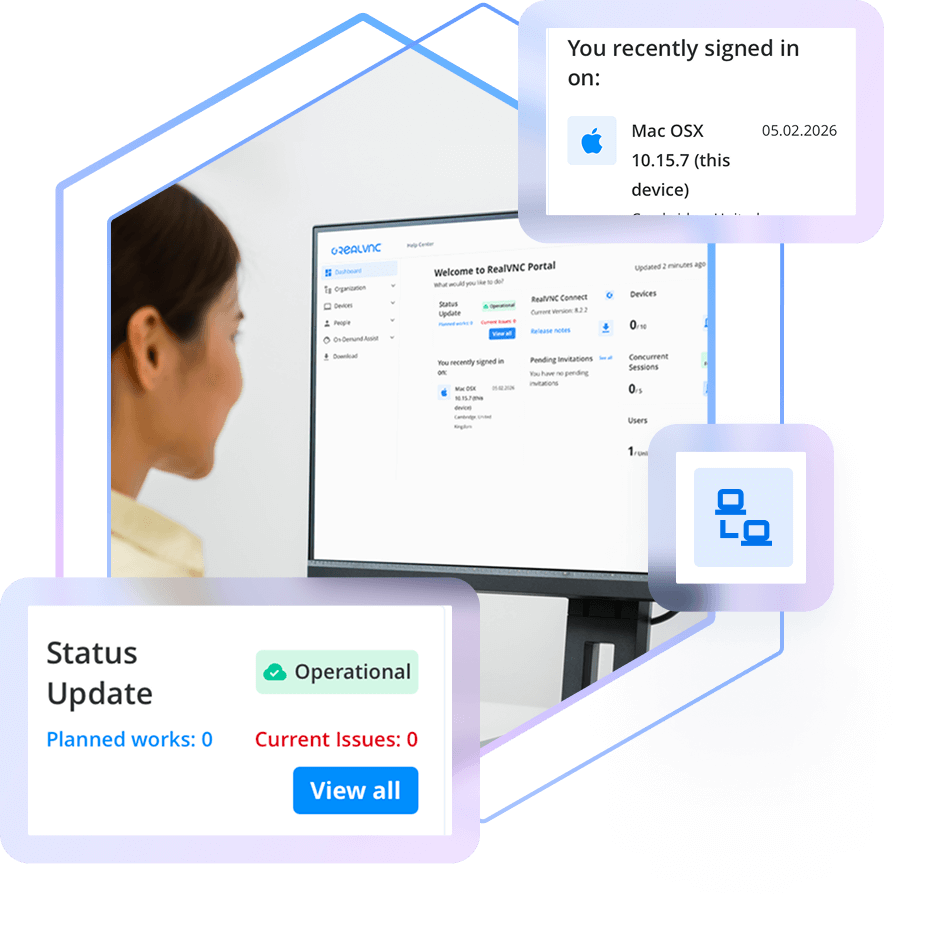
The RealVNC Connect Portal gives you a centralized place from which to manage both your device and user access, as well as view session logs and audit information. Available from your web browser, the Portal is your hub for centralized, convenient control over your RealVNC Connect deployment.
Manage your remote devices
Your licensed remote devices automatically appear in the Devices List in your Portal, letting you search, sort, ad categorize them how you like.
Invite and manage users
Invite users to join your RealVNC Connect team and provision them with access to specific devices.
Audit Connections & Activity
Maintain a clear record of every remote support session with detailed logging and audit capabilities. Know who is making connections and keep track of all activities for accountability and transparency.
View licensing capacity and billing
Easily keep tabs on the number of devices you have licensed versus your overall capacity. The Portal also lets you see your billing information.
Secured with 2FA
Keep your account secure and those of your users secure with mandatory two-factor authentication on account sign-in.
Complete visibility of your remote access deployment
The RealVNC Portal gives you full oversight of your remote access setup. Easily add or remove users, assign roles, and control exactly which devices each person can access. Because RealVNC Connect uses decentralized device IDs, only authorized users can discover and connect to the devices you approve.
Audit activity with session logging
Meet compliance requirements and just generally keep tabs on what’s happening when it comes to remote access. RealVNC Connect Portal gives Admins real-time logs that capture key session events for the past 30 days, so you have a record of truth.
Want to bring your session data into other tools or an ITSM for added visibility? Use API Access to pull events automatically and collate RealVNC Connect activity with other IT systems information.
Want to learn more about RealVNC Connect for on-premises?
Whether you’re exploring solutions for remote sites, secure environments, or simply want to ensure uninterrupted access when connectivity is limited, we’re on hand to help discuss your options.
-
STANDARDS AND COMPLIANCE
-
DATA PRIVACY
-
SECURE INFRASTRUCTURE
-
24X7 SECURITY OPERATIONS CENTER (SOC)
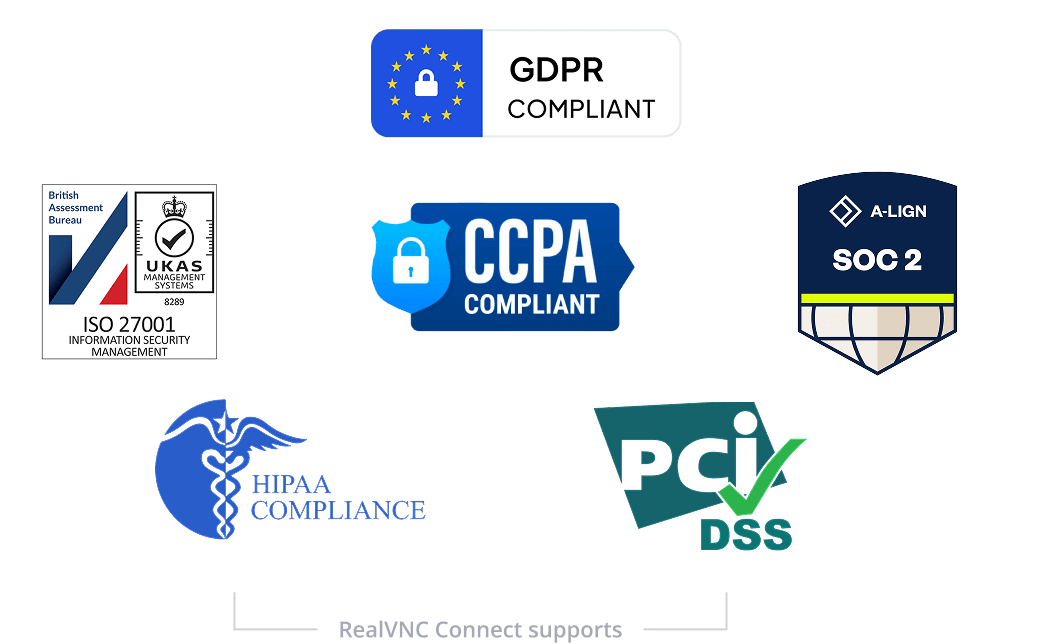
Standards and Compliance
RealVNC’s remote access solution is designed to meet and assist with a broad range of industry and government standards and regulations.
We are certified to ISO27001:2022 and Cyber Essentials and comply with GDPR, and CCPA, ensuring adherence to stringent data protection and privacy guidelines. Additionally, RealVNC supports your compliance with HIPAA, PCI-DSS, and the new EU NIS2 directive. Download our NIS2 white paper to learn how RealVNC helps organizations align with the latest security requirements.
Data Privacy
RealVNC does not process, store, or have any access to any data accessed during a remote session.
Secure Infrastructure
The RealVNC Connect services run on RealVNC owned and managed servers and network equipment.
We do not use public Cloud services (such as AWS or Azure) for the RealVNC authentication and cloud connection brokering services. No third-party provider has access to the RealVNC infrastructure.
24x7 Security Operations Center (SOC)
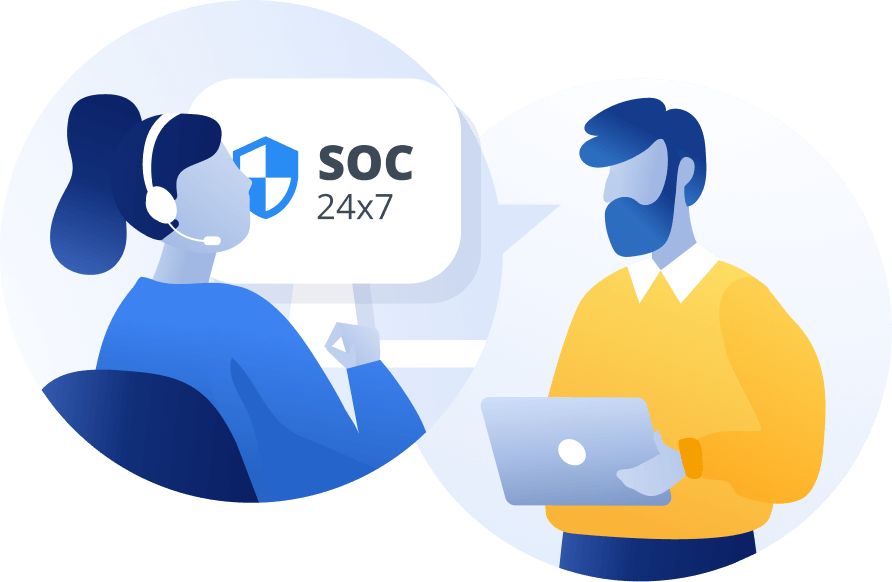
We have a 24×7 Security Operations Center that monitors for cyber security events across our infrastructure and investigates and, where needed, mitigates them.
Global threat intelligence provides detailed information on attacker tools, techniques, and trends to facilitate effective triage.
Try RealVNC® Connect today for free
We don’t require credit card data. 14 days of free, secure and fast access to your devices. Upgrade or cancel anytime