
RealVNC Connect Portal
Centralized management for your remote access
Our web-based Portal gives you centralized control over everything to do with your RealVNC Connect deployment, making it easy to manage devices and users.
CENTRALIZED MANAGEMENT
Stay in full control of your remote access deployment
When it comes to secure remote access, one of the first steps is ensuring you’ve visibility of the devices that can be accessed, and who can access them.
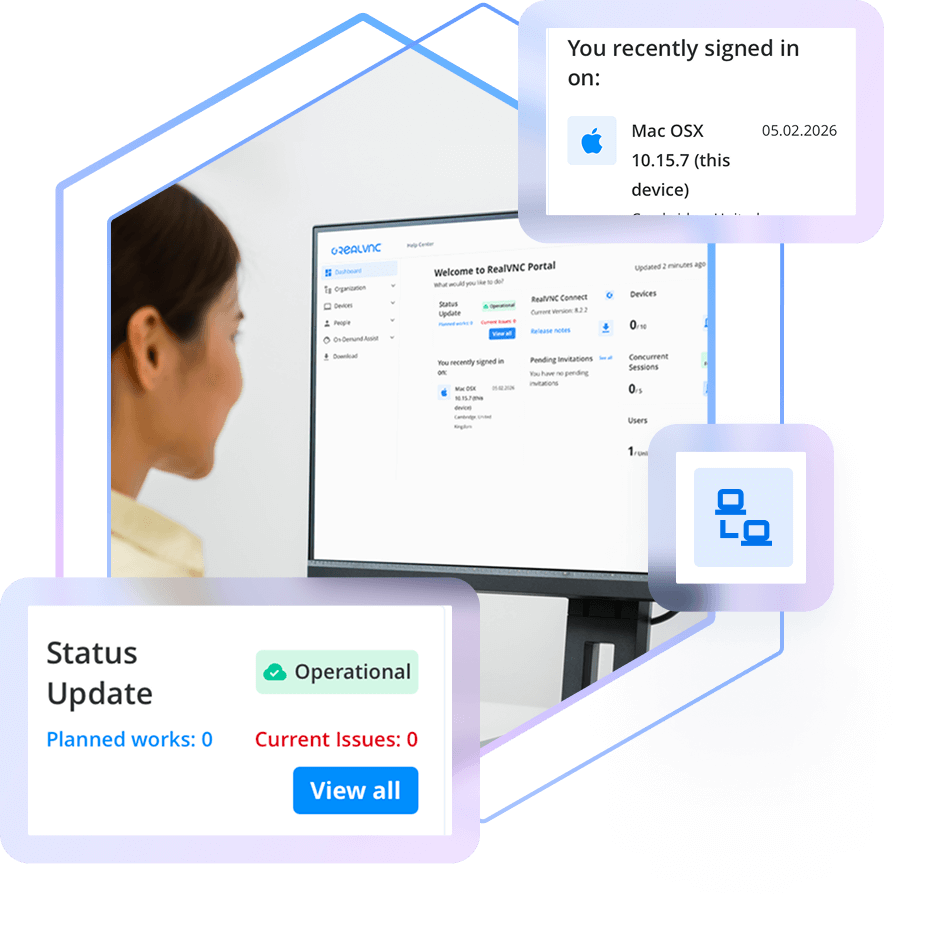
The RealVNC Connect Portal gives you a centralized place from which to manage both your device and user access, as well as view session logs and audit information. Available from your web browser, the Portal is your hub for centralized, convenient control over your RealVNC Connect deployment.
Manage your remote devices
Your licensed remote devices automatically appear in the Devices List in your Portal, letting you search, sort, ad categorize them how you like.
Invite and manage users
Invite users to join your RealVNC Connect team and provision them with access to specific devices.
Audit Connections & Activity
Maintain a clear record of every remote support session with detailed logging and audit capabilities. Know who is making connections and keep track of all activities for accountability and transparency.
View licensing capacity and billing
Easily keep tabs on the number of devices you have licensed versus your overall capacity. The Portal also lets you see your billing information.
Secured with 2FA
Keep your account secure and those of your users secure with mandatory two-factor authentication on account sign-in.
Complete visibility of your remote access deployment
The RealVNC Portal gives you full oversight of your remote access setup. Easily add or remove users, assign roles, and control exactly which devices each person can access. Because RealVNC Connect uses decentralized device IDs, only authorized users can discover and connect to the devices you approve.
Audit activity with session logging
Meet compliance requirements and just generally keep tabs on what’s happening when it comes to remote access. RealVNC Connect Portal gives Admins real-time logs that capture key session events for the past 30 days, so you have a record of truth.
Want to bring your session data into other tools or an ITSM for added visibility? Use API Access to pull events automatically and collate RealVNC Connect activity with other IT systems information.
Want to learn more about RealVNC Connect for on-premises?
Whether you’re exploring solutions for remote sites, secure environments, or simply want to ensure uninterrupted access when connectivity is limited, we’re on hand to help discuss your options.
-
STANDARDS AND COMPLIANCE
-
DATA PRIVACY
-
SECURE INFRASTRUCTURE
-
24X7 SECURITY OPERATIONS CENTER (SOC)
표준 및 규정 준수
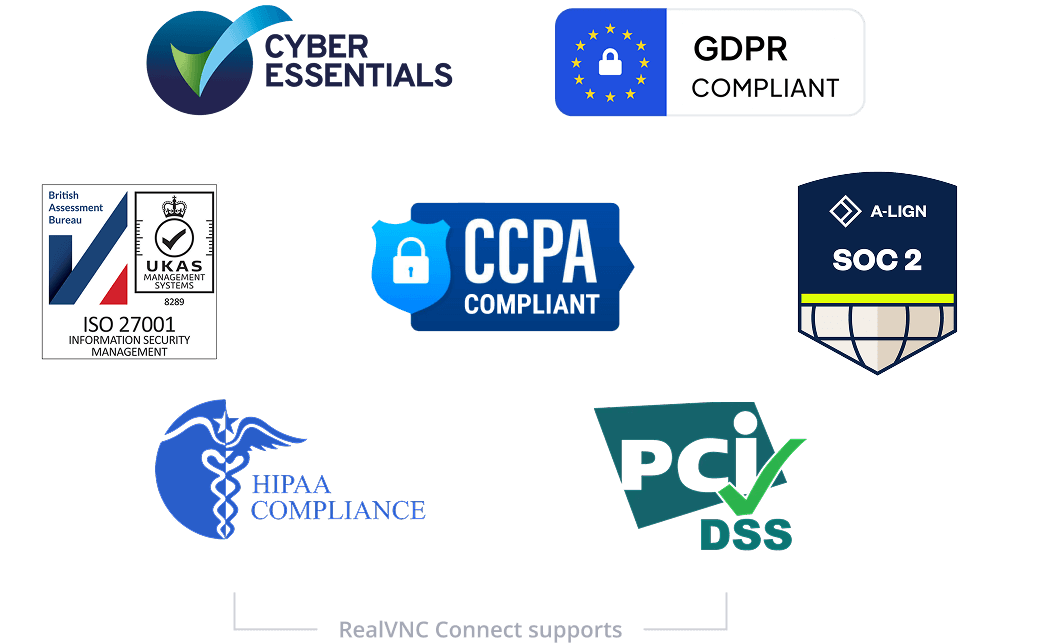
RealVNC의 원격 액세스 솔루션은 다양한 산업 및 정부 표준과 규정을 충족하고 지원하도록 설계되었습니다.
ISO27001:2022 및 Cyber Essentials 인증을 획득하고 GDPR 및 CCPA를 준수하여 엄격한 데이터 보호 및 개인 정보 보호 지침을 준수합니다. 또한 RealVNC®는 고객사가 HIPAA, PCI-DSS 및 새로운 EU NIS2 지침을 준수할 수 있도록 지원합니다. RealVNC®의 최신 보안 요구사항에 맞춘 조직 지원 방법을 확인하려면 NIS2 백서를 다운로드하세요.
데이터 개인정보
RealVNC®는 원격 세션 중에 접근하는 그 어떤 데이터도 처리, 저장하지 않으며 해당 데이터에 절대 접근할 수 없습니다.
보안 인프라
RealVNC Connect 서비스는 RealVNC가 직접 소유하고 관리하는 서버 및 네트워크 장비에서 운영됩니다.
RealVNC의 인증 및 클라우드 연결 중개 서비스에 AWS나 Azure와 같은 퍼블릭 클라우드 서비스를 사용하지 않습니다. 따라서 그 어떤 타사 제공업체도 RealVNC의 인프라에 접근할 수 없습니다.
365일 24시간 보안 운영 센터
RealVNC는 연중무휴로 가동되는 24시간 보안 운영 센터를 통해 인프라 전반의 사이버 보안 이벤트를 감시하고, 잠재적 위협을 조사 및 차단합니다.
글로벌 위협 인텔리전스를 기반으로 공격 도구와 최신 위협 트렌드를 정밀 분석하여, 보안 사고 발생 시 신속하고 정확한 초동 조치를 보장합니다.
Try RealVNC® Connect today for free
We don’t require credit card data. 14 days of free, secure and fast access to your devices. Upgrade or cancel anytime