
RealVNC® ロゴマーク

RealVNC Viewer

生産性

アイコンクローズサークル

RealVNC Connect Portal

Centralized management
for your remote access

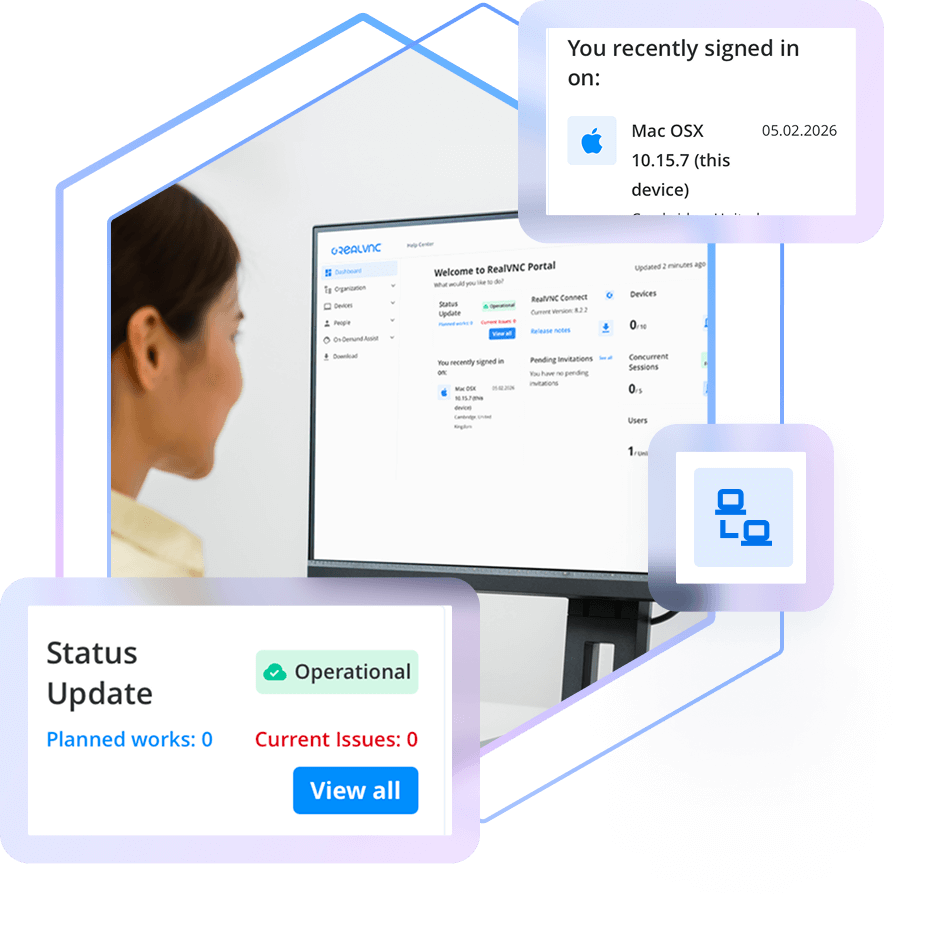
Our web-based Portal gives you centralized control over everything to do with your RealVNC Connect deployment, making it easy to manage devices and users.

woman at monitor in full control of remote accss deployment

CENTRALIZED MANAGEMENT

Stay in full control of your 
remote access deployment

When it comes to secure remote access, one of the first steps is ensuring you’ve visibility of the devices that can be accessed, and who can access them.

The RealVNC Connect Portal gives you a centralized place from which to manage both your device and user access, as well as view session logs and audit information. Available from your web browser, the Portal is your hub for centralized, convenient control over your RealVNC Connect deployment.

Manage your remote devices

Your licensed remote devices automatically appear in the Devices List in your Portal, letting you search, sort, ad categorize them how you like.

Invite and manage users

Invite users to join your RealVNC Connect team and provision them with access to specific devices.

Audit Connections & Activity

Maintain a clear record of every remote support session with detailed logging and audit capabilities. Know who is making connections and keep track of all activities for accountability and transparency.

View licensing capacity and billing

Easily keep tabs on the number of devices you have licensed versus your overall capacity. The Portal also lets you see your billing information.

Secured with 2FA

Keep your account secure and those of your users secure with mandatory two-factor authentication on account sign-in.

Complete visibility of your 
remote access deployment

The RealVNC Portal gives you full oversight of your remote access setup. Easily add or remove users, assign roles, and control exactly which devices each person can access. Because RealVNC Connect uses decentralized device IDs, only authorized users can discover and connect to the devices you approve.

RealVNC Remote Access device list
computer keyboard using your existing MDM tools

Audit activity with session logging

Meet compliance requirements and just generally keep tabs on what’s happening when it comes to remote access. RealVNC Connect Portal gives Admins real-time logs that capture key session events for the past 30 days, so you have a record of truth.

Want to bring your session data into other tools or an ITSM for added visibility? Use API Access to pull events automatically and collate RealVNC Connect activity with other IT systems information.

on-prem server room

Want to learn more about RealVNC Connect for on-premises?

Whether you’re exploring solutions for remote sites, secure environments, or simply want to ensure uninterrupted access when connectivity is limited, 
we’re on hand to help discuss your options.

  • STANDARDS AND COMPLIANCE
  • DATA PRIVACY
  • SECURE INFRASTRUCTURE
  • 24X7 SECURITY OPERATIONS CENTER (SOC)

基準とコンプライアンス

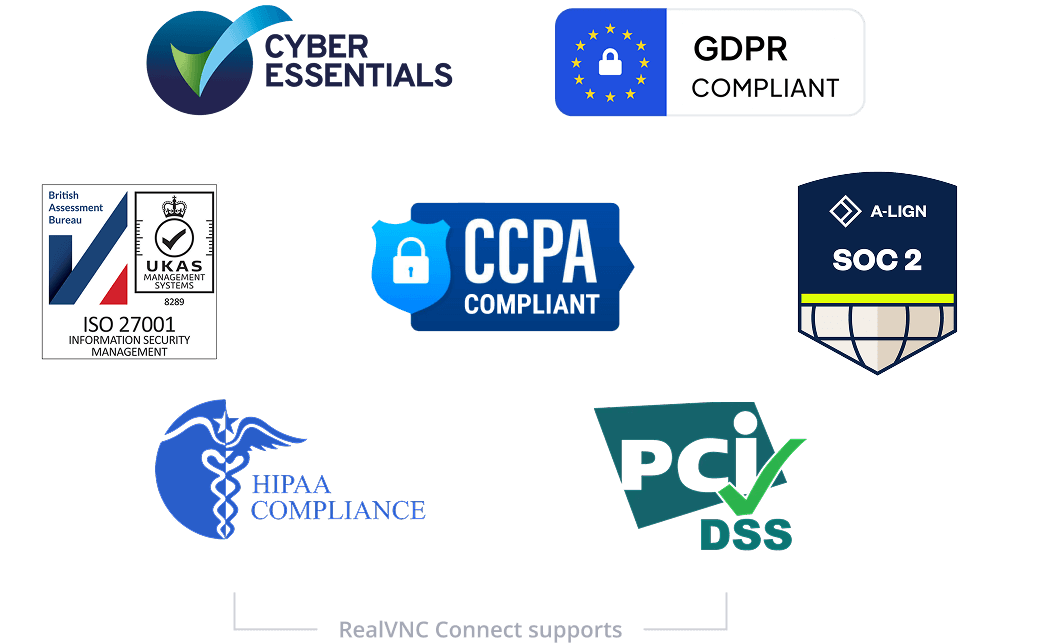
RealVNC のリモートアクセスソリューションは、幅広い業界および政府機関の規格や規制への対応を支援できるよう設計されています。

RealVNC は、ISO27001:2022 および Cyber Essentials の認証を取得しており、GDPR と CCPA に準拠しています。これにより、厳格なデータ保護およびプライバシー要件への対応を支援します。さらに、RealVNC は HIPAAPCI-DSS、および EU の新しい NIS2 指令への準拠も支援します。NIS2 ホワイトペーパーをダウンロードして、RealVNC が組織による最新のセキュリティ要件への適合をどのように支援するかをご確認ください。

セキュリティロゴ

データプライバシー

RealVNC は、リモートセッション中にアクセスされるデータを処理・保存せず、それらのデータにアクセスすることもありません。
データプライバシー

セキュアインフラストラクチャ

RealVNC Connectサービスは、RealVNCが所有・管理するサーバーやネットワーク機器上で動作します。

RealVNCの認証とクラウド接続の仲介サービスには、パブリッククラウドサービス(AWSやAzureなど)は利用していません。RealVNCのインフラストラクチャに第三者がアクセスすることはありません。

セキュアインフラストラクチャ

24時間365日対応のセキュリティオペレーションセンター(SOC)

当社では、24時間365日対応の Security Operations Center を設置し、インフラ全体で発生するサイバーセキュリティイベントを監視しています。

検知した事象は調査し、必要に応じて対処・緩和を行います。

24時間365日対応のセキュリティオペレーション

Try RealVNC® Connect today for free

We don’t require credit card data. 14 days of free, secure and fast access to your devices. Upgrade or cancel anytime