
RealVNC Connect Portal
Centralized management for your remote access
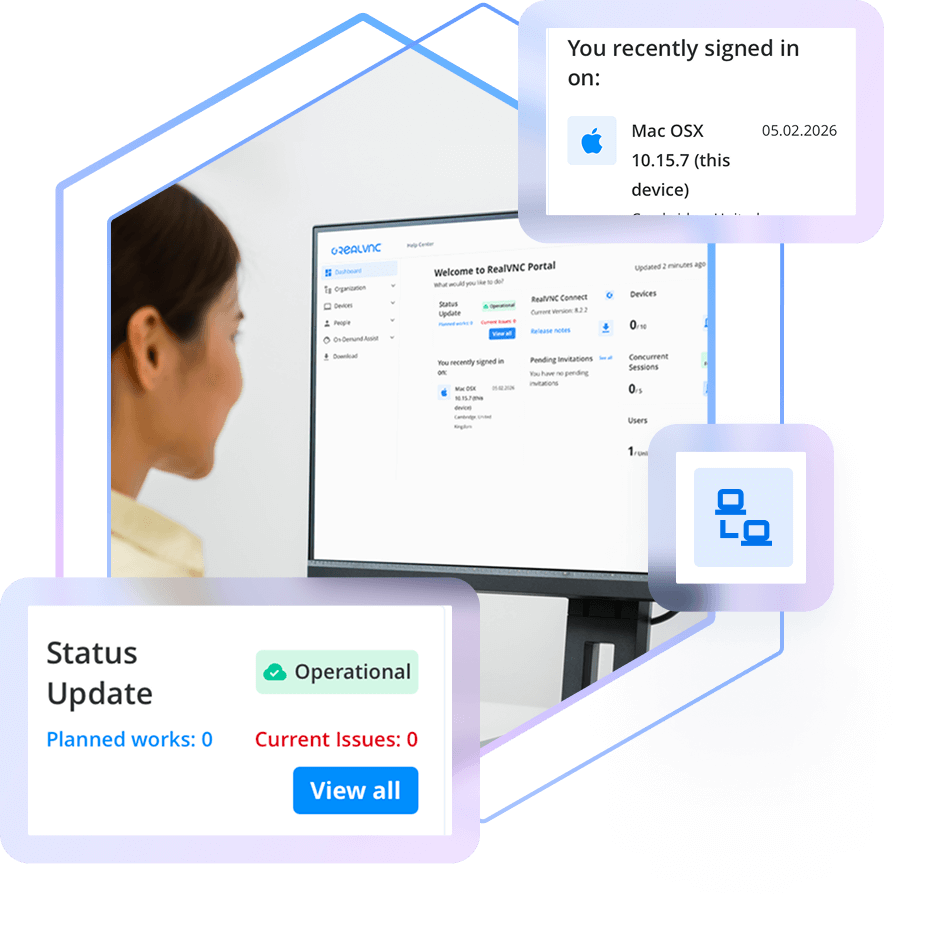
Our web-based Portal gives you centralized control over everything to do with your RealVNC Connect deployment, making it easy to manage devices and users.
CENTRALIZED MANAGEMENT
Stay in full control of your remote access deployment
When it comes to secure remote access, one of the first steps is ensuring you’ve visibility of the devices that can be accessed, and who can access them.
The RealVNC Connect Portal gives you a centralized place from which to manage both your device and user access, as well as view session logs and audit information. Available from your web browser, the Portal is your hub for centralized, convenient control over your RealVNC Connect deployment.
Manage your remote devices
Your licensed remote devices automatically appear in the Devices List in your Portal, letting you search, sort, ad categorize them how you like.
Invite and manage users
Invite users to join your RealVNC Connect team and provision them with access to specific devices.
Audit Connections & Activity
Maintain a clear record of every remote support session with detailed logging and audit capabilities. Know who is making connections and keep track of all activities for accountability and transparency.
View licensing capacity and billing
Easily keep tabs on the number of devices you have licensed versus your overall capacity. The Portal also lets you see your billing information.
Secured with 2FA
Keep your account secure and those of your users secure with mandatory two-factor authentication on account sign-in.
Complete visibility of your remote access deployment
The RealVNC Portal gives you full oversight of your remote access setup. Easily add or remove users, assign roles, and control exactly which devices each person can access. Because RealVNC Connect uses decentralized device IDs, only authorized users can discover and connect to the devices you approve.
Audit activity with session logging
Meet compliance requirements and just generally keep tabs on what’s happening when it comes to remote access. RealVNC Connect Portal gives Admins real-time logs that capture key session events for the past 30 days, so you have a record of truth.
Want to bring your session data into other tools or an ITSM for added visibility? Use API Access to pull events automatically and collate RealVNC Connect activity with other IT systems information.
Want to learn more about RealVNC Connect for on-premises?
Whether you’re exploring solutions for remote sites, secure environments, or simply want to ensure uninterrupted access when connectivity is limited, we’re on hand to help discuss your options.
-
STANDARDS AND COMPLIANCE
-
DATA PRIVACY
-
SECURE INFRASTRUCTURE
-
24X7 SECURITY OPERATIONS CENTER (SOC)
标准与合规
RealVNC 的远程访问解决方案旨在满足并支持各类行业及政府标准与法规要求。
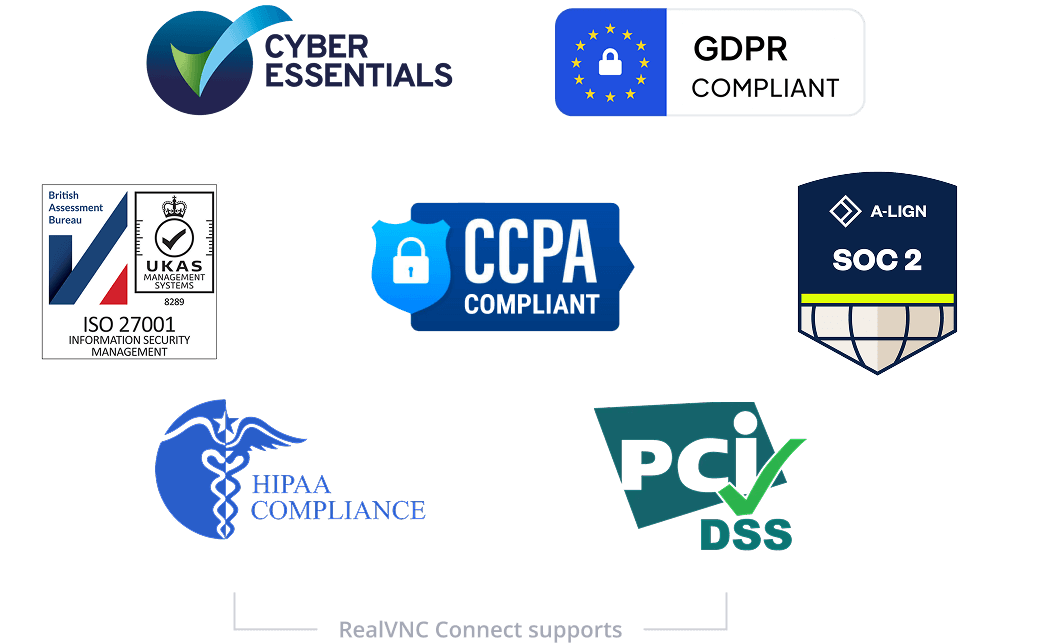
我们已通过ISO27001:2022和 Cyber Essentials 认证,并遵守GDPR及 CCPA,以确保符合严格的数据保护和隐私要求。此外,RealVNC 还可帮助您满足HIPAA、PCI-DSS 以及新版欧盟 NIS2 指令的合规要求。下载我们的NIS2 白皮书,了解 RealVNC 如何帮助企业满足最新的安全要求。
数据隐私
RealVNC 不会处理、存储,也无法访问远程会话期间所接触的任何数据。
安全基础设施
RealVNC Connect 服务运行在由 RealVNC 自有并管理的服务器和网络设备上。
对于 RealVNC 的身份验证和云连接中转服务,我们不使用公共云服务(例如 AWS 或 Azure)。任何第三方服务提供商都无法访问 RealVNC 的基础设施。
24x7 安全运营中心(SOC)
我们设有 24×7 安全运营中心,持续监控整个基础架构中的网络安全事件,并对相关事件进行调查,并在必要时采取缓解措施。
全球威胁情报可提供有关攻击者工具、技术和趋势的详细信息,从而帮助我们更高效地进行事件分级与响应。
Try RealVNC® Connect today for free
We don’t require credit card data. 14 days of free, secure and fast access to your devices. Upgrade or cancel anytime