


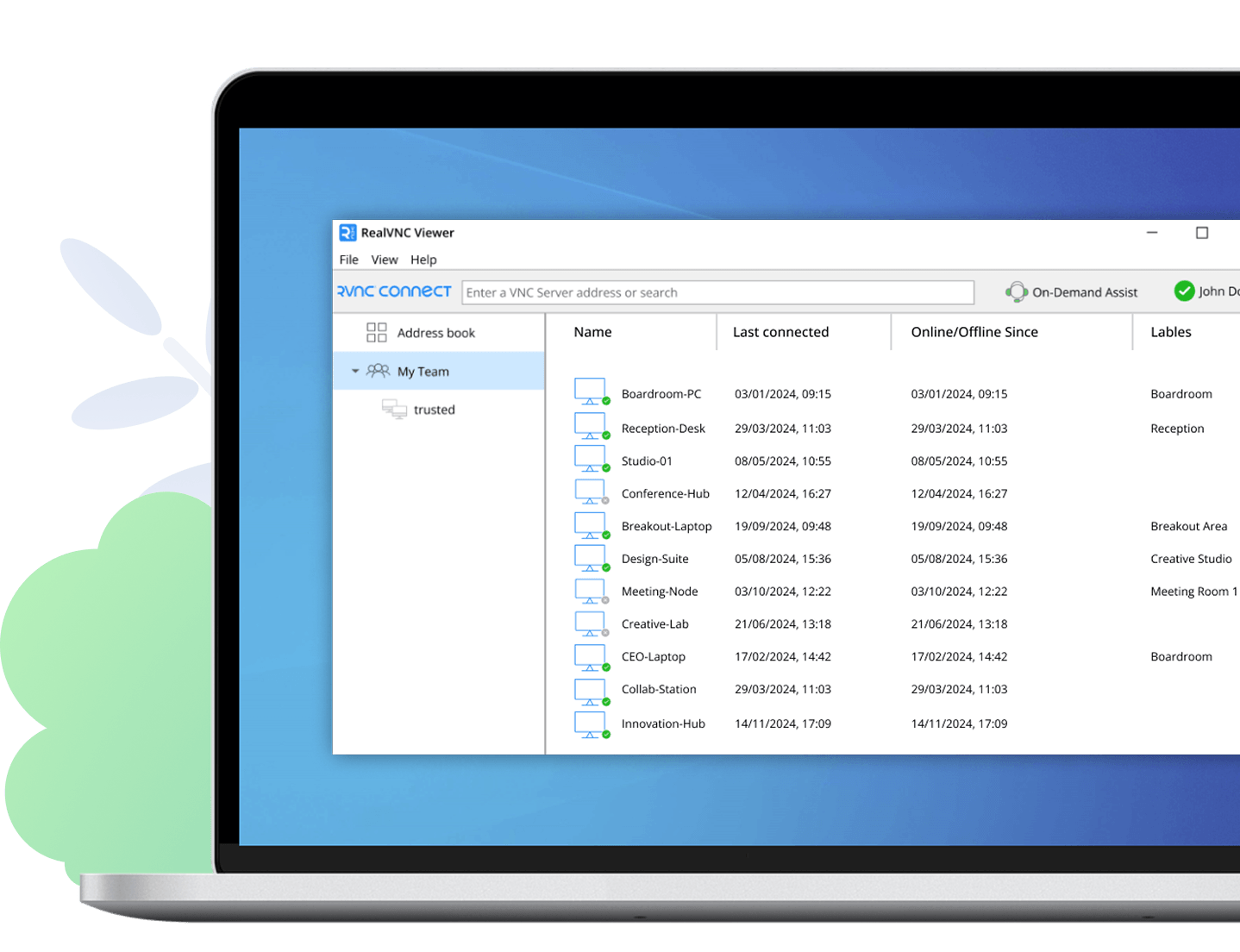
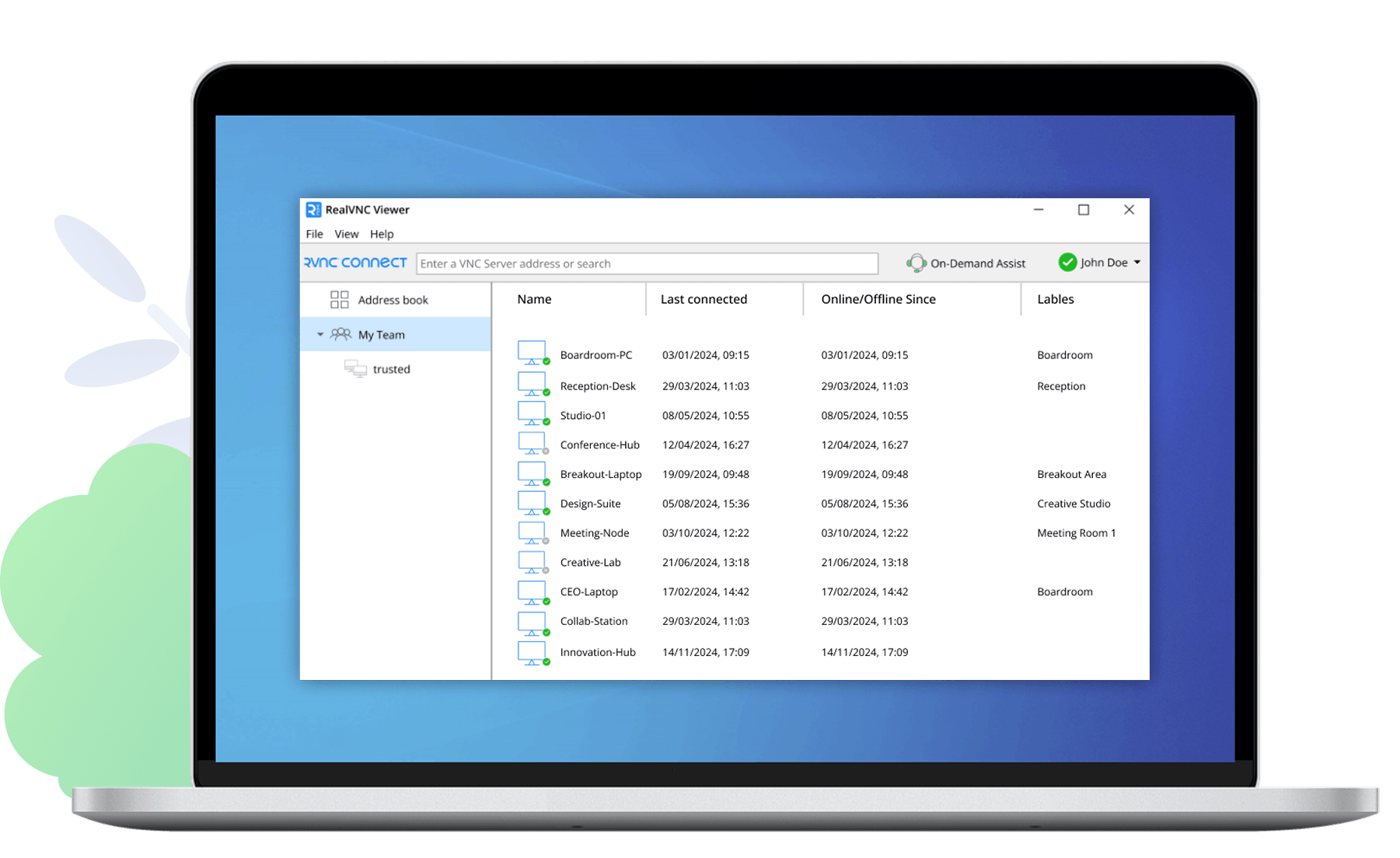

Download VNC to the computer to control
Then, get regular VNC Viewer—or our beta—for the device you want to connect from.
Supported platforms
- 10
- Server 2012 R2
- 8.1, 8
- Server 2012
- 7
- Server 2008 R2
- Vista
- Server 2008
- XP
- Server 2003
- 2000
Related downloads
Policy template files
Remotely configure and lock down VNC using policy.
VNC Permissions Creator
Manage users and permissions for VNC Server.
Frequently asked questions
What does VNC consist of?
VNC consists of a VNC Server app for the computer you want to control, a VNC Viewer app for the computer or mobile device you want to connect from, and supporting programs. More.
How do I install it?
The easiest thing to do is to run the installer and follow the instructions. For system administrators there’s a range of deployment options.
Can I upgrade from an older version of VNC?
Yes. This should be seamless if you’re upgrading from version 5.x. There's no need to stop VNC Server, and you’ll be prompted if you need a new license key. If you’re upgrading from version 4.x, please read the upgrade guide first.
Do I need to apply a license key?
You must license VNC Server. The installer prompts you to apply a license key you've purchased, or to take a free trial. You can also apply a key at the command line or remotely. VNC Viewer is always freely available to use.
Can I download an older version of VNC?
Yes. If you have one of our auxiliary platforms, this may be necessary. Show the table.
How do I connect?
Start with the FAQ.
Windows
Mac OS X
Linux
Raspberry Pi
Solaris
HP-UX
AIX