

RealVNC® Connect
Our flagship product, RealVNC® Connect, is the remote access solution for organizations that demand strong security, resilience, and peace of mind.
-
Device Access
-
On-Demand Assist
Securely access and manage any device, from anywhere
Find the fix to user issues faster
Secure remote access and support, from anywhere
High-quality remote access
Securely access and operate your devices with a connection so responsive it feels like you’re sitting right in front of them.
Tailored to fit your needs
RealVNC® Connect is fully configurable out of the box. Granular control over your setup means you can customize it to meet your specific needs and use cases.
Lightweight remote support
Help customers quicker with remote support sessions that you can launch in seconds without customers needing to worry about installing any software.
Cut complexity with a consolidated solution
Juggling separate remote access solutions is complex,
time-consuming, and risky. RealVNC® Connect helps simplify your setup with multi-platform support by providing a single solution that covers all your remote access and support needs.
Cover all your remote access needs
Remote access is much more than an IT tool. Whether it’s enabling cross-functional collaboration and hybrid working, maintaining
life-saving systems and state-of-the-art equipment, or empowering customer service teams to go above and beyond, RealVNC® Connect offers the reliable performance and tools to do it all.
Protect your network against security threats
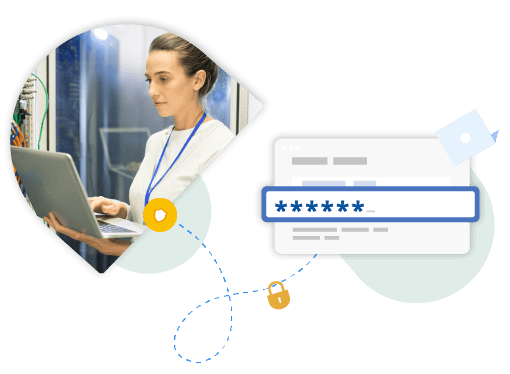
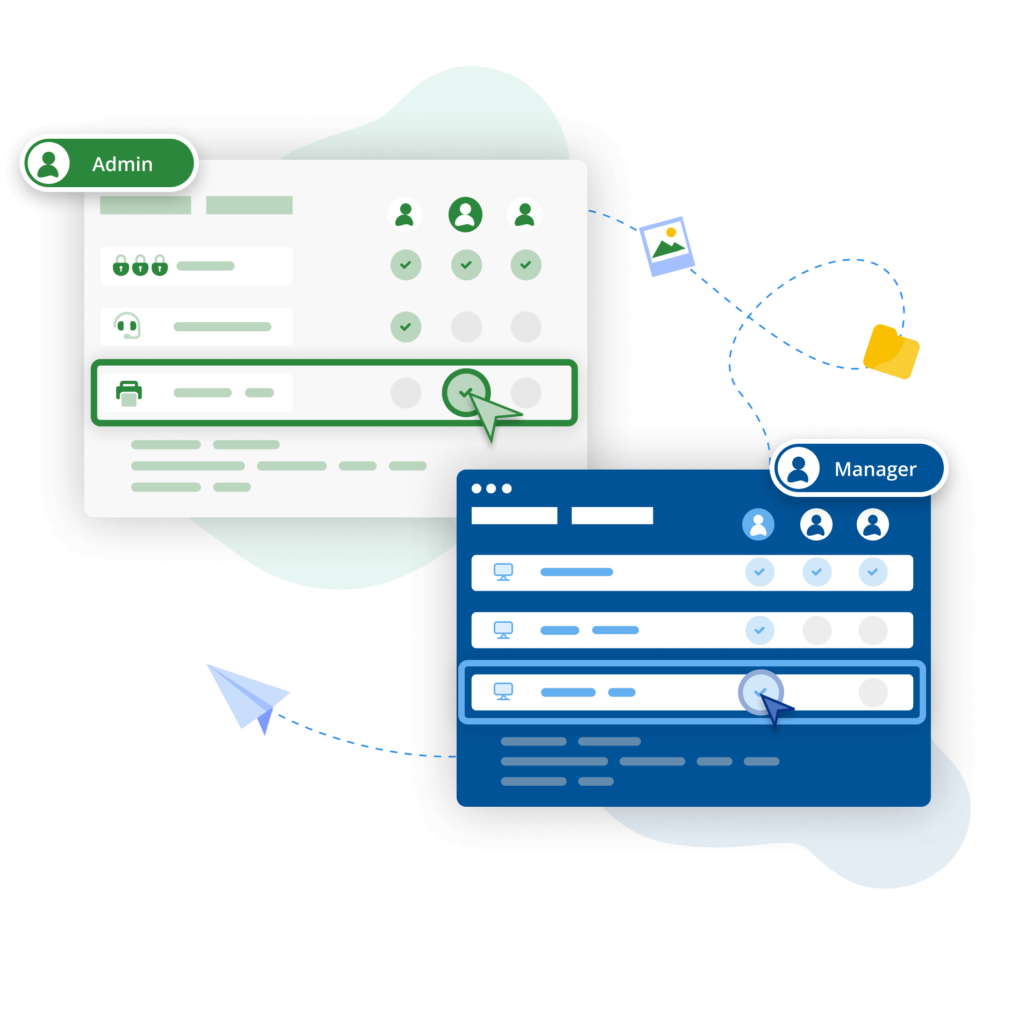
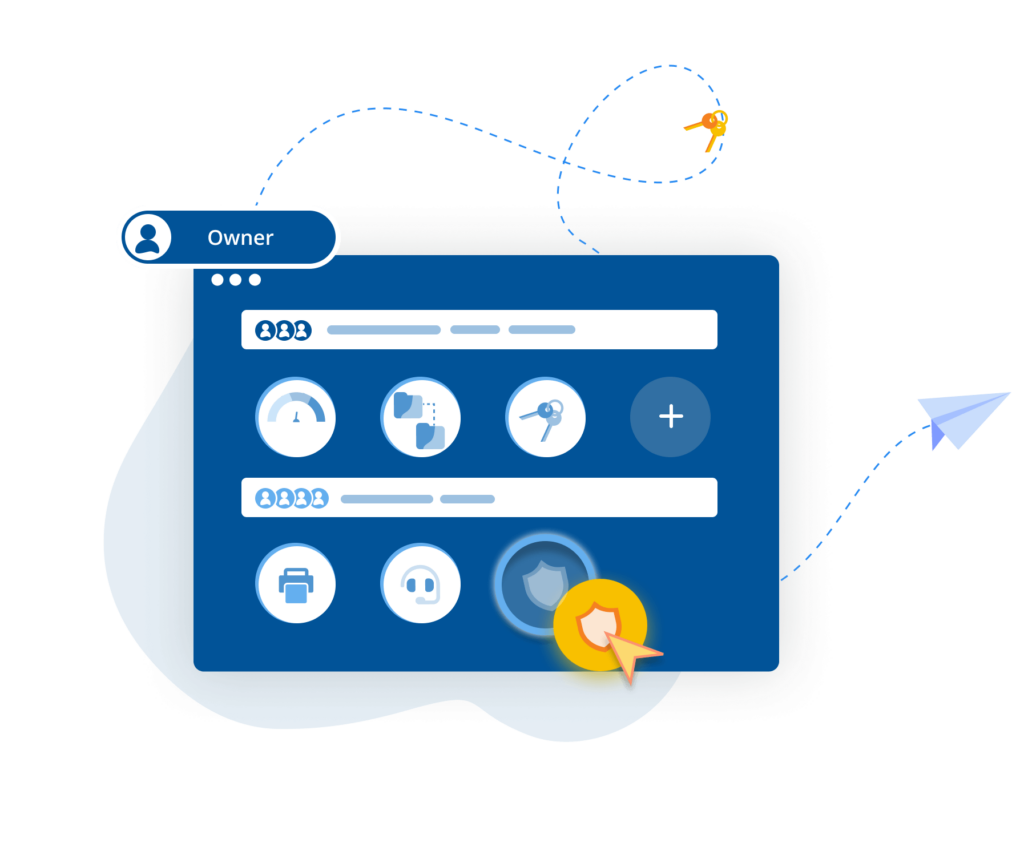
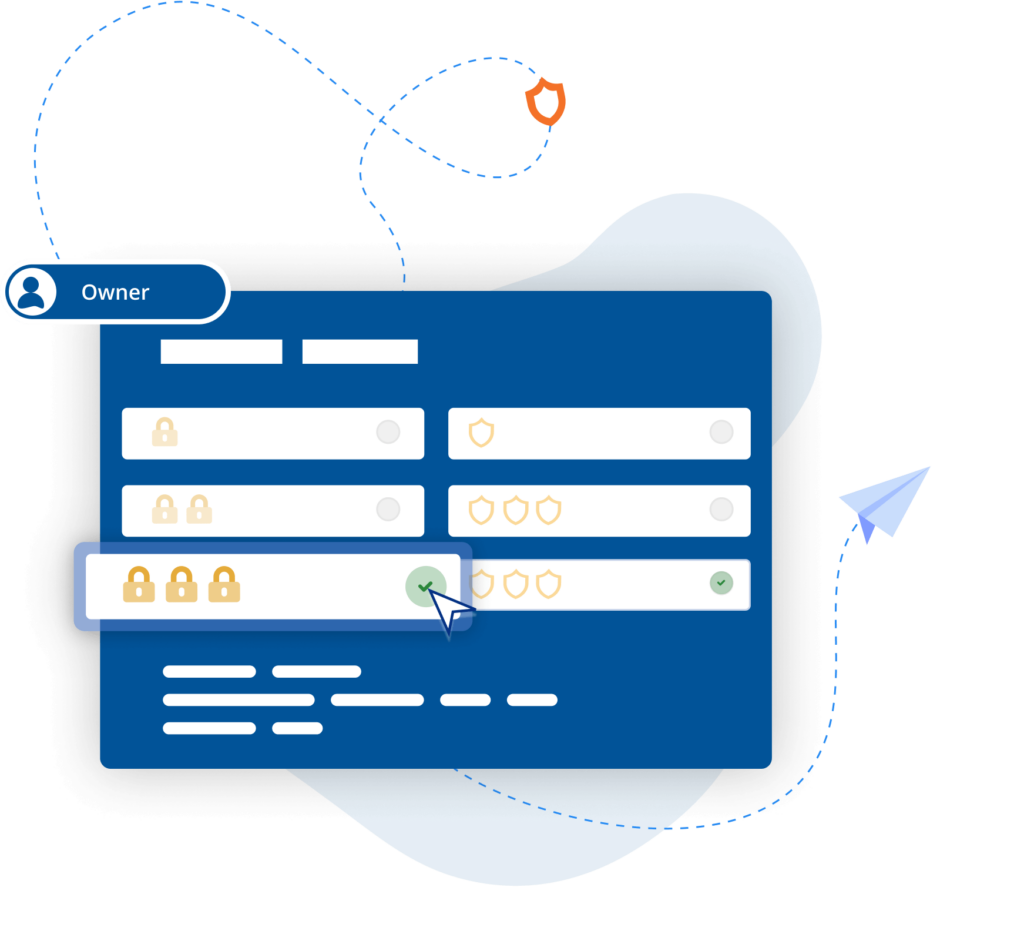
Offer secure remote access at scale, with confidence. RealVNC® Connect features enterprise-grade security that protects against external threats, while a suite of admin tools gives you complete control of access across all devices.
Frequently asked questions
Didn’t find the answer you were after? Check out our Help Center for more FAQs, technical docs and how-to guides.
RealVNC® Connect can only be purchased with annual billing. Monthly billing is not available.
If you need to increase the number of licenses you’re using, you can do so in your RealVNC account.
However, please contact Sales if you need to change your subscription.
You can download VNC Server here. It’s the software to install on every computer you want to control.
You can download VNC Viewer here. It’s what you install on every desktop computer you want to control from. If you’re looking to control computers from a mobile device, search ‘RealVNC’ in the iOS App Store or Android Play Store.
An On Prem Management Console
"Moving from a small-scale deployment to an estate of several hundred industrial control systems requires a different level of security, visibility, and control. We're pleased to support the manufacturer as it standardises on RealVNC Connect, enabling secure offline remote access and centralised management that aligns with the long-term requirements of its automation environment."
Harness Roofing Inc.
"One of the reasons we chose RealVNC was its responsiveness during photo reviews. Our COO frequently connects remotely to review project and inspection photos as part of the estimating process, sometimes flipping through 80 or more images in a single session. With RealVNC, each photo appears almost instantly as he moves through the image set. Other remote-access and screen-sharing solutions we evaluated introduced noticeable lag when displaying the next photo, which made the review process frustrating. RealVNC provided a much smoother experience and allowed him to review large numbers of photos efficiently from a remote location."
BIOTRONIK increases efficiency and customer support with RealVNC Connect
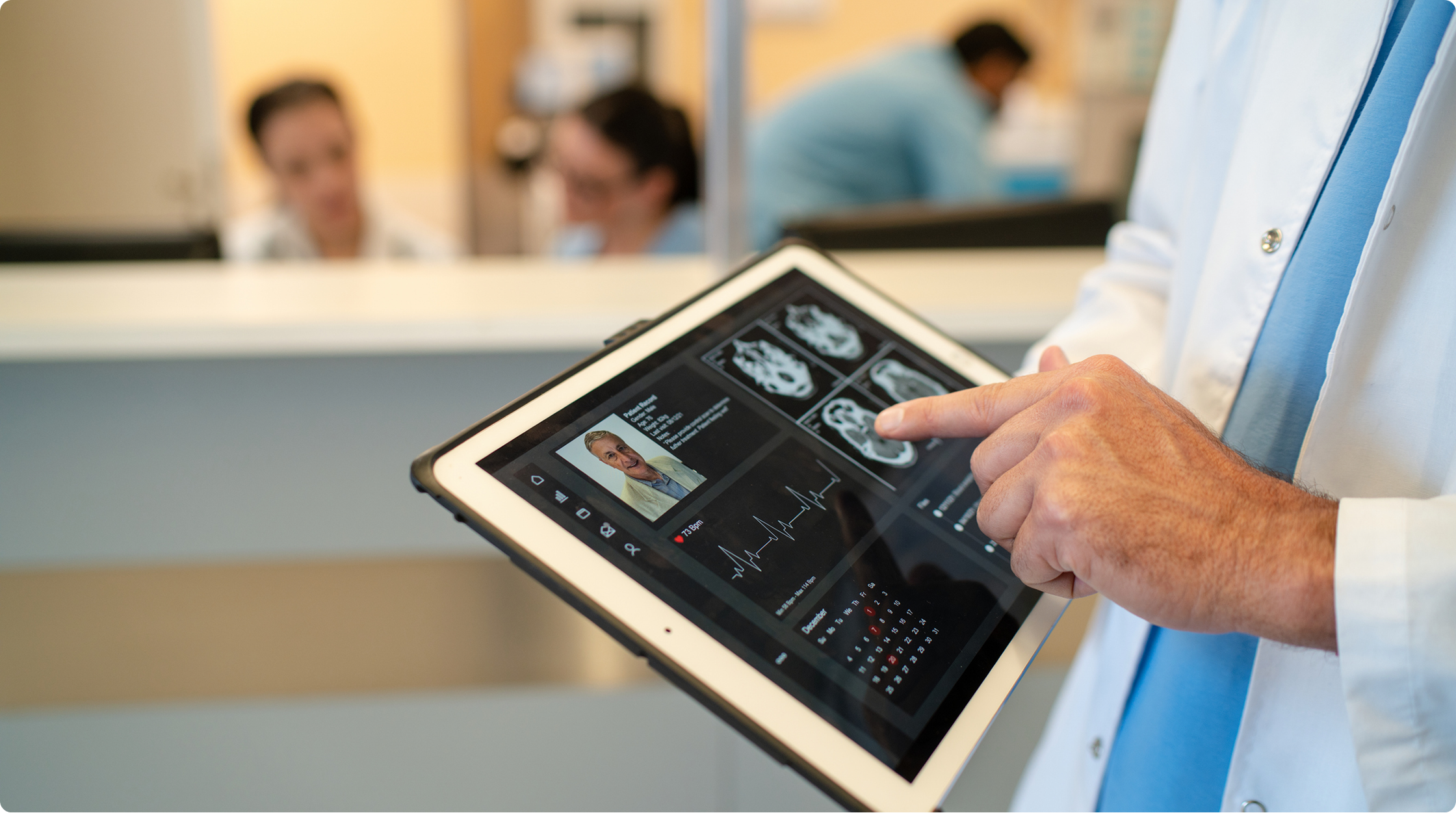
"We can use RealVNC to have a direct connection to the programming device and even take over the control of the device to … have a direct look without any interpretations. It's very easy to establish and a very big help to supporting our customers there and, of course, increasing patient safety."
– Jan Iden, Medical Engineer
REJI
"The fact that RealVNC Connect is compatible with a wide range of operating systems is important for our future growth. With RealVNC Connect, we can monitor a digital sign running on Android, or customer kiosks that have a Windows-based OS. Having the flexibility to work with any system makes it much easier for us to say ‘yes’ to any potential customer."
- Frank Yoder, CEO
Qtrac
“We immediately realized the user interface was much better for us, and much more user friendly for the help desk team. Pretty soon we said, ‘Let's just switch everything to RealVNC.’”
Aleks Nikolovski
100.3 FM
“Being able to operate in two markets is really important for our business. VNC Connect allows us to do this without needing to constantly drive between Timaru to Oamaru. This is a game changer for us.”
James Valentine