
RealVNC Viewer

Productivity

Download RealVNC® Server and Viewer

Connect securely to your devices with the original remote access solution, trusted by individuals and organizations worldwide.

RealVNC® Viewer for Windows

Install RealVNC Viewer on the device that you want to view and control from.

Thank you for downloading

Your download of The Classic RealVNC VNC Connect for   has started.

Looking for RealVNC Server Click here.

Windows
macOS
Linux
Raspberry PI
Android
iOS

By downloading, you accept the Terms of use and Privacy Policy

VNC viewer working remote

Try the new RealVNC
All-in-One Unified App

The new RealVNC All-in-One Unified App brings together RealVNC Viewer and Server into one seamless 
experience.

With just a single app to download across your desktop devices, the RealVNC All-in-One Unified app makes accessing your remote devices simpler than ever before.

Try it out today.

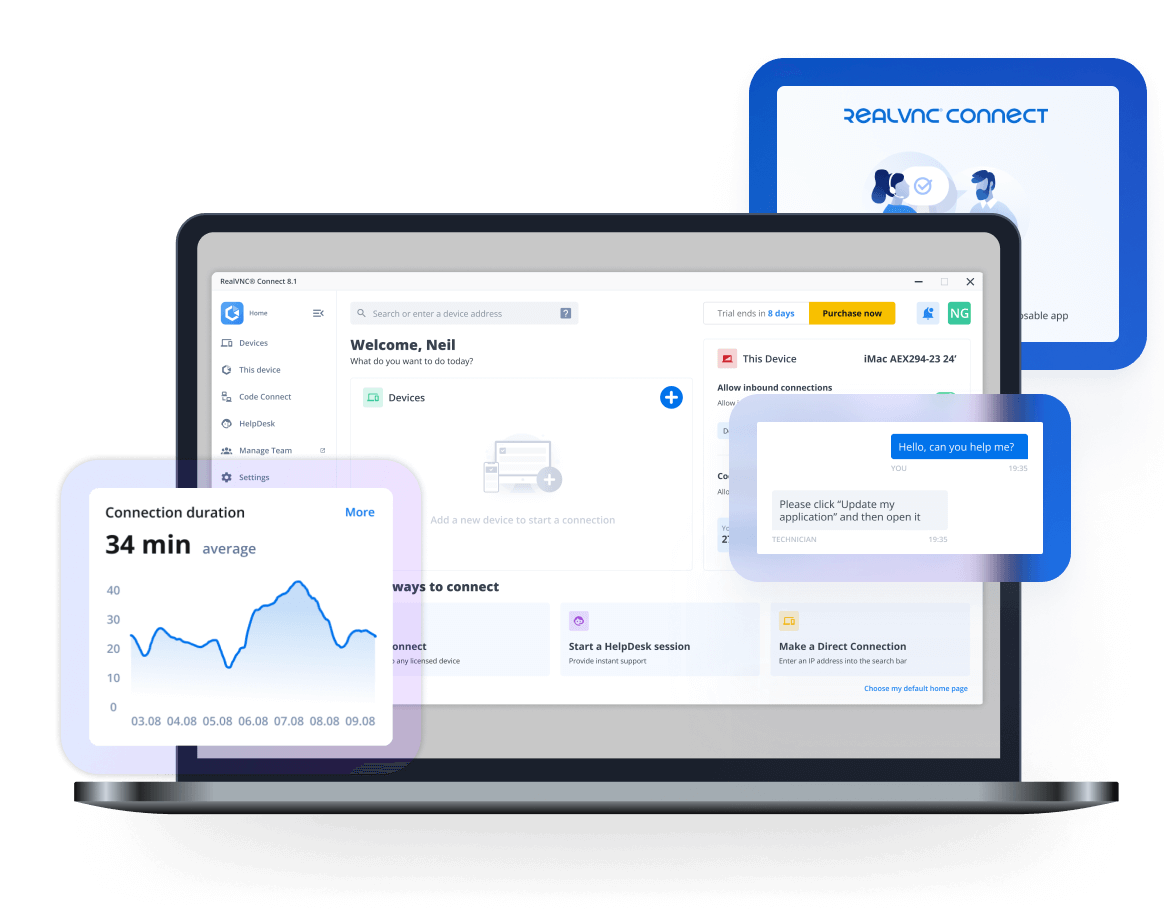
RealVNC Connect v8.1 on laptop

A VNC Viewer that stands apart from the pack

RealVNC Viewer delivers a smoother, more secure remote access experience than ever before — combining enterprise‑grade encryption, effortless cross‑platform compatibility, and a brilliantly simple interface that lets anyone connect without the usual networking hassle. As the original VNC Viewer, it’s built on proven technology and enhanced with modern security and cloud‑ready convenience, giving you fast, reliable access to your devices from anywhere.

Runs on your OS of choice

RealVNC Viewer supports:

Windows

macOS

Linux

RaspberryPi

Android

iOS

Save time with saved devices

RealVNC Viewer remembers your devices, letting you reconnect instantly without re‑typing details.

Designed for ease of use

While most VNC viewers feel built for experts, RealVNC Viewer’s modern interface makes setup simple for anyone.