Download RealVNC® Connect
You can then sign in with your existing account or start a free 14-day trial.
-
Best-in-class VNC Viewer + VNC Server
-
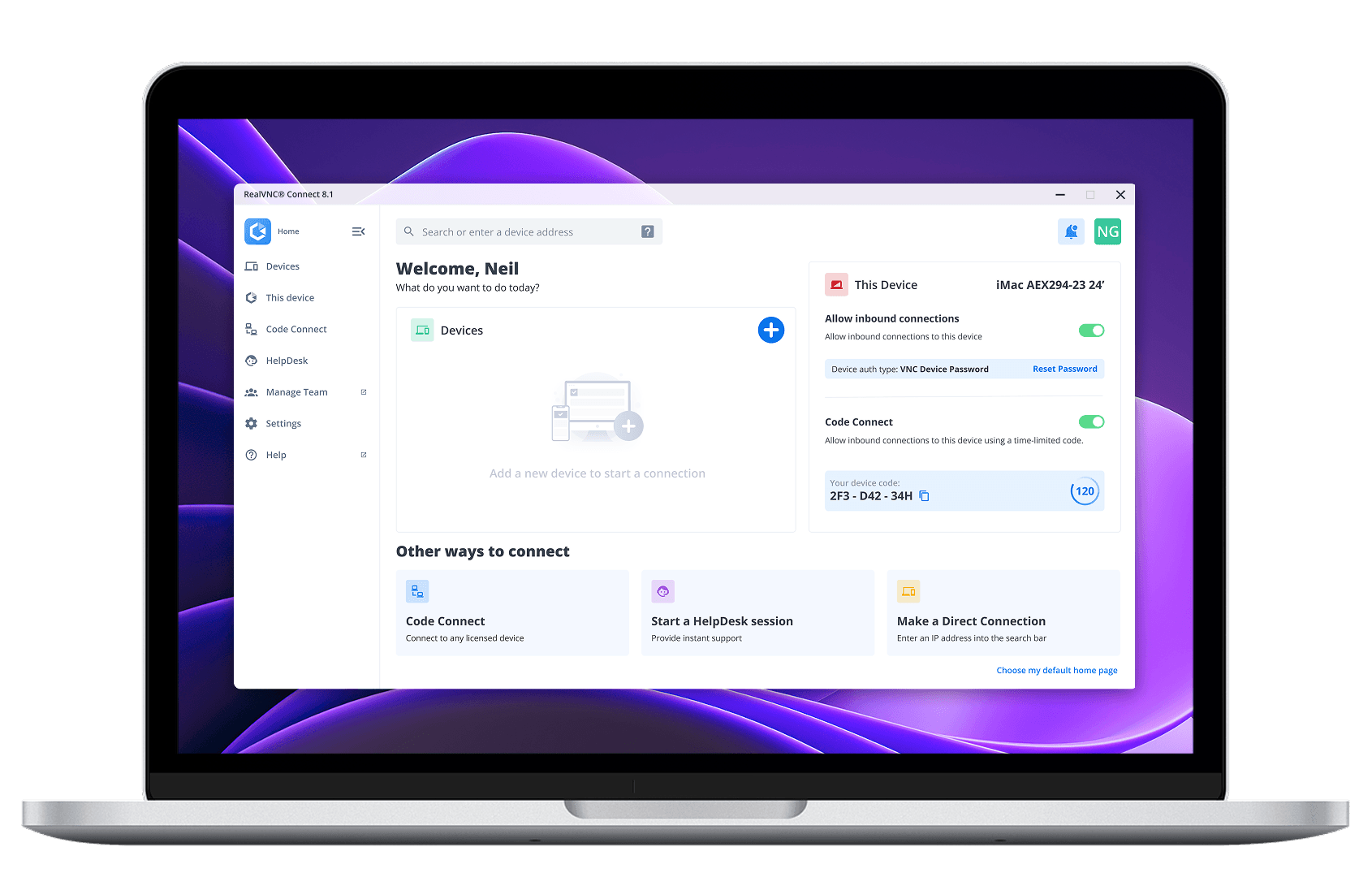
All-in-one remote access

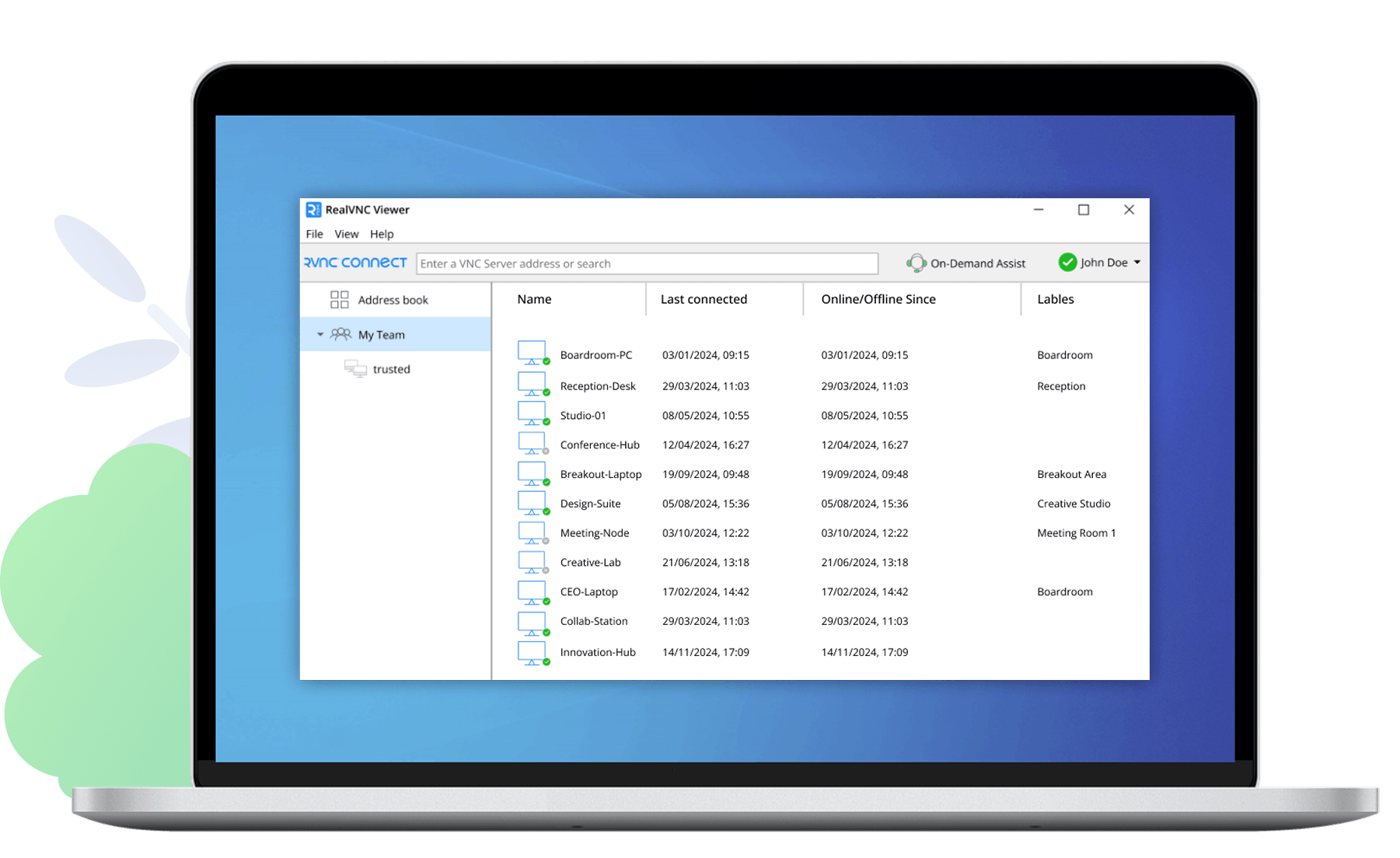
Use RealVNC Viewer to control another device
Install RealVNC Viewer on the device you’re using, so you can securely connect to and control devices or machines remotely.
Thank you for downloading
Your download of VNC Connect for has started.
Install RealVNC Server on the device you want to control
RealVNC Server keeps your device securely available, so you can connect to it remotely from any Viewer.
Thank you for downloading
Your download of VNC Server for has started.
Notice to macOS Tahoe users: We are aware of a bug affecting RealVNC Server functionality on macOS Tahoe and are working on a fix. More info available here.
By downloading, you accept the Terms of Use and Privacy Policy
RealVNC® – All-in-one remote access
- Install the same app on all devices
- Simple and intuitive user interface
- Ideal for easy remote access and IT support
See more installation options
Switch to the RealVNC Connect App for a more streamlined experience
Mass deploying to devices
Download installers for deploying RealVNC Connect to multiple devices at scale. Allows for installation on both unattended and offline/networked devices.
Thank you for downloading
Looking for our RealVNC classic Viewer?
Customers with a Premium or Enterprise plan can download the RealVNC Classic (v7) Viewer from the Downloads area of the RealVNC Portal.
Trusted remote access for individuals and organizations.
Essentials
For individuals just looking to access a handful of their own devices.
- 3 devices
- 1 active connection
One Active Connection
per month
Billed annually
Includes:
- Up to 256-bit AES encryption
- Access to Windows, MacOS, Linux, & PiOS.
- Remote audio, printing, and file transfer
Plus
For growing teams wanting to support a small number of devices.
- 50 devices
- Up to 3 active connections
Per Active Connections
per month
Billed annually
Everything in Essentials, and:
- User and device groups
- Connect with Windows, Mac or Linux logins
- Set user roles and permissions
- Session recording
Premium
For larger teams needing advanced security and remote support users.
- 150 devices
- Up to 5 active connections
Per Active Connections
per month
Billed annually
Everything in Plus, and:
- Define custom permissions
- Audit logs of key events
- MFA for sessions
- Support users via On-Demand Assist
- Direct Connections on LAN
Enterprise
For organizations requiring remote access and remote support at scale.
- Customize your devices
- Customize active connections
Our Sales team will provide you with a quote that's tailored to your needs.
Everything in Premium, and:
- On-premise deployment
- Account SSO
- Deploy via Group Policy
- Priority customer support
- Custom Branding (HelpDesk)
- On-Prem Management Console
Frequently
asked questions
If you can’t find an answer to your question, please visit our Help Center or get in touch with us.
How can I purchase a RealVNC® Connect subscription?
If you’re purchasing a subscription to our Essentials, Plus, or Premium plans, you can pay via credit card, debit card, or using PayPal. If you want to pay via an electronic bank transfer, please contact us.
Is RealVNC Connect secure?
Yes, RealVNC® Connect is built from the ground up with security in mind. All connections are end-to-end encrypted and we have extensive security features and protocols to safeguard access and offer you full control. You can learn more about our security capabilities here.
Where can I find download checksums?
Check out our Help Center for the SHA256 checksums list.