RealVNC 로고마크

RealVNC 뷰어

생산성

닫기 아이콘

Download RealVNC® Connect

You can then sign in with your existing account or start a free 14-day trial.

  • Best-in-class VNC Viewer + VNC Server
  • All-in-one remote access

RealVNC Viewer를 사용하여 다른 장치 제어하기

사용 중인 장치에 RealVNC Viewer를 설치하면 장치나 컴퓨터에 원격으로 안전하게 연결하고 제어할 수 있습니다.

woman downloading the viewer in city

Thank you for downloading

Your download of VNC Connect for   has started.

제어하려는 장치에 RealVNC Server를 설치합니다.

RealVNC Server는 장치를 안전하게 사용할 수 있도록 유지하므로 모든 Viewer에서 원격으로 장치에 연결할 수 있습니다.

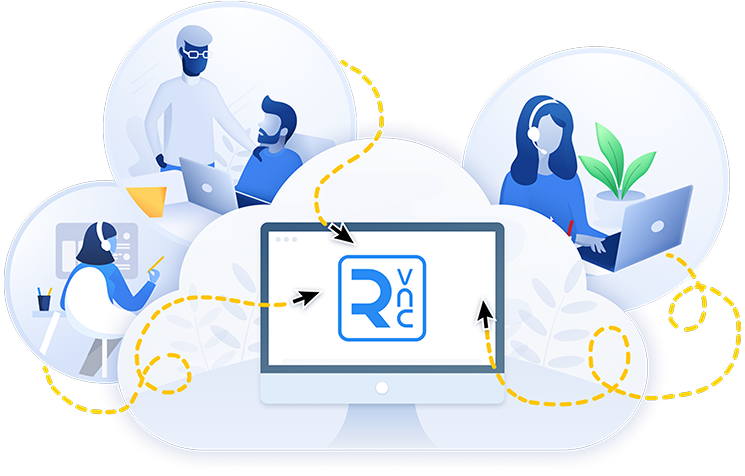
클라우드 환경에서 원격 제어를 활용하는 여성
Windows
macOS
Linux
Raspberry PI
Android
iOS

다운로드해 주셔서 감사합니다

전용 VNC Server 다운로드가 시작되었습니다.

다운로드하면 이용약관 및 개인정보처리방침에 동의하는 것입니다.

RealVNC® – 올인원 원격 액세스

현대적이고 사용하기 쉬운 인터페이스에서 장치에 연결하고 장치에서 연결할 수 있는 단일 애플리케이션을 다운로드하십시오.
  • 모든 장치에 동일한 앱 설치
  • 간단하고 직관적인 사용자 인터페이스
  • 손쉬운 원격 액세스 및 IT 지원에 이상적

감사합니다. RealVNC Connect 다운로드가 시작되었습니다.

다음 내용을 확인하십시오. 시작하기 위한 3 가지 간단한 단계을 따라 시작하십시오.

다운로드하시면 이용약관 및 개인정보처리방침에 동의하는 것입니다.
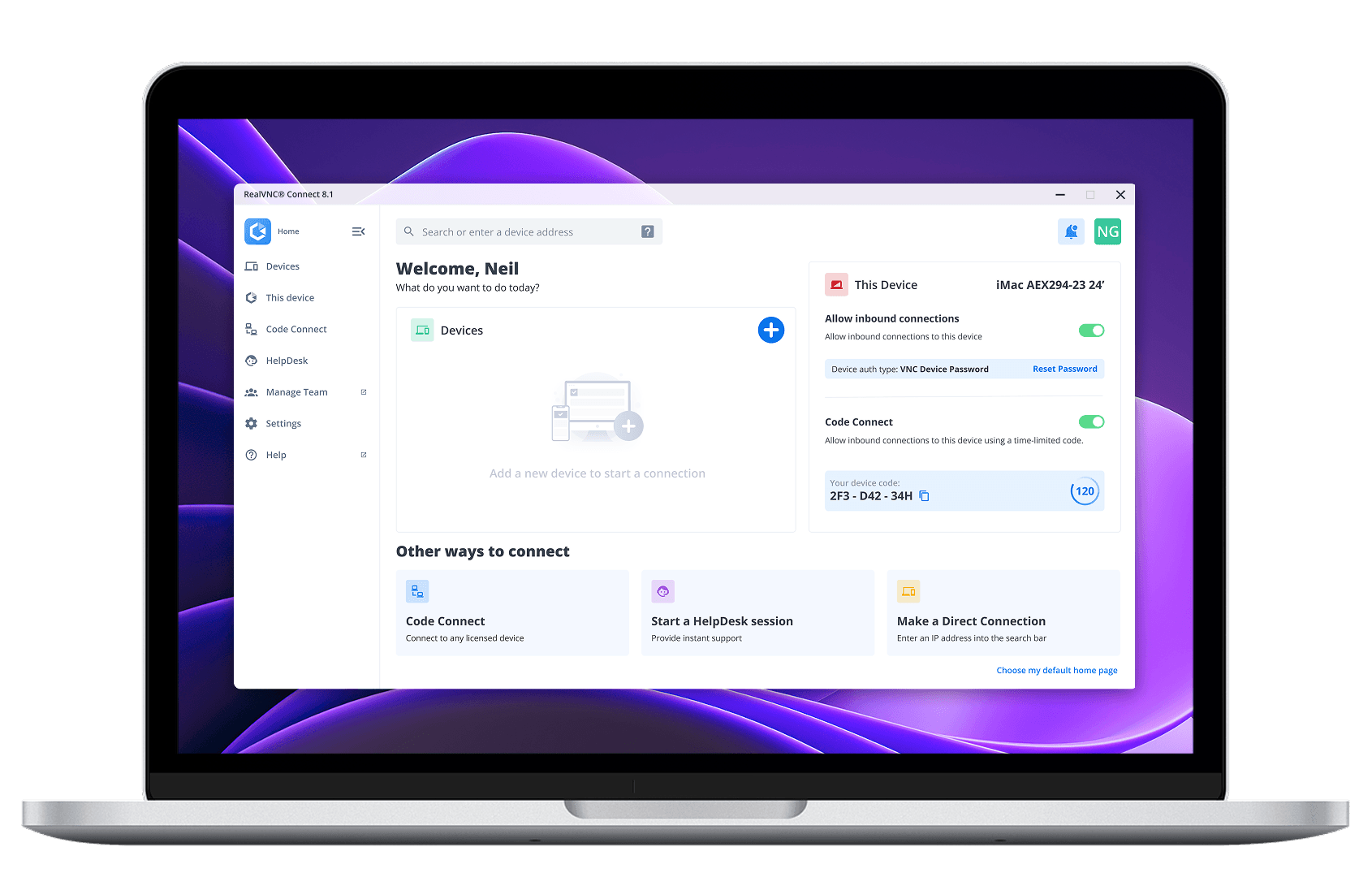
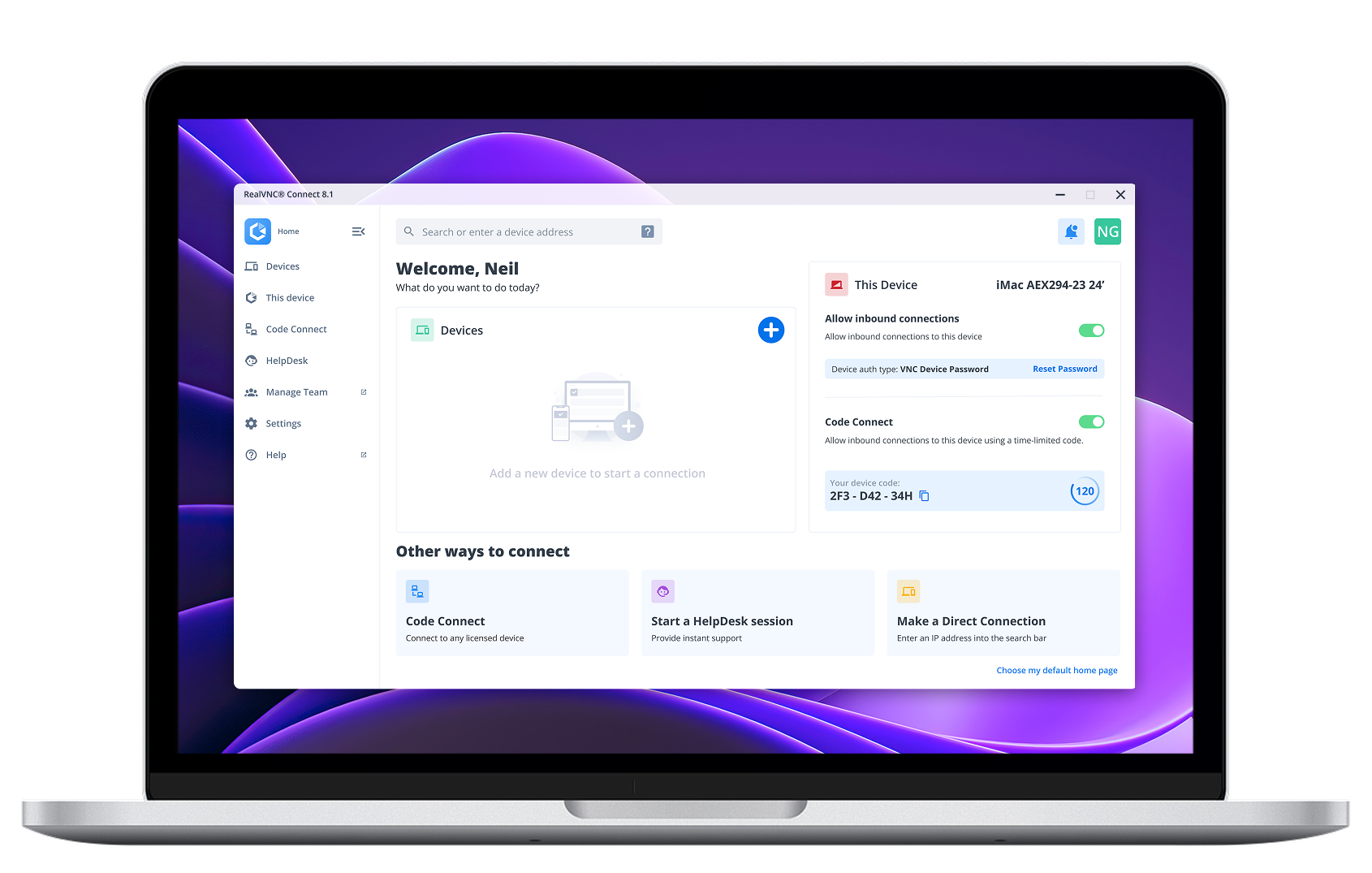
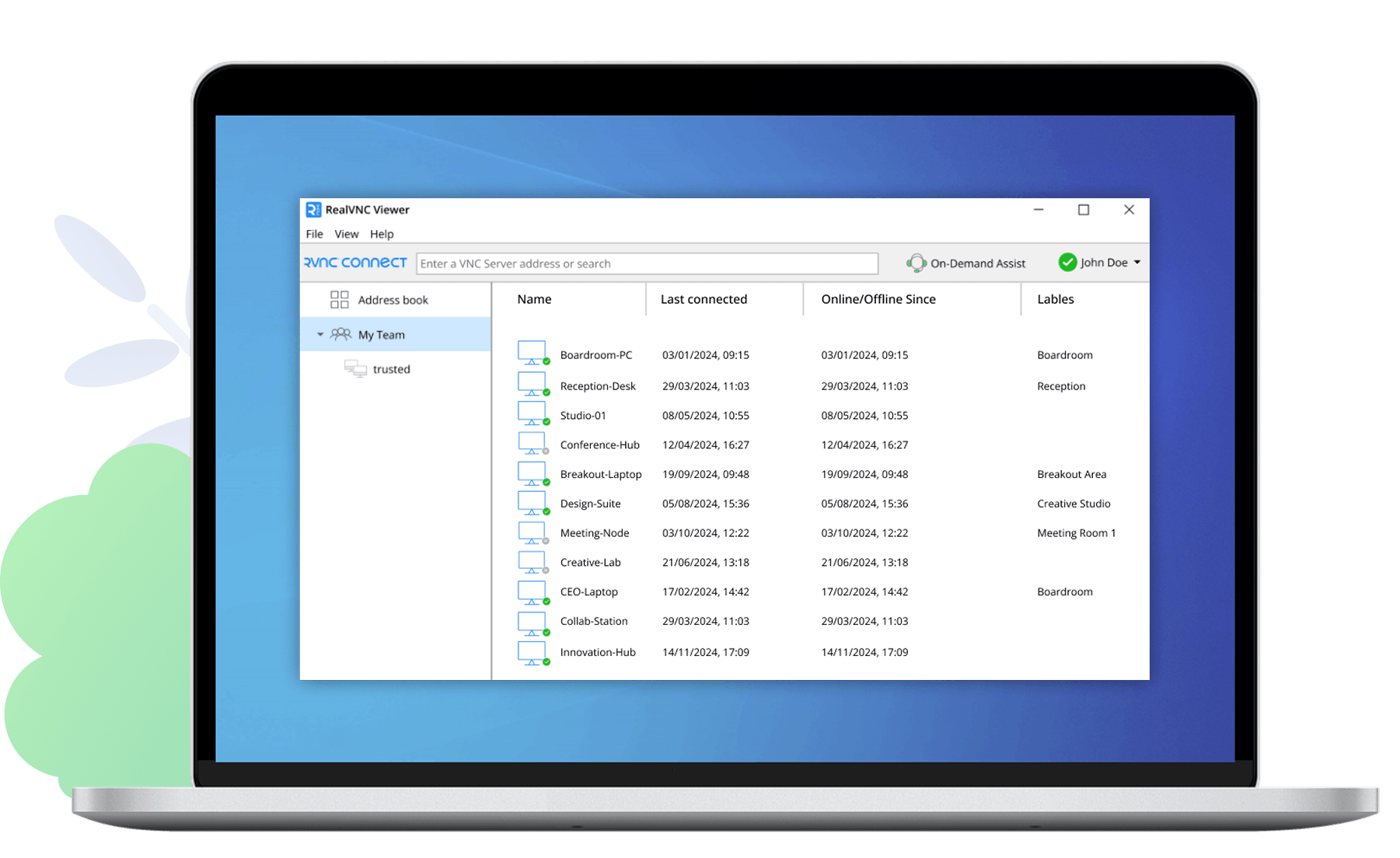
RealVNC Connect 대시보드

Switch to the RealVNC Connect App for a more streamlined experience

The new RealVNC Connect App brings together RealVNC Viewer and Server into one unified app. With just a single app to download across your desktop devices, the RealVNC Connect App makes accessing your remote devices simpler than ever before. Try it out today.

장치에 대량 배포하기

RealVNC Connect를 여러 장치에 대규모로 배포하기 위한 설치 프로그램을 다운로드하십시오. 무인 장치와 오프라인/네트워크 장치 모두에 설치할 수 있습니다.

RealVNC® Classic Viewer를 찾고 계신가요?

Premium 또는 Enterprise 요금제를 이용 중인 고객은 RealVNC 포털의 ‘다운로드’ 메뉴에서 RealVNC Classic(v7) Viewer를 다운로드하실 수 있습니다.

RealVNC Connect Classic Viewer 스크린샷

개인과 조직을 위한 신뢰할 수 있는 원격 액세스.

다양한 요금제를 살펴보고 자신에게 맞는 요금제를 찾아보십시오.

Essentials

개인이 소수의 장치에만 액세스하려는 경우.

  • 장치 3개
  • 활성 연결 1개
 

활성 연결 1개

연간 청구됨

포함:

Plus

소수의 장치를 지원하고자 하는 성장하는 팀에 적합합니다.

  • 장치 50개
  • 최대 3개의 활성 연결
최저

활성 연결 당

연간 청구

Essentials의 모든 항목 및 다음 사항:

Premium

고급 보안 및 원격 지원이 필요한 대규모 팀과 원격 지원 사용자를 위한 솔루션입니다.

  • 150개 장치
  • 최대 5개의 활성 연결
최저

활성 연결 당

연간 청구

プラスに含まれるすべて、そして:

기업

대규모 원격 액세스 및 원격 지원이 필요한 조직을 위한 솔루션입니다.

  • 장치 맞춤형 설정
  • 활성 연결 사용자 지정하기
최저
전화 문의

영업팀에서 고객의 니즈에 맞는 견적을 제공해 드립니다.

Premium의 모든 항목 및 다음 사항:

Frequently
asked questions

If you can’t find an answer to your question, please visit our Help Center or get in touch with us.

If you’re purchasing a subscription to our Essentials, Plus, or Premium plans, you can pay via credit card, debit card, or using PayPal. If you want to pay via an electronic bank transfer, please contact us.

Yes, RealVNC® Connect is built from the ground up with security in mind. All connections are end-to-end encrypted and we have extensive security features and protocols to safeguard access and offer you full control. You can learn more about our security capabilities here.

Check out our Help Center for the SHA256 checksums list.

G2 별점 리뷰

4.7 stars, 400+ reviews
Top 50 IT Management
Products 2020

Apple App Store

4.8 stars, 11,700 reviews
Apple Store 5M+ downloads

Google Play Store

4.7 stars, 55,000 reviews
Google Play Store 5M+
downloads

Capterra

4.5 stars, 100+ reviews
Best Software Reviews
Platform