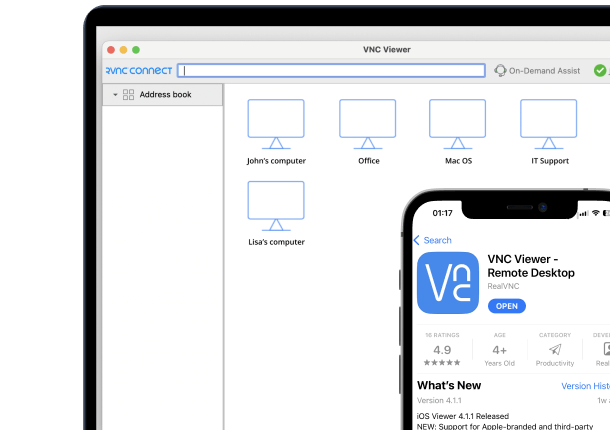



Downloaded over 1.1 billion times, AnyDesk is undoubtedly one of the most popular remote access software. Its user-friendly interface and robust features enable users to easily access their devices remotely.
However, it has faced serious security incidents, including a confirmed breach of its production systems in early 2024 that resulted in stolen code-signing certificates and thousands of user credentials surfacing on the dark web. Additional client vulnerabilities were disclosed later that year. Worried that their data might be compromised anew, many users are now looking for the best AnyDesk alternatives.
In this article, we check out top alternatives to AnyDesk for secure and cost-effective remote access capabilities. Our list includes RealVNC, TeamViewer, LogMeIn, and other popular software used by organizations across different industries. Many tools offer a free version for personal use but require a paid license for commercial purposes.
Detailed comparisons based on features, performance, user reviews, and other key factors can help you assess which one meets your needs and requirements. To further aid your decision-making, we also discuss the crucial factors that you should consider when choosing a remote access solution.
What to Look for in an AnyDesk Alternative
There’s no single best AnyDesk alternative. The ideal one for you is the one that meets your specific needs and preferences. However, there are five key factors that you must consider regardless of your intended use case for the remote access software:
Security Features
While the 2024 breach of AnyDesk’s production systems may have spurred the search for alternative remote access solutions, all software comes with risks and vulnerabilities. US data breaches hit a record 3,322 incidents in 2025, up 79% over the previous five years, according to the Identity Theft Resource Center.
It’s important to check for critical security features in any digital solution. Look for end-to-end encryption to protect data during transmission, multi-factor authentication (MFA) to add an extra layer of security, and granular access control to manage permissions precisely. For sensitive data and applications, support for air-gapped environments, and compliance with data protection regulations, like GDPR, is a must.
Ease of Use
A user-friendly interface and compatibility across all major operating systems enhances productivity and simplify administration. Intuitive dashboards that are easy to navigate reduce the learning curve, especially for non-technical users. This ease of adoption enhances user experiences and streamlines workflows faster.
Remote access software that can be used across various operating systems and platforms allows flexibility in collaborative environments by enabling all users to access resources regardless of their device or location.
Performance and Reliability
To ensure smooth and uninterrupted workflows, your remote access software must guarantee reliable performance and fast stable connections. These features not only prevent downtimes but also make sure tasks are completed without disruptions or delays. Opt for solutions with low latency connections to reduce lags during real-time interactions. High performance matters most when running resource-intensive applications or transferring large files.
Comprehensive Feature Set
Look for file transfer, remote printing, multi-monitor support, session recording, and other advanced features. The ability to manage numerous devices from a single dashboard and perform tasks without user intervention through unattended access saves significant time for IT professionals. Make sure files can be transferred securely between remote and local systems. For instances when physical copies of documents are needed, remote printing capabilities can be handy.
If your users often work on multiple apps or documents simultaneously, multi-monitor support can improve efficiency. The ability to record remote sessions is also useful for future reference when troubleshooting or complying with regulatory policies.
Flexible Plans
Look for a customizable and scalable plan that can be easily adapted as your business needs evolve. Check for cost-effective options that can accommodate the different needs of both small startups and large enterprises. These will allow you to get the right solutions that fit your requirements and budget. For a closer look at how AnyDesk’s own tiers and add-ons stack up, see our guide to AnyDesk pricing.
AnyDesk Alternatives Comparison Table
Before we delve deep into the features of each AnyDesk alternative, let’s have a quick peek at their core features.
|
Security Features
|
User Management and Permissions
|
Deployment and Administration
|
Connectivity
|
Platform and Device Support
|
Customer Support
|
|
|---|---|---|---|---|---|---|
| RealVNC | 256-bit AES end-to-end encryption 2FA Log-in alerts SSO MFA | Standard and advanced permissions management Granular user permissions Deploy permissions via Group Policy Object Account management via API access | Mass deployment (MSI/PKG/APP) | Cloud Direct (LAN) | Windows, MacOS, Linux, PiOS iOS, iPad OS, Android | Email, chat, phone |
| TeamViewer | 256-bit AES end-to-end encryption 2FA Log-in alerts SSO | Standard and advanced permissions management Granular user permissions | Mass deployment (MSI) | Cloud Direct (LAN) | Windows, MacOS, Linux, Android, iOS, ChromeOS TeamViewer Web Client | Email, chat |
| Splashtop | 256-bit AES encryption 2FA SSO Integration | Granular permissions Scheduled access | Mass deployment (MSI) | Cloud | Windows, Mac, Linux, Android, iOS, Chrome | Email, chat, phone |
| LogMeIn | MFA SSO Zero Trust Access Controls | Standard and advanced permissions management Granular user permissions | Mass deployment (MSI/APP/URL) | Cloud | Windows, macOS, Linux, iOS, Android | Email, chat, phone |
| ConnectWise ScreenConnect | 256-bit AES encryption 2FA SSO MFA | Standard and advanced permissions management Granular user permissions | Mass deployment (MSI/URL) | Cloud, Direct (LAN) | Windows, macOS, Linux | Email, chat, phone |
| RemotePC | 256-bit AES encryption 2FA | Granular user permissions | Mass deployment (MSI) | Cloud, Direct (LAN) | Windows, macOS, iOS, Android | Email, chat, phone |
| Chrome Remote Desktop | Standard encryption | Basic user management | Simple deployment via Chrome extension | Cloud | Windows, macOS, Linux, ChromeOS | Online help forum |
| Zoho Assist | 256-bit AES encryption MFA SSL | Standard and advanced permissions management Granular user permissions | Mass deployment via MSI | Cloud | Windows, macOS, Linux, iOS, Android | Email, chat, phone |
| ISL Online | 256-bit AES end-to-end encryption, 2FA, SSO/SAML 2.0 | Granular user permissions, unlimited users per license | Mass deployment available | Cloud, Self-hosted | Windows, macOS, Linux, iOS, Android | Email, chat, phone |
| RustDesk | 256-bit AES encryption | Granular user permissions | Simple deployment | Cloud, Direct (P2P) | Windows, macOS, Linux, iOS, Android | Community support |
Top AnyDesk Alternatives
1. RealVNC
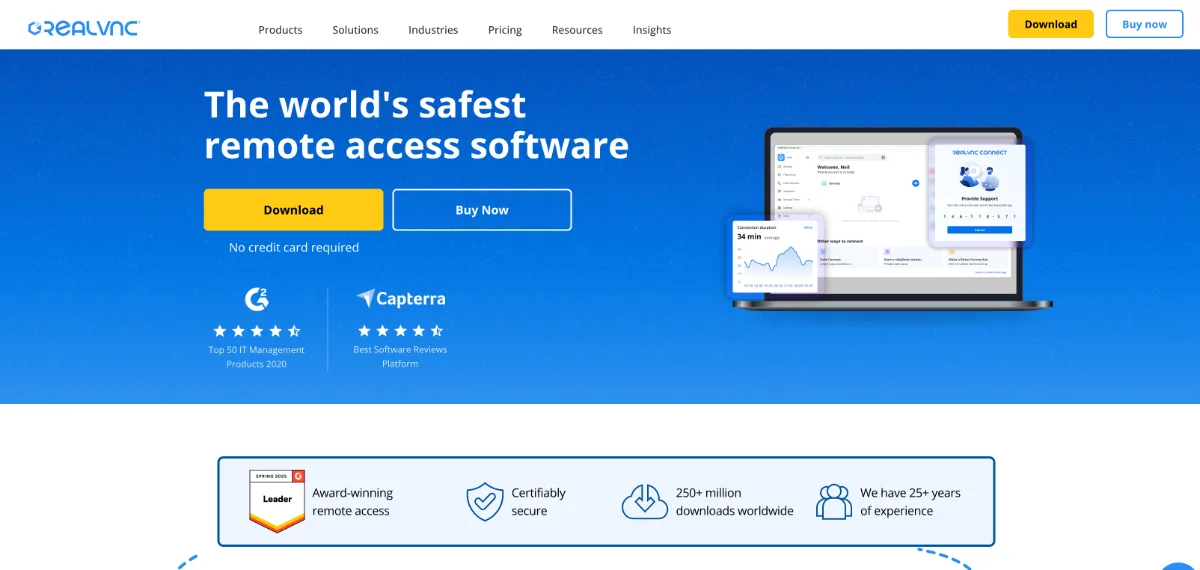
RealVNC pioneered the VNC protocol, which has become an industry standard for remote sharing systems. Its company-wide ISO 27001 certification confirms its adherence to best practices in protecting sensitive data and keeping systems secure.
Its core product, RealVNC Connect, provides secure remote control of desktops in real time, supporting unlimited devices across your organization. Aside from a user-friendly interface and cross-platform compatibility, this software has strong security features that include end-to-end encryption, granular access control, support for air-gapped devices, and independent white-box audits. Since the system automatically adjusts to network speeds, connections are always optimized for smooth user experiences.
RealVNC offers flexible plans with options to pay per device or pay per user. These customizable plans allow you to get the remote access solution you need while keeping costs within budget.
Pros
- Robust security prevents unauthorized access
- Seamless setup requires minimal configuration
- Low latency even with resource-intensive apps
Cons
- Pop-up notifications during log-ins can be annoying
- Occasional problems when configuring firewalls or routers
- No technical support on lower-tier plans
2. TeamViewer
TeamViewer is known for helping businesses digitally transform business-critical processes through connectivity. Their remote access and support solution, TeamViewer Remote, provides secure access to computers and devices within an organization’s ecosystem. When the software is installed on a device, authorized users with TeamViewer IDs and passwords can access it remotely via the internet. TeamViewer offers cross-platform compatibility and real-time screen sharing, making it a popular choice for businesses that need to work remotely across ChromeOS, Windows, Mac, and Linux.
Pros:
- Fully cross-compatible
- Real-time screen sharing enhances collaboration
- Drag-and-drop menus enhance ease of use
Cons:
- Recent changes to the user interface are not deemed intuitive.
- Sluggish performance when using slow internet
- Steep learning curve
3. Splashtop
Splashtop enables remote access to a computer by installing a streamer application that runs in the background. The core parts of an application are downloaded on the endpoint, and whatever else is necessary to perform other functions is downloaded as you go. This enables quick and simple remote access to devices.
It offers collaboration features such as reliable file transfer, screen sharing, and remote printing. New features added yearly keep it up to date with changing user needs.
Pros
- One-click access to pre-deployed remote clients
- Smooth multi-window experience
- Lightweight streamer is easy to install
Cons
- Latency issues
- Limited self-support options
- No command prompt access
4. LogMeIn Resolve
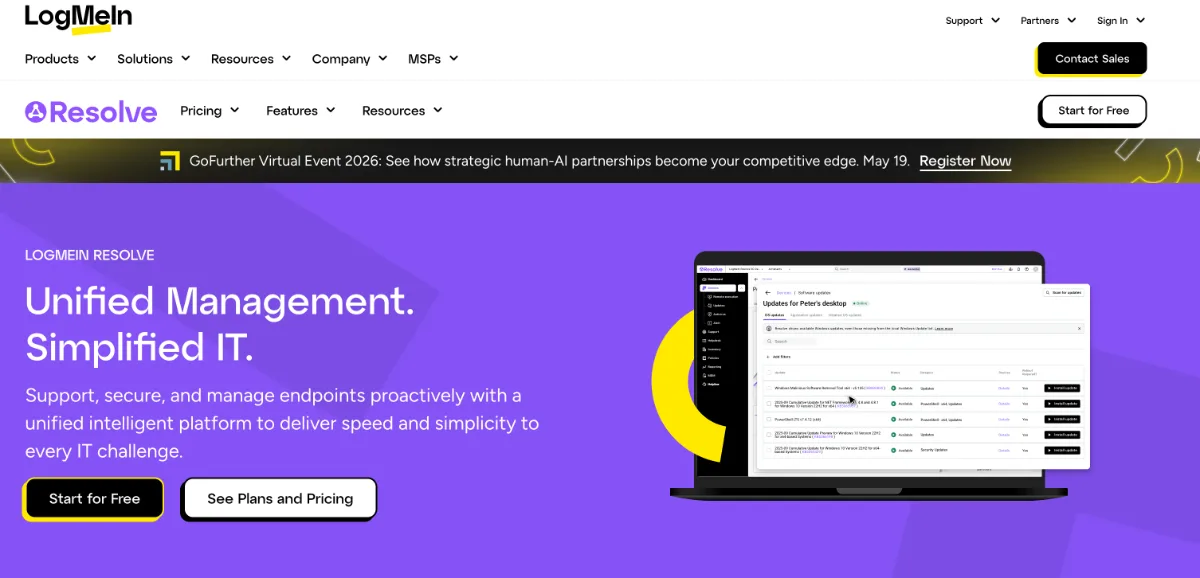
Previously known as GoTo Resolve, LogMeIn Resolve is an all-in-one IT management and support solution with a broad portfolio of remote access, support, and collaboration tools. It allows IT professionals and managed services providers to streamline their workflows by bringing all the tools they need into a unified platform. This software can be used not only for remote support and access but also for monitoring, management, and helpdesk.
Pros
- Devices can be searched by username
- Can recognize different keyboard languages
- Great for managing tickets and remote customer assistance
Cons
- Cumbersome migration process
- Resource-intensive processes run extremely slow on older machines
- Must reload URL when screen freezes mid-operation
5. ConnectWise ScreenConnect
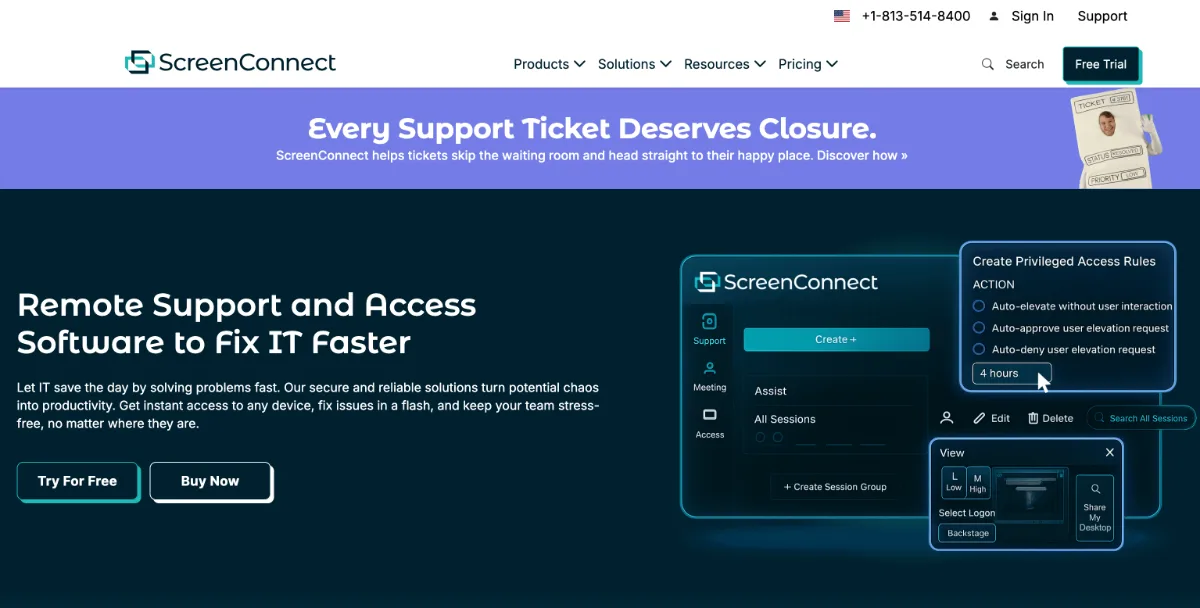
ConnectWise ScreenConnect is committed to helping organizations stay connected securely.
It features universal compatibility, advanced machine management, a shared toolbox, etc. IT teams can initiate support sessions and establish remote connections without requiring the end user to be physically present. Its flexible pricing plans make it suitable for users with various needs.
Pros
- Fully customizable install client can be mass-deployed as an app or a plugin
- Easy to deploy
- Screen share RDP connection on end user devices and managed servers
Cons
- Limited features in backstage mode
- Remote CMD doesn’t allow easy navigation of directories
- Interface isn’t that fluid
6. RemotePC
With its browser-based access, RemotePC is a convenient solution for remote access. Users can access remote computers directly through web browsers, so no need to install additional software.
Multi-monitor support, access to office printers, and individual passwords make RemotePC a good option for businesses where multiple teams work together on projects.
Pros
- Easy, fast setup
- Crisp connection
- Robust security
Cons
- Doesn’t work seamlessly with Mac computers
- Takes several minutes to find computers when they’re turned on
- Slow tech support
7. Chrome Remote Desktop
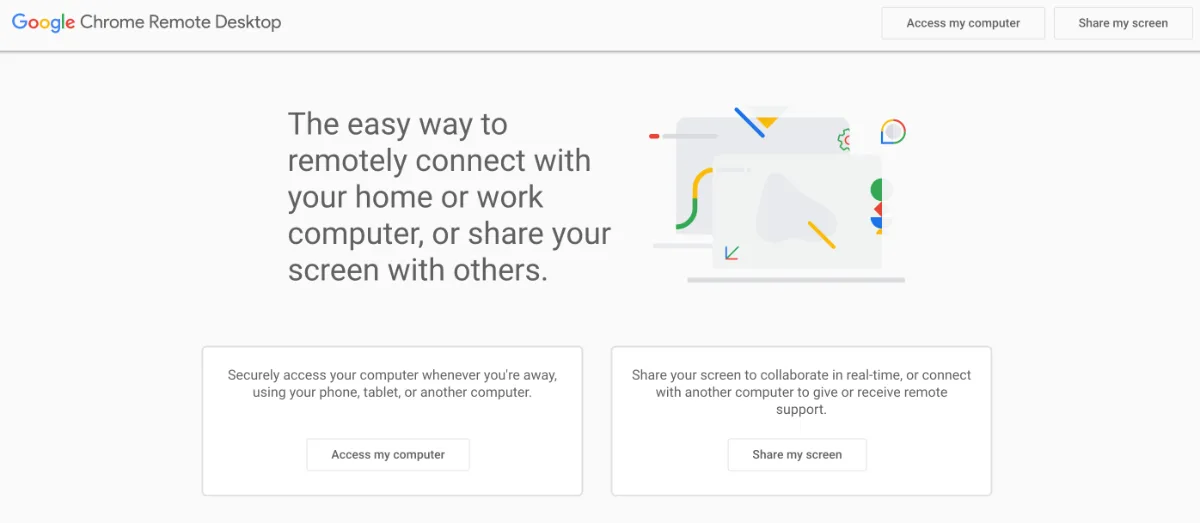
Chrome Remote Desktop is the best AnyDesk alternative if you need to securely connect to remote devices at no cost. Unlike Microsoft Remote Desktop, which is limited to Windows-to-Windows connections, Chrome Remote Desktop works across browsers and platforms, including ChromeOS, Windows, Mac, and Linux. It’s an ideal choice for personal remote access that doesn’t require advanced technical skills. It doesn’t require app installation and can be used simply by logging into your Chrome browser.
With it, you can share your screen with others and securely connect with your remote devices.
Pros
- Low latency
- Easy setup
- Easy to configure both on laptop and mobile
Cons
- No offline access control
- Difficult to use on mobile
- Limited support
8. Zoho Assist
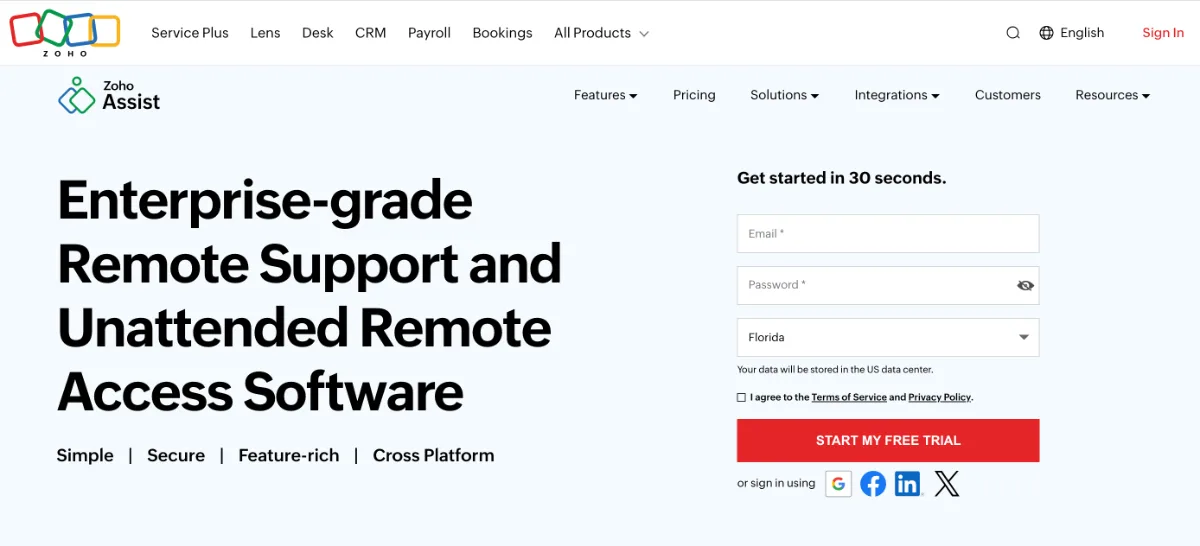
Zoho Assist enables businesses to provide on-demand support to remote customers. Unlike other software packages, it allows users to make changes remotely without having to locally enter UAC credentials.
Zoho Assist’s multi-monitor, file sharing, and chat capabilities help deliver the support customers need.
Pros
- Intuitive application console
- Interface works well on desktop and mobile
- Can initiate remote support sessions anytime
Cons
- Slow file transfers
- Enterprise license required for video chat
- Occasional glitches in login authentication
9. ISL Online
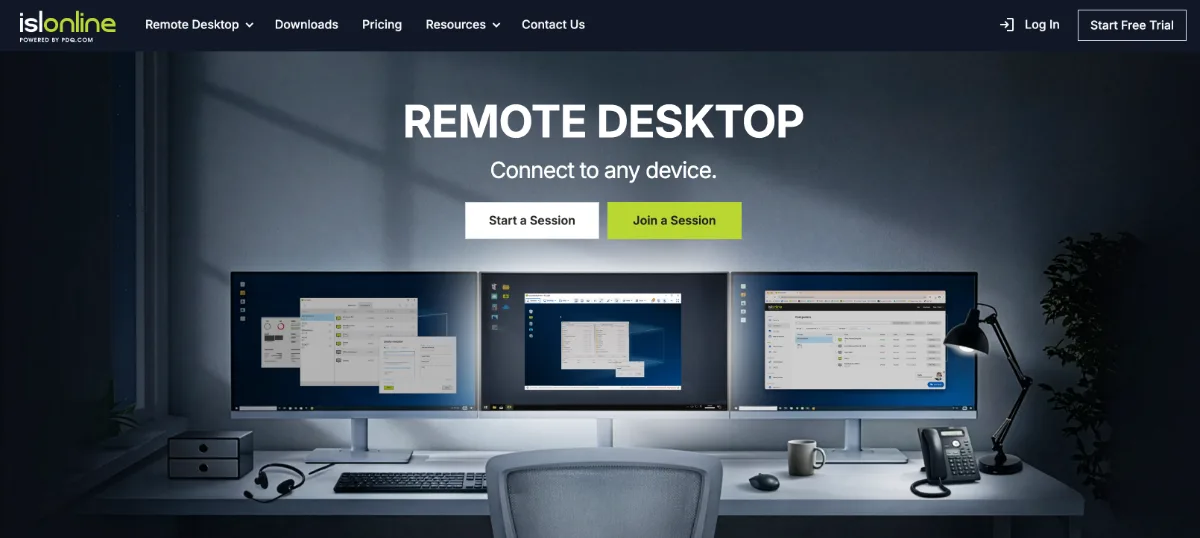
ISL Online is a remote desktop solution built for IT support teams and managed service providers. It offers attended and unattended remote access across Windows, Mac, Linux, and mobile devices. Organizations can run it in the cloud or choose self-hosting on their own servers for complete data control.
Security features include end-to-end AES 256-bit encryption, two-factor authentication, SSO via SAML 2.0, and granular permission management. The company holds ISO/IEC 27001:2022 certification. Its licensing model covers unlimited users, installations, and endpoints per concurrent session, making it cost-effective for growing teams.
Pros:
- Cloud and self-hosted deployment options
- ISO 27001:2022 certified with end-to-end encryption
- Unlimited users and endpoints on a single license
- Session recording, file transfer, and RDP tunneling included
Cons:
- Connection stability can dip during long sessions
- No free plan (15-day trial only)
10. RustDesk
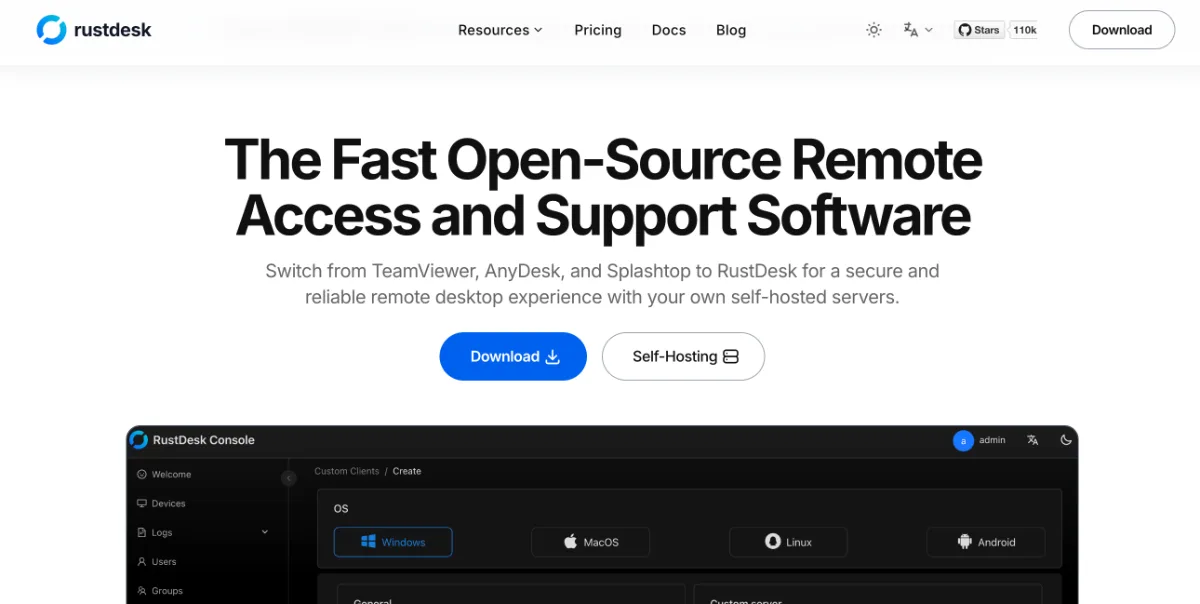
Need an AnyDesk alternative that’s budget-friendly? When it comes to cost, RustDesk tops the list. This open-source remote access software requires minimal configuration and grants access to most of its features. RustDesk is a solid free AnyDesk alternative with strong remote access capabilities for users who don’t need enterprise-level support. Its cross-platform operability and end-to-end encryption are reliable enough for basic remote access and support. If you’re considering RustDesk itself, see our roundup of RustDesk alternatives.
Pros
- Lightweight and easy to install
- Excellent audio transmission
Cons
- Limited customization options
- Mobile apps lack feature parity with desktop
Detailed Feature Comparison for Remote Support and Access
Here’s a checklist of features to help you compare the top AnyDesk alternatives above.
|
Multi-monitor Support
|
Multi-user Capability
|
File transfer
|
Remote Printing
|
Session Recording
|
Screen sharing
|
Session Chat
|
|
|---|---|---|---|---|---|---|---|
| RealVNC | |||||||
| TeamViewer | |||||||
| Splashtop | |||||||
| LogMeIn | |||||||
| ConnectWise ScreenConnect | |||||||
| RemotePC | |||||||
| Chrome Remote Desktop | |||||||
| Zoho Assist | |||||||
| ISL Online | |||||||
| RustDesk |
User Reviews and Ratings
“[RealVNC] allows attended and unattended access to remote computers [and] supports multiple target OSes. Response time is great. Lag is unnoticeable granted a good network connection. It allows granular setup locally or by a policy.”
Vladimir M., VP-Technology Rated RealVNC 5 stars on G2
“[Our] most liked feature in TeamViewer is the remote access ability, where we can take control of any computer remotely, even [when it’s] in sleep mode. [However, the software] requires strong internet connectivity, or the video and audio become laggy and choppy.”
Shane F., Software Engineer, Rated TeamViewer 3.5 stars on G2
“Solid software, decently reliable and good for ‘headless’ connections to servers or desktops. [But] we seemed to lose connection when performing a reboot.”
Isaac G., Technology Coordinator, Rated Splashtop 4.0 stars on G2
Remote Access Software Use Cases
Remote Work
RealVNC is designed to meet the demands of remote work. It allows teams to work wherever they are while advanced admin tools keep you in control of data and access.
Aside from full end-to-end encryption, RealVNC has built-in Perfect Forward Secrecy to protect data even on public Wi-Fi. Even in the unlikely instance when a man-in-the-middle gains access to a session, all other sessions cannot be decrypted. This strong security feature makes remote work safe and secure, regardless of the type of connection.
IT Support
IT teams and MSPs, in particular, benefit greatly from RealVNC’s granular access controls, which allow permissions to be fine-tuned according to user roles, attributes, and other factors. They can customize security policies for remote access users and also securely gain complete control of remote devices.
When providing remote support, the software launches in seconds without requiring customers to install any software. A high-quality connection makes it seem that the technician is sitting right in front of the remote device.
Online Collaboration
Built for collaboration, RealVNC Connect has all the features that make it easy for dispersed teams to work together. Aside from multi-platform accessibility, the software has file sharing, remote printing, real-time chat, screen sharing, and other capabilities that support seamless collaboration.
For businesses that require close monitoring 24/7, RealVNC enables remote monitoring in real time so issues can be fixed as soon as they arise.
The Best AnyDesk Alternative Is the One That Meets Your Needs
The right remote access solution enhances your capability to manage the digital aspects of your business and deliver the support your customers need. While AnyDesk is a popular choice, there are alternatives that might better meet your specific needs.
For businesses prioritizing security, ease of use, and flexibility, RealVNC offers one of the most reliable remote access solutions. It consolidates all remote access tools in one easy-to-use platform and enforces strict security protocols to keep your company data safe.
When choosing the best AnyDesk alternative, carefully go over the features of each software to find the one that best fits your organization’s unique requirements.
Frequently Asked Questions
What is the best alternative to AnyDesk for remote desktop access?
The best AnyDesk alternative is one that meets your specific needs. For instance, Chrome Remote Desktop is suitable for occasional remote screen sharing. For businesses with more complex remote needs, comprehensive software solutions like RealVNC are better alternatives.
Are there any free AnyDesk alternatives for personal use?
Several tools offer free plans for personal use. Chrome Remote Desktop and RustDesk are both completely free. Other tools, like Iperius Remote and Microsoft Remote Desktop, offer free tiers with limited functionality. TeamViewer offers a free version restricted to non-commercial use. For business needs, paid solutions like RealVNC Connect provide stronger security and remote access capabilities at an affordable price.
How does RealVNC compare to AnyDesk in terms of features?
Both software enable cross-platform access, multi-platform support, remote desktop administration, and remote support administration. However, users prefer RealVNC for the quality of its unattended access, remote printing, mobile device access, and customer support.
Can RealVNC be used for remote work, remote learning, and remote support?
Yes, RealVNC plans can be customized according to your specific use case. These include team collaboration, training, and help desk support.
How does RealVNC ensure secure remote access for its users?
RealVNC offers robust security through features like end-to-end encryption, MFA, compliance with various data regulations standards, and more.