
Remote desktop software for Linux
The secure way to access and operate a Linux device from your desktop, tablet or mobile.
Fast, secure & reliable remote desktop software for Linux
Support for major Linux distributions
VNC Connect supports Ubuntu, Red Hat, CentOS and SUSE.
Maximize your IT stack with Virtual Mode
Accomplish more from a single Linux device with Virtual Mode. Multiple users can create their own unique sessions via virtual desktops, where they can work without disturbing one other.
Connect across platforms
Do more with multi-platform support that lets you access devices running Windows, Mac, and Raspberry Pi, as well as mobile devices. Use our VNC Viewer app (iOS and Android) to access your desktop whilst on the go.
Get more done with VNC Connect on Linux
Optimized performance
Even in environments with low-bandwidth and high-latency, VNC Connect offers a reliable connection by automatically optimizing for your network bandwidth.
Tailored user permissions
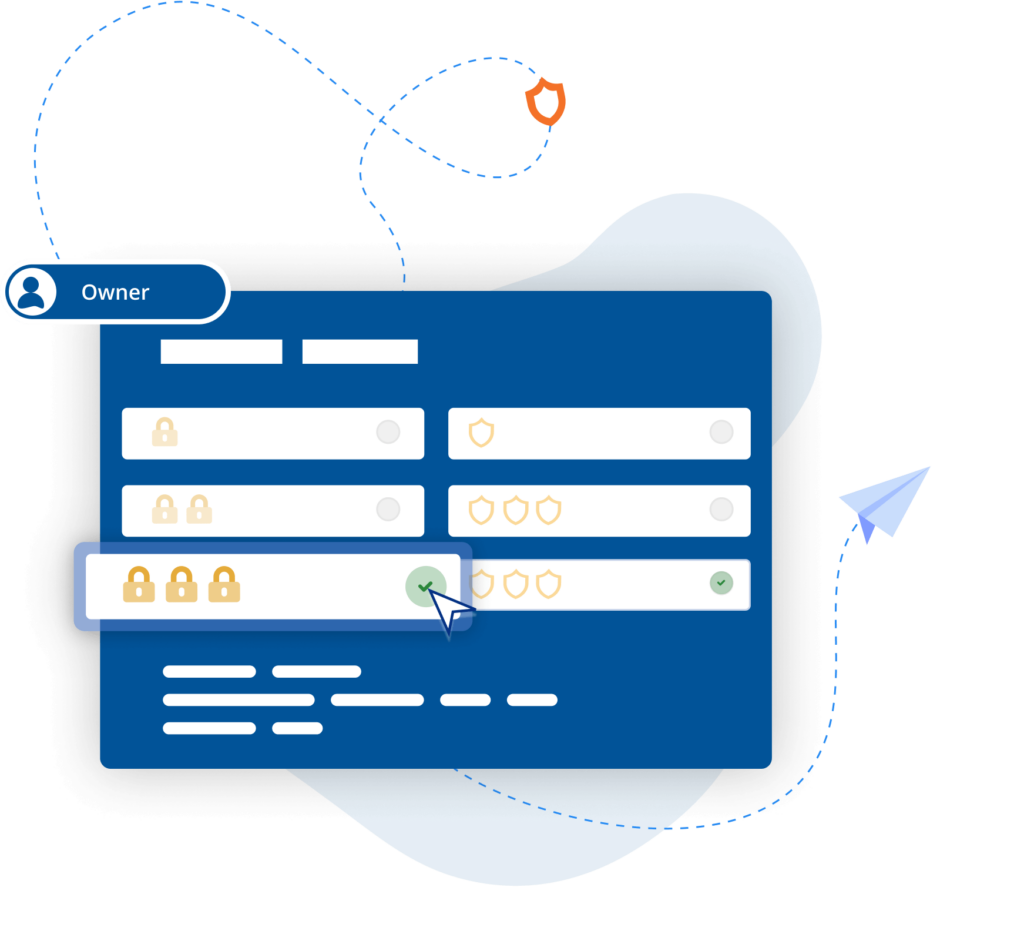
Set everyone up for success whilst ensuring the right people have the right level of access. VNC Connect makes it easy to configure setup to best fit team needs with granular controls.
Easy-to-administer access
Keep admin simple by managing permissions by policy templates and distributing remotely to devices, saving you considerable time and effort.
Power productivity
Packed with helpful tools like two-way file transfer, remote printing, and in-session chat, VNC Connect helps you get more done using remote access.
Backwards compatibility
VNC Connect also supports older versions of Ubuntu, Red Hat and CentOS, giving you flexibility and helping to extend the life of your IT estate.
Free from frustration
Use your remote devices as though you were actually in front of them, with a responsive connection and exceptional image quality.
“ We use RealVNC software daily and because of it we are able to resolve 95% of IT issues directly from where we are. ”
Wayne Murray
IT Helpdesk Supervisor
Secure by design
Offer secure remote access at scale across your organization with confidence. VNC Connect features enterprise-grade security that protects against external threats, while a suite of admin tools gives you complete control of access across all devices.
Security is at the core of our solution – by design, we treat every connection as though it originated in a hostile environment. To safeguard against unsolicited access, an incoming connection must always be authorized from the end-user device on the Server side. And to ensure total privacy, sessions are always end-to-end encrypted at up to 256-bit AES.
Trusted by leading IT teams worldwide
REJI
« Le fait que RealVNC Connect soit compatible avec un large éventail de systèmes d'exploitation est important pour notre croissance future. Avec RealVNC Connect, nous pouvons surveiller un panneau numérique fonctionnant sous Android, ou des bornes clients dont le système d'exploitation est basé sur Windows. La flexibilité de travailler avec n'importe quel système nous permet de dire « oui » à n'importe quel client potentiel »
- Frank Yoder, CEO
BIOTRONIK augmente son efficacité et son support client avec RealVNC Connect
"Nous pouvons utiliser RealVNC pour avoir une connexion directe au dispositif de programmation et même prendre le contrôle du dispositif pour ... voir directement sans aucune interprétation. C'est très facile à mettre en place et c'est une aide précieuse pour l'assistance de nos clients et, bien sûr, pour l'amélioration de la sécurité des patients."
- Jan Iden, ingénieur médical
Qtrac
"Nous avons immédiatement réalisé que l'interface utilisateur était bien meilleure pour nous, et bien plus conviviale pour l'équipe du service d'assistance. Très vite, nous nous sommes dit qu'il fallait tout passer à RealVNC. »
Aleks Nikolovski
100.3 FM
« Pouvoir opérer sur deux marchés est vraiment important pour notre entreprise. VNC Connect nous permet de le faire sans avoir à conduire constamment entre Timaru et Oamaru. Cela change la donne pour nous ».
James Valentine
MiPi Support
"RealVNC® me facilite vraiment l'utilisation de mon téléphone ou ma tablette depuis n'importe quel endroit pour examiner et résoudre un problème en cas de besoin."
Matt Ireland, Fondateur
Massage Robotics
"Chez Massage Robotics, nous n'écrivons pas des programmes qui indiquent simplement aux robots d'aller d'un point à un autre. Nous créons des algorithmes alimentés par des bases de données qui permettent à nos robots de concevoir de nouvelles routines. Avec des centaines de lignes de code dans chaque robot, et des milliers d'autres lignes basées dans le nuage, RealVNC est une solution qui change la donne pour nous."
Frequently asked questions
Didn’t find the answer you were after? Check out our Help Center for more FAQs, technical docs and how-to guides.
VNC Connect (VNC Viewer and VNC Server) offers support for Ubuntu, Red Hat, CentOS, and SUSE. View this Help page for more detail.
Depending on subscription, you can remotely configure VNC Connect (VNC Viewer and VNC Server) using policy templates and then provision target computers. Learn more here.
Yes, it is. Depending on subscription, you can install VNC Server and supporting programs on a central computer and enable users to run programs from target computers. Learn more here.
Let’s talk
Get in touch today to discuss how we can help with your remote access needs:
- Empower your organization with secure, remote access.
- Improve service levels for your helpdesk and support teams
- Support flexible working environments for employees