





RealVNC Viewer vs. Open source alternatives
How RealVNC Viewer stacks up to the open source alternatives
With so many options out there, discover the key features of RealVNC that set it apart from UltraVNC, TightVNC, TigerVNC, and TurboVNC.
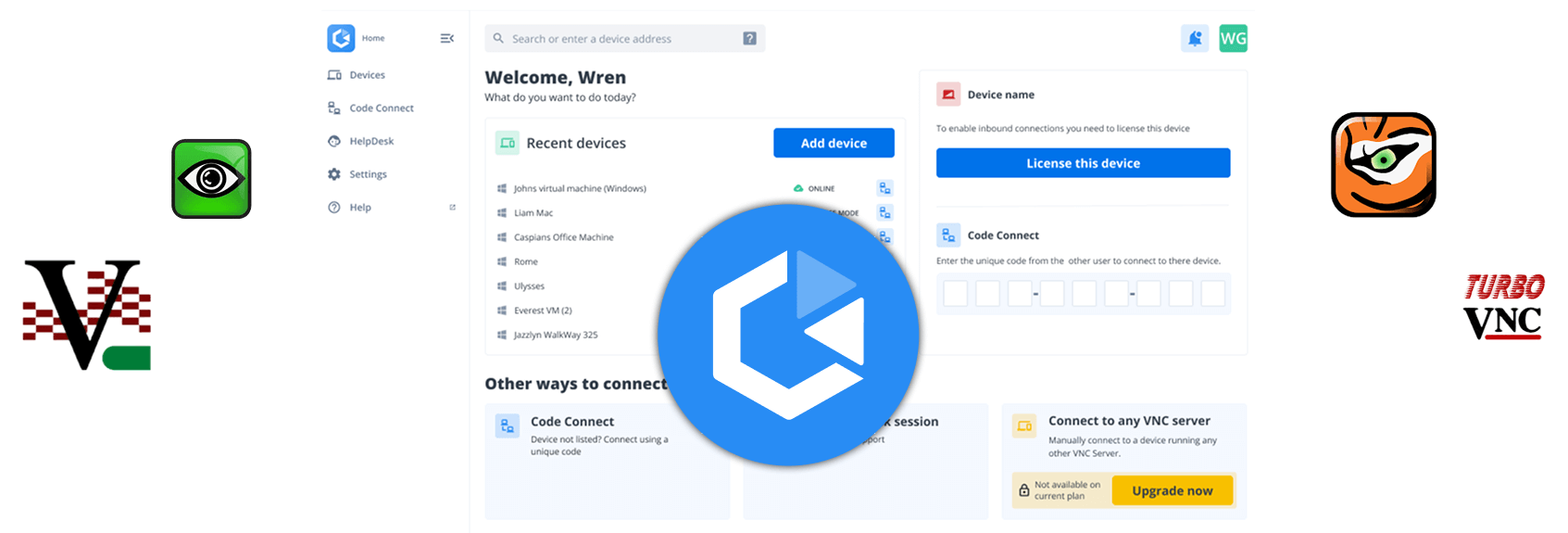
A VNC Viewer that stands apart from the pack
Unlike the other VNC Viewers out there, RealVNC Viewer isn’t an open source project. It’s a proprietary remote access solution that’s continuously developed, actively maintained, and trusted by 60,000+ businesses worldwide.
Runs on your OS of choice
RealVNC Viewer is available on Windows, macOS, Linux, Raspberry Pi, Android & iOS, giving you one solution for accessing all your devices.
RealVNC Viewer supports:
Windows
MacOS
Linux
Raspberry Pi
Android
iOS
Save time with saved devices
RealVNC Viewer will remember devices you’ve connected to, saving them to your Devices List, so you can connect to them in future with just a click.
Much easier than entering a device’s details every time.
Runs on your OS of choice
Many VNC Viewers are developed with advanced users in mind. Even then, they can be difficult to get to grips with.
RealVNC Viewer boasts a modern interface that makes setup and connecting easy for anyone, regardless of their technical know-how.
Explore VNC Viewer options
See Why RealVNC Viewer Leads the Pack
RealVNC Viewer
The Gold Standard for Secure Remote Access
RealVNC Viewer stands out as the most secure, polished, and user‑friendly VNC experience on the market. With up to 256‑bit AES encryption, multi‑factor authentication, and effortless cloud or direct connectivity, delivering enterprise‑grade security that is reliably trusted by businesses around the world.
Cross‑platform support spans Windows, macOS, Linux, mobile, and more, all wrapped in an intuitive interface allowing anyone to connect with confidence and zero fuss.
UltraVNC
Best for: Windows Power Users
When you use UltraVNC Viewer by itself, the features are fairly limited. Used with UltraVNC Server, you get standard features like file transfer, chat, multiple authentication methods, and optional AES encryption. It lacks core security features by default, requiring a plug in for encryption.
Being designed for power users, the learning curve is steep and the user experience can feel clunky and intimidating.
Read more in our RealVNC vs UltraVNC Comparison →
TigerVNC
For Linux‑heavy environments
TigerVNC is designed for advanced users and technical teams. It includes TLS encryption and broad OS compatibility. A solid open‑source option, especially for Linux‑heavy environments.
TigerVNC is less accessible for non‑technical teams compared to RealVNC’s streamlined setup and guided security.
Read more in our RealVNC vs TigerVNC Comparison →
TightVNC
A Basic, Lightweight Remote Access solution
TightVNC is built for low‑bandwidth connections and is a popular free choice for hobbyists or simple LAN setups.
With no built‑in modern encryption and higher latency, it’s not ideal for secure or business‑critical remote access.
Read more in our RealVNC vs TightVNC Comparison →
TurboVNC
For graphics intensive work on Linux machines
TurboVNC focuses is best suited to 3D, video, and graphics‑intensive workflows. It’s advanced JPEG compression and integration with VirtualGL means it excels in high‑end visualization environments.
Still, its niche focus, Linux-only distribution, and technical setup requirements make it less accessible than the smooth, enterprise‑ready experience delivered by RealVNC Viewer.
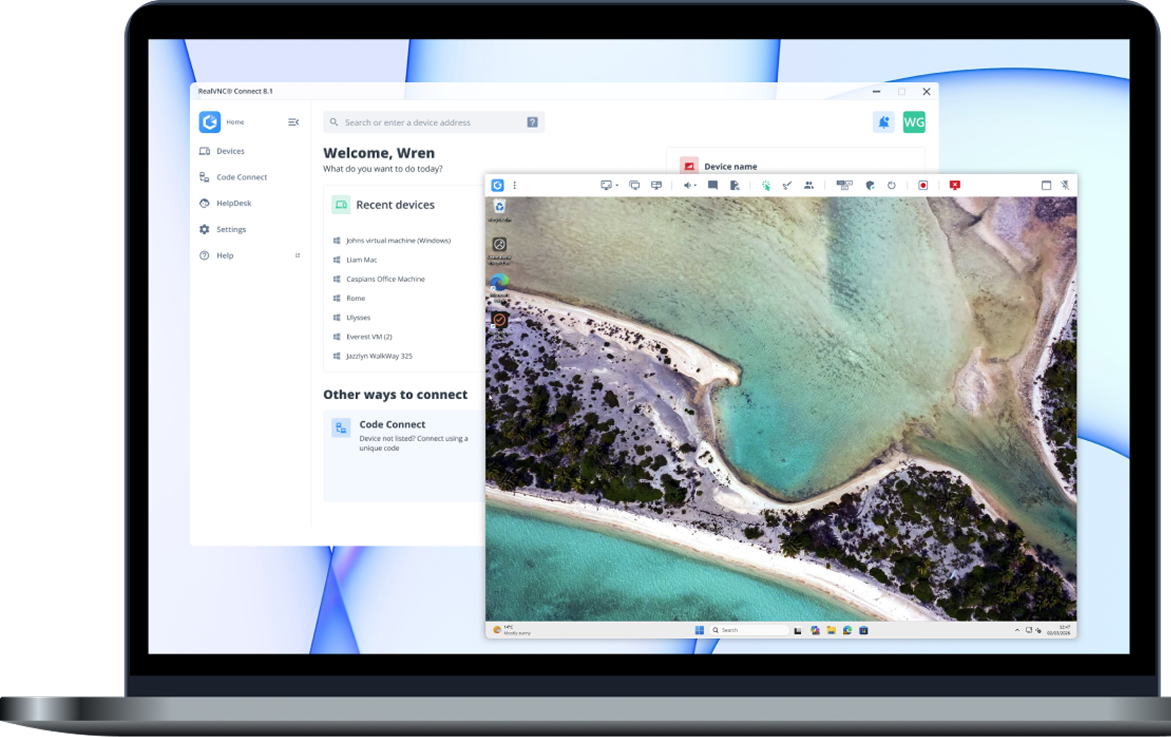
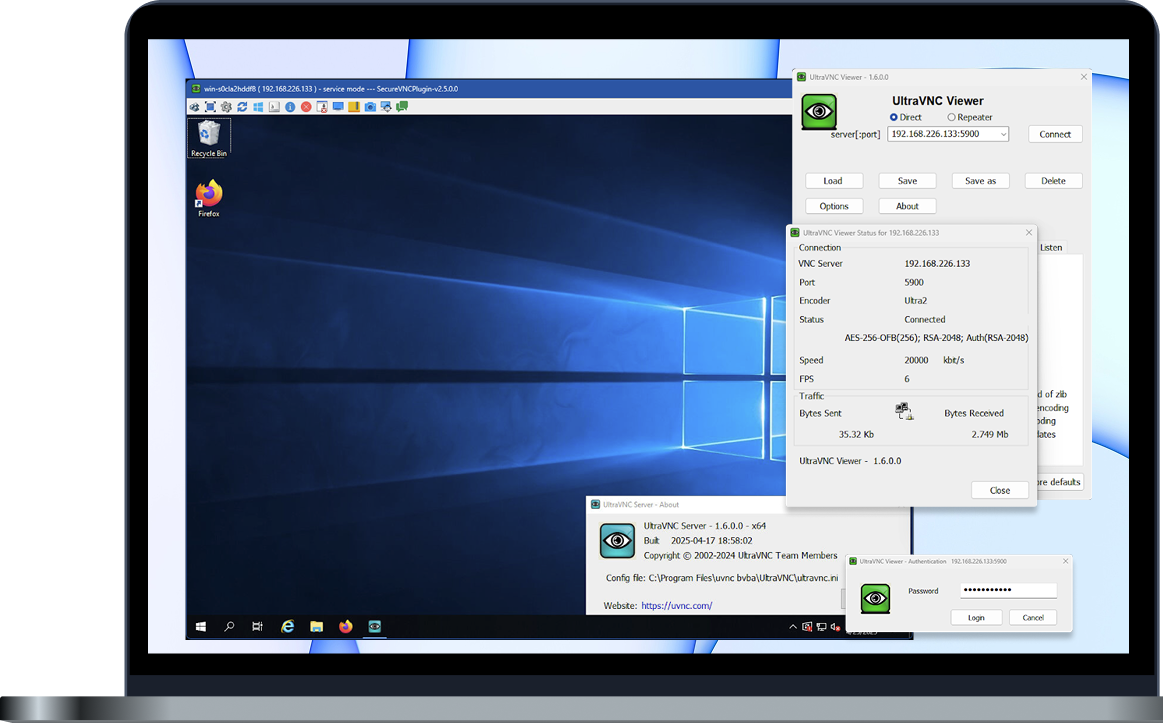

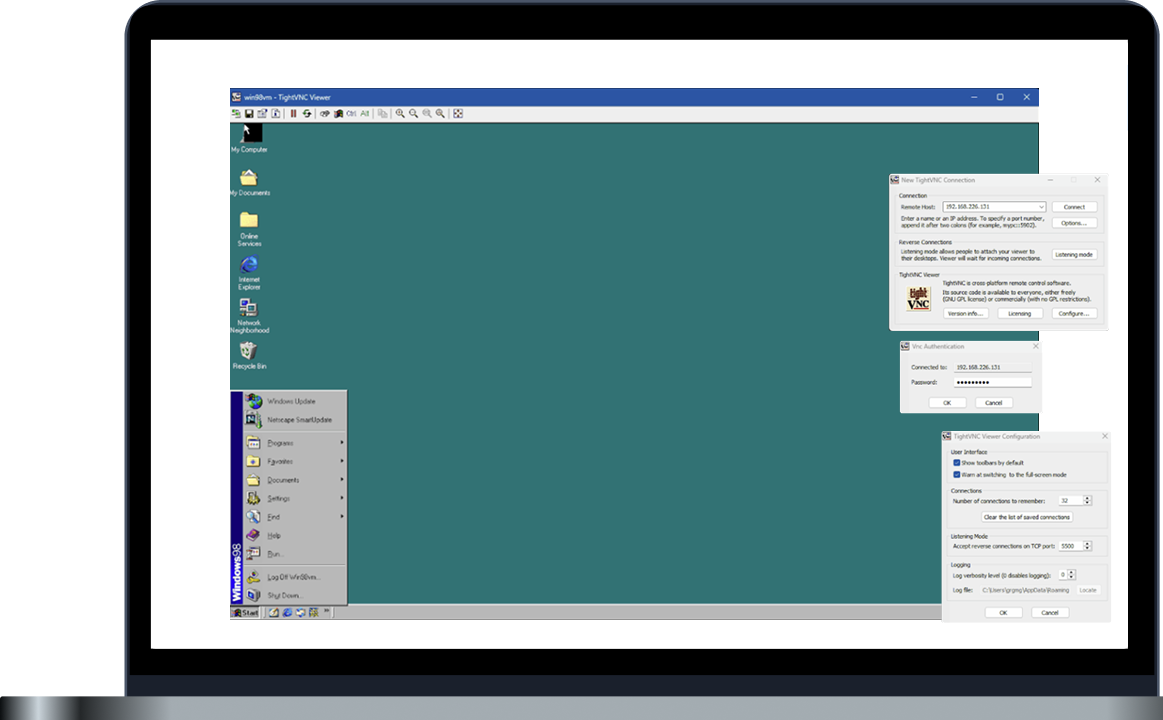

Plays nicely with other VNC servers.
Performs incredibly with ours.
When you couple RealVNC Viewer with RealVNC Servers as part of RealVNC Connect, you get a range of powerful features, unrivalled performance, and enhanced security.
Meet RealVNC Connect:
Cloud-powered remote access
Running on our private, cloud-hosted service, RealVNC Connect automatically brokers connections for you, protecting them with end-to-end encryption, and offering useful features like multi-monitor support, screen blanking, and audio streaming.
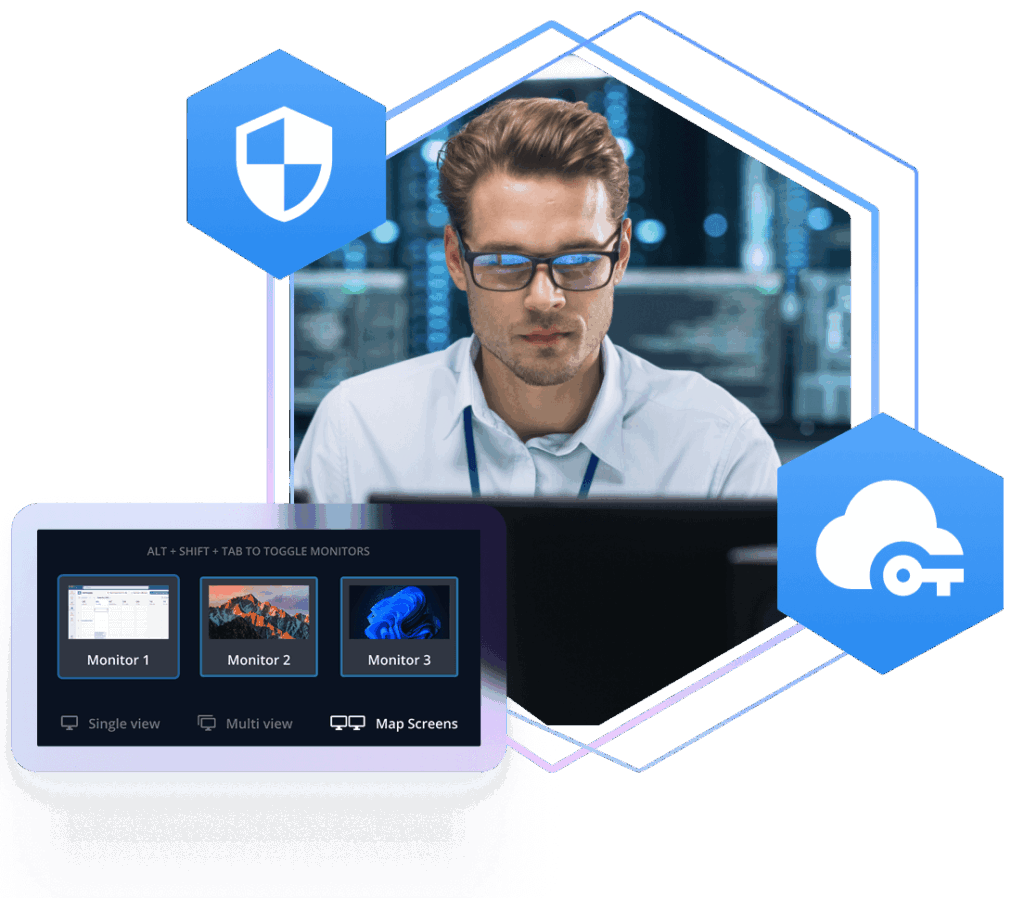
RFB 6. Exclusive to RealVNC
We’ve developed the RFB protocol beyond what you’ll find in other VNCs.
Our proprietary RFB 6 protocol not only delivers faster, more stable connections but it also supports audio transmission and enhanced security. It’s part of the secret sauce that sets RealVNC apart from the other VNCs.
Securely access your devices wherever they are
Other VNCs require port forwarding and firewall configuration to connect to devices on external networks. That's risky business when the Internet is involved.
RealVNC Connect brokers secure, fully encrypted connections using our private cloud servers, without exposing any ports or punching holes in your firewall.
Secure, hassle-free connections
There’s no need to configure firewalls or ports, input IP address, or negotiate paths RealVNC Connect handles everything for you.
Our cloud-hosted service lets you connect in two clicks, handling the handshake between your devices and figuring out the ideal path for the best connection.
P2P priority with cloud-relay fallback
By default, RealVNC Connect attempts peer-to-peer connections for low latency and high reliability.
RealVNC Connect can relay connections over our private
cloud servers instead, giving you better coverage when a peer-to-peer connection isn’t possible.
Two Apps. One Standard. The Most Secure Remote Access on the Planet.
All your devices licensed to your RealVNC account are shown in your devices list, ready for you, no matter where you log in.
Get more done with tools like remote printing, chat, file transfer, and multi-monitor support.
Easily manage your RealVNC devices and users from the RealVNC Portal on any web browser. Learn more about RealVNC Portal.
Bring guest users into your remote device quickly and temporarily using a simple, self-expiring code. Learn more about Code Connect.
Start a remote support session in seconds with pretty much anyone on an internet-enabled device. Learn more about On-Demand Assist.
Download RealVNC Viewer for iOS or Android to connect to your devices whilst away from your desk. Learn more.


The only VNC with security you can truly trust
When it comes to remote access, knowing that you can trust in the security of your solution is paramount. With RealVNC, you’re getting a solution that’s built on core security principles, vetted by independent experts, and packed with features to keep access to devices protected.
Secure by design
Everything’s built with a security-first approach with our cybersecurity team involved throughout development and testing stages.
Independently verified security standards
Unlike other VNCs, we conduct regular independent third-party penetration tests, including white box security audits. Not only that, but we also publish the results for full transparency.
Secure connections out of the box
By default, every connection between RealVNC Viewer and RealVNC Server uses at least 128-bit AES-GCM encryption (with the option to dial this up to 256-bit AES). Compare that to the measly 56-bit DES password encryption in TightVNC or the arduous plugin-dependent security model of UltraVNC. And while TigerVNC may support TLS 1.2+, it takes extra effort to manually configure and troubleshoot.
Protect device access with better authentication methods
Other VNCs use one master password to authenticate access to all your devices. So once that’s compromised, it’s basically open season on your network. RealVNC is different. Each RealVNC Server has its own authentication method that you define, meaning that even if one device’s credentials are guessed, further unauthorized access is prevented.
Get the full experience with RealVNC Connect
Benefit from more features and enhanced security when you use RealVNC Viewer and RealVNC Server together.
Designed and developed in the UK
With the ever-growing threat from private and state-sponsored attackers, knowing who’s behind your software matters. Some open-source solutions are opaque about contributions whereas RealVNC is designed and developed by UK-based teams.
Cambridge, United Kingdom
Try RealVNC Connect today for free
Download RealVNC and sign up for a free 14-day trial today. No commitment or credit card needed.