
RealVNC logomark

RealVNC Viewer

Productivity

icon close circle

Rated 4.7 on G2

The World's Most Trusted Remote Access Platform

Trusted by 1 in 3 of Fortune Global 500 Enterprises

philips logo
Intel logo
dreamworks animation skg logo
shell oil logo
NASA logo
IBM logo

Rated 4.7 on a G2

The World's Most Trusted Remote Access Platform

Trusted by 1 in 3 of Fortune Global 500 Enterprises

philips logo
Intel logo
dreamworks animation skg logo
shell oil logo
NASA logo
IBM logo

Rated 4.7 on G2

The World's Most Trusted Remote Access Platform

Trusted by 1 in 3 of Fortune Global 500 Enterprises

philips logo
Intel logo
dreamworks animation skg logo
shell oil logo
NASA logo
IBM logo

Remote Access, Your Way

Find the Perfect Remote Access Fit for Your Team

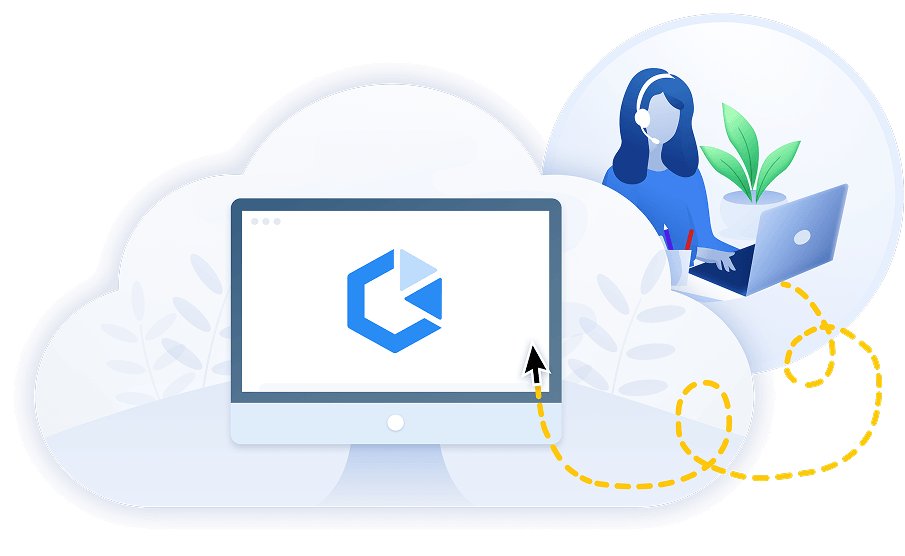
The All‑in‑One Remote Access App

Everything you need for everyday device access and general IT support.

woman in cloud with remote access

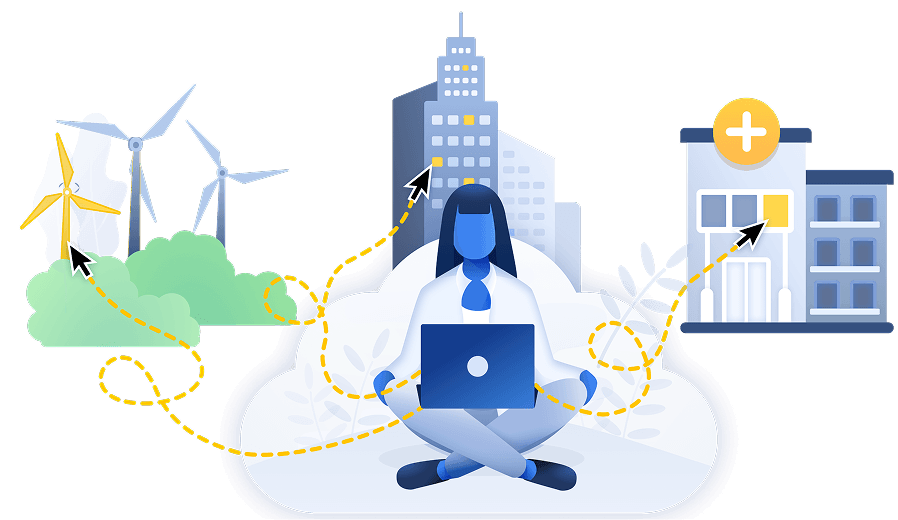
Separate VNC Viewer and Server Apps

Enhanced control for operators, engineers, and specialists accessing critical systems.

Worker with remote access in city
“RealVNC® Connect allows us to manage and maintain our toll systems remotely… No need to waste time and money travelling for hours to fix a simple issue! ”
Stephen Hall, Chief Technology Officer
American Roads
"With RealVNC® remote access software in place we can make the best use of our IT helpdesk resources and our florists are delighted with the new service."
Peter Roderick, Manager Information Systems
Interflora
“RealVNC® remote access software is so simple to use, easy to deploy and a lot less cumbersome than other solutions we tried. It’s bulletproof!"
Michael Rath, User Support Analyst
Western Energy
“I can’t even remember how we got along without RealVNC years ago!”
Wayne Hobbs, Satellite Control Network Analyst
Telesat
We can use RealVNC to have a direct connection to the programming device and even take over the control of the device to … have a direct look without any interpretations. It's very easy to establish and a very big help to supporting our customers there and, of course, increasing patient safety."
Jan Iden, Medical Engineer
BIOTRONIK
"RealVNC® provides us with a fast and effective way to support our widespread staff and students. It’s not a big piece of software but it’s fast and really simple to use."
Damian Nichols, Assistant Director of Technology
Kyrene School District
"With RealVNC® remote access software, we can now fix 90% of the issues we receive remotely, eliminating travel time and costs, while helping our clients without delay."
Harkesh Patel, Systems Administrator and IT Engineer
OptivITy


Built in
Cambridge, UK

HIPAA
Compliant

25+ years of
expertise

Over
1 Billion installs

Remote Access
Shortlist 2025

Work where ever works

Customized to your needs

Meet the demands of your business with a highly configurable remote access solution that can be customized to work for you.

Cross-platform compatibility

Access devices wherever in the world they are

Reach your remote devices any time of day, even if they're on external networks, with our cloud-based Connect service that securely brokers connections for you, ensuring they're fully encrypted and optimized for performance.

Built from the ground up

Secure to the core

Keep your systems safe with full session encryption, granular permission controls, and authentication options that ensure complete control of remote access

The key features you get with RealVNC

Centralized management 

Use your existing management tools, like Group Policy, to configure RealVNC Connect. ADM/ADMX templates are available for download.

Brute force protection

All RealVNC Connect clients include automatic brute‑force protection, increasing delays after failed login attempts to keep devices secure.

Granular Permissions 

Assign permissions to users or groups, including disabling features like file transfer or copy‑and‑paste where required.

Gatekeeping Access 

If someone is already logged in, RealVNC Connect can prompt them to approve or reject the incoming connection — ideal for protecting confidential work.

Privacy Mode 

Keep sessions private by blanking remote screens and locking input devices so you can work without interruption.

Deployment Options 

Deploy RealVNC Connect using MSI packages, Group Policy, or scripts to suit your organization’s needs.

Secure by Design

Our engineering team follows a Security Development Lifecycle and uses software composition analysis to detect and remediate third‑party vulnerabilities. Independent consultants regularly audit RealVNC Connect (see our Cure53 report).

White-box security audited

RealVNC periodically employs a specialist security consultancy to audit all aspects of the RealVNC Connect software. For further information, see our cure53 report

Independent penetration tests

Deploy RealVNC Connect using MSI packages, Group Policy, or scripts to suit your organization’s needs.

Code signing 

Authenticode (Windows) and Gatekeeper (macOS) signing ensures integrity; checksums available.

Session Logging & Audit 

Track all remote activity through local system logs. For cloud connections, detailed audit logs are available in the RealVNC Connect Portal or via API.

Our fundamental principles

High-trust services

You don't have to trust RealVNC as a company to trust our software and services

Secure data storage

We do not record your sessions, and data cannot be decrypted now or in the future

Secure environment

Every connection is treated as though it is made in a hostile environment

Connection control

The owner of the remote computer ultimately decides who is able to connect

The world's safest
remote access software

G2 logo with stars

Top 50 IT Management Products 2020

Capterra logo with stars

Best Software Reviews Platform

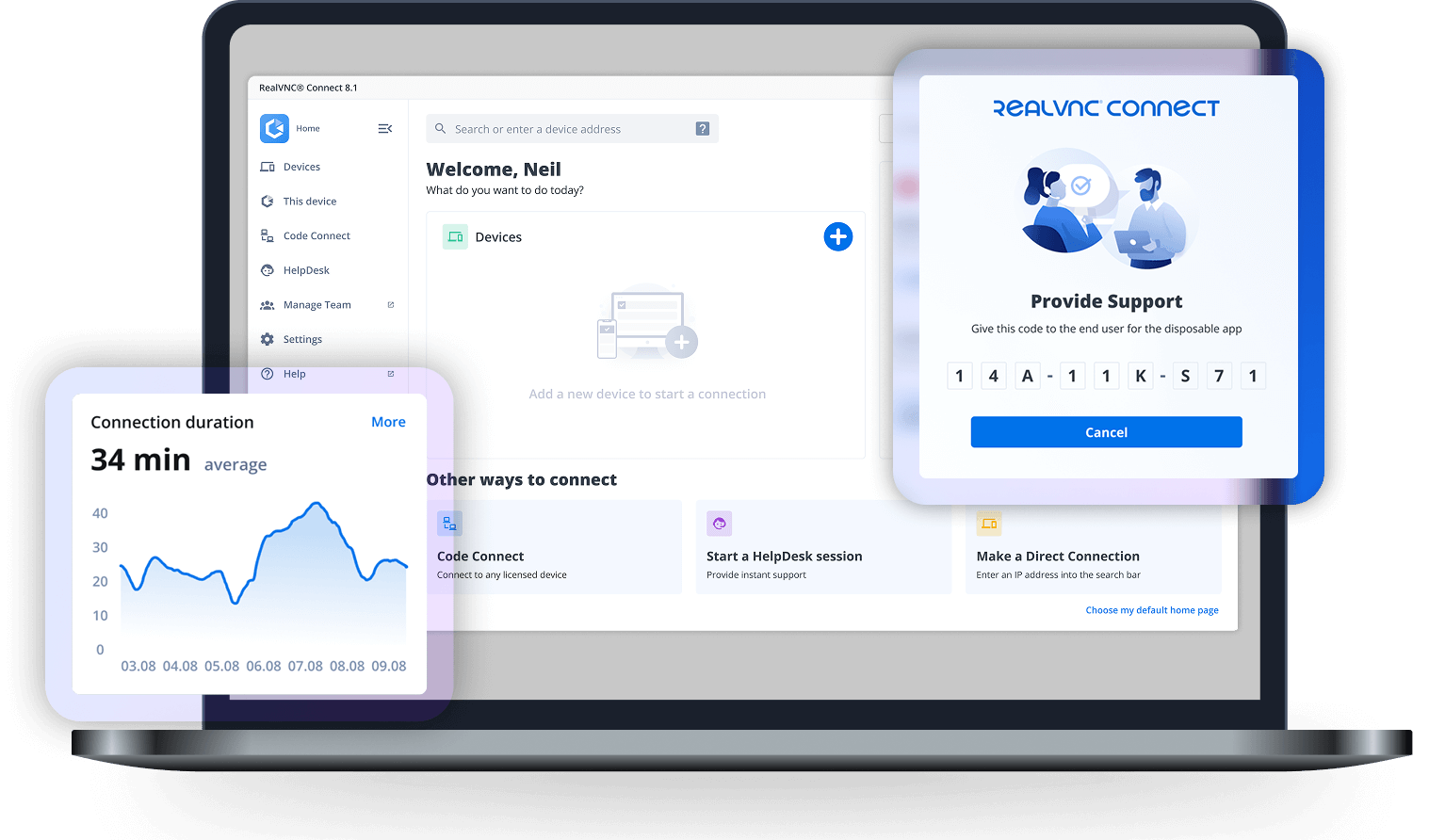
RealVNC remote access dashboard
RealVNC Connect Dashboard - Code Connect

The world's safest
remote access software

G2 logo with stars

Top 50 IT Management Products 2020

Capterra logo with stars

Best Software Reviews Platform

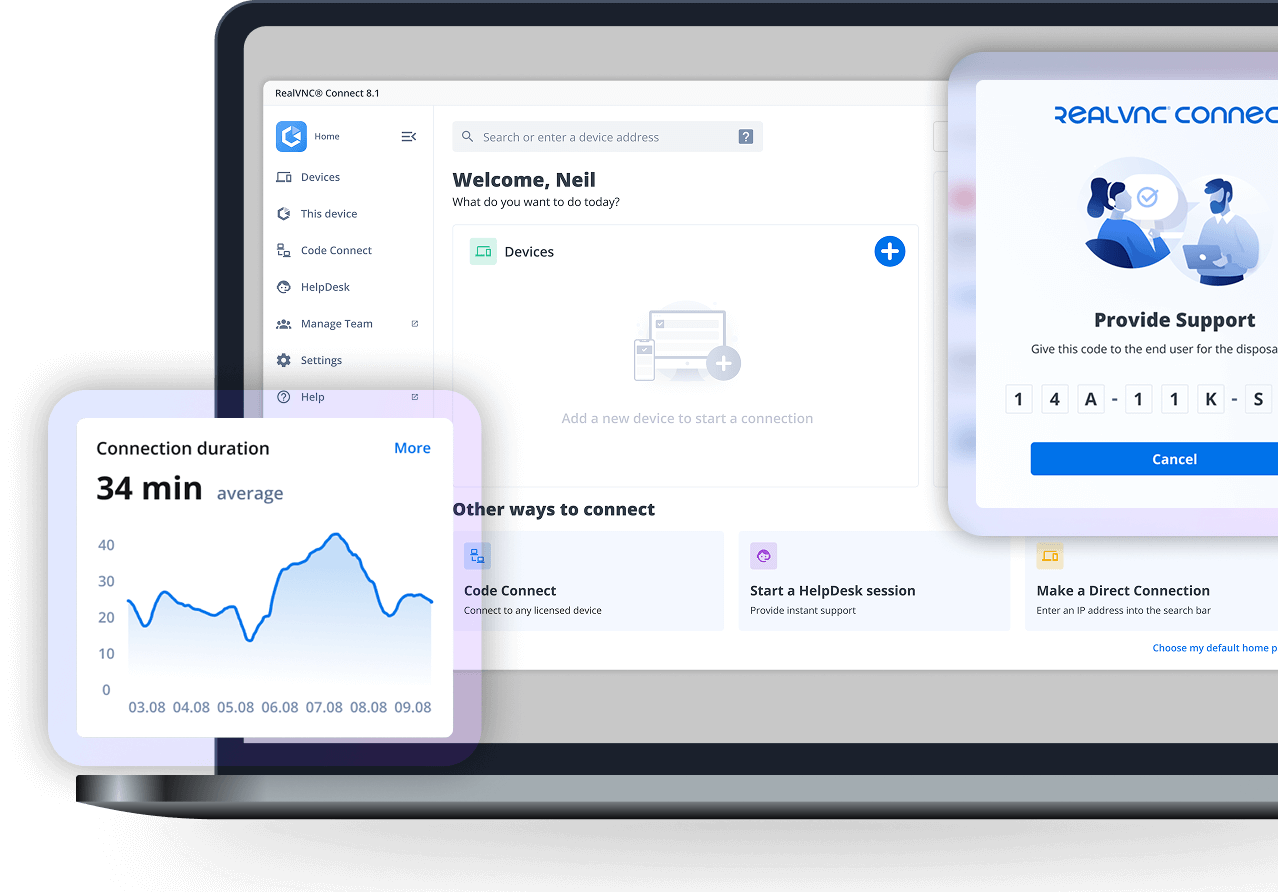
RealVNC remote access dashboard
RealVNC Connect Dashboard - Code Connect

Hear what businesses worldwide are saying about RealVNC secure remote access

OptivITy

Harkesh Patel, Systems Administrator and IT Engineer

"With RealVNC® remote access software, we can now fix 90% of the issues we receive remotely, eliminating travel time and costs, while helping our clients without delay."

RoadChef

Wayne Hobbs, Satellite Control Network Analyst

“The IT team is now able to provide remote support for staff dispersed across the UK!”

Boston Valley Terra Cotta

Wayne Hobbs, Satellite Control Network Analyst

“Having RealVNC remote access software allows us to remotely monitor and fix any problems quickly”

See how other customers are using RealVNC® Connect

Telesat

Wayne Hobbs, Satellite Control Network Analyst

“I can’t even remember how we got along without RealVNC years ago!”

Peter Roderick, Manager Information Systems,

"With RealVNC® remote access software in place we can make the best use of our IT helpdesk resources and our florists are delighted with the new service."

Find a solution that fits your needs

With RealVNC, you’ve the choice of connecting using cloud connectivity or deploying fully on-premises.

Get in touch today to discuss your requirements.