
Reliable remote desktop software for macOS
Access and operate all your Mac devices from your tablet, PC or phone.
Create without limits
Move fast with our lightweight solution that’s quick to download, fast to install and doesn’t cost you in valuable disk space or put a drain on power usage.
Collaborate remotely
Whether you need to offer support, access on-premise equipment, or want a way to collaborate on the next big project, VNC Connect makes it possible with a reliable, quality connection.
Connect across platforms
Do more with multi-platform support that lets you access devices running Windows, Linux and Raspberry Pi. Use our VNC Viewer app (iOS and Android) to access your desktop whilst on the go.
Fast, secure & reliable remote desktop software for macOS
Free from frustration
Feel as though you’re there at your devices with a responsive connection and exceptional image quality.
Tailored user permissions
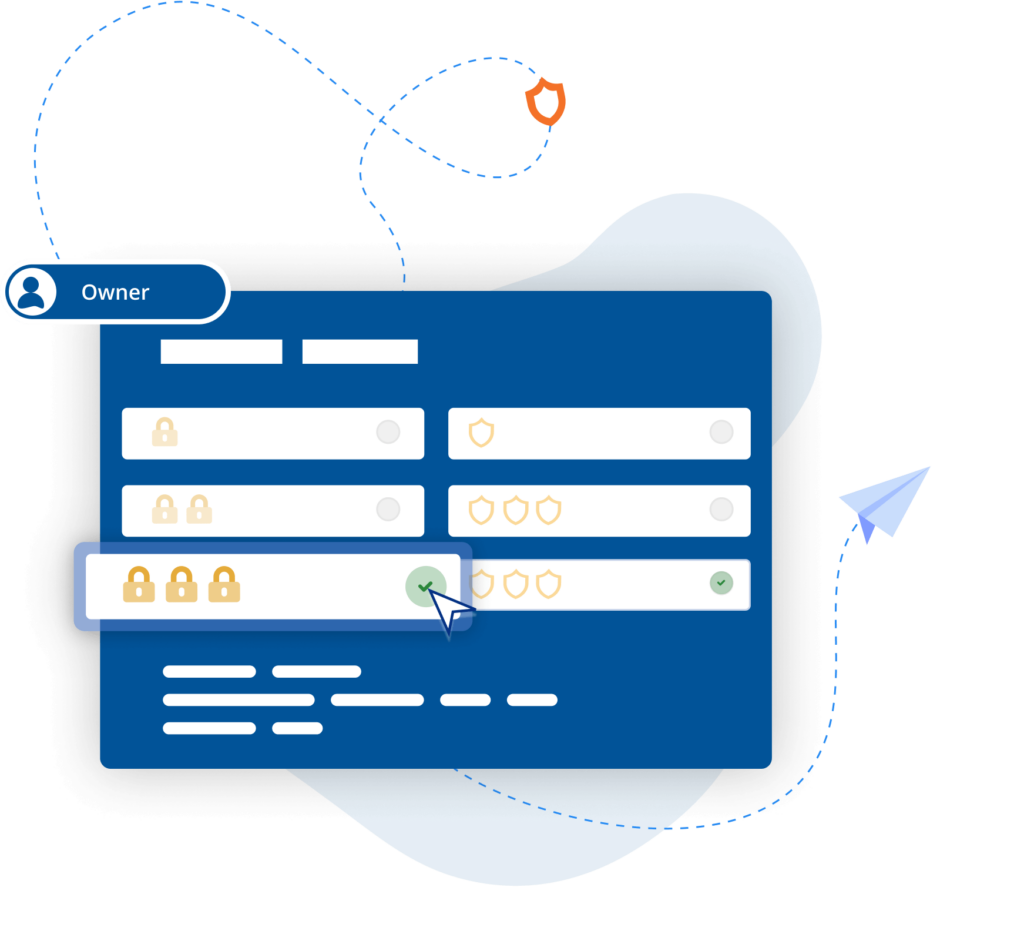
Ensure the right people have the right level of access with an easy-to-configure setup and granular permissions controls.
Centralized control
Simplify admin by managing permissions with policy templates that can then be distributed to remote devices.
Power productivity
Get more done with built-in support for two-way file transfer, remote printing, real-time chat, and screen recording.
Backwards compatibility
In addition to macOS Monterey, VNC Connect also supports older versions (up to OS X Yosemite), helping you extend the life and value of your IT estate.
Optimized performance
Auto-optimization algorithms ensure you get a reliable connection, even in low-bandwidth, high-latency environments.
“RealVNC remote access software allows us to assist editors and animators experiencing IT problems, without needing to leave our desks.”
Paul Reeves
Production Engineer
Secure by design
Offer secure remote access at scale throughout your organization with confidence. VNC Connect features enterprise-grade security that protects against external threats, while a suite of admin tools gives you complete control of access across all devices.
Security is at the core of our solution – by design, we treat every connection as though it originated in a hostile environment. To safeguard against unsolicited access, an incoming connection must always be authorized from the end-user device on the Server side. And to ensure total privacy, sessions are always end-to-end encrypted at up to 256-bit AES.
Trusted by leading IT teams worldwide
REJI
"Die Tatsache, dass RealVNC Connect mit einer breiten Palette von Betriebssystemen kompatibel ist, ist wichtig für unser zukünftiges Wachstum. Mit RealVNC Connect können wir eine digitale Anzeigetafel überwachen, die auf Android läuft, oder Kundenkioske, die ein Windows-basiertes Betriebssystem haben. Die Flexibilität, mit jedem System arbeiten zu können, macht es für uns viel einfacher, jedem potenziellen Kunden 'Ja' zu sagen."
- Frank Yoder, CEO
BIOTRONIK steigert die Effizienz und den Kundensupport mit RealVNC Connect
"Wir können mit RealVNC eine direkte Verbindung zum Programmiergerät herstellen und sogar die Steuerung des Geräts übernehmen, um ... direkt nachzusehen, ohne auf Interpretationen angewiesen zu sein. Es ist sehr einfach einzurichten und eine große Hilfe für die Unterstützung unserer Kunden vor Ort und natürlich für die Erhöhung der Patientensicherheit."
– Jan Iden, Medizintechniker
Qtrac
"Wir haben sofort erkannt, dass die Benutzeroberfläche für uns viel besser und für das Helpdesk-Team viel benutzerfreundlicher ist. Schon bald sagten wir: 'Lassen Sie uns einfach alles auf RealVNC umstellen.'"
Aleks Nikolovski
100.3 FM
„Die Möglichkeit, in zwei Märkten zu operieren, ist für unser Geschäft sehr wichtig. Mit VNC Connect können wir das tun, ohne ständig zwischen Timaru und Oamaru hin- und herfahren zu müssen. Das ist ein entscheidender Vorteil für uns.“
James Valentine
MiPi Support
"RealVNC® macht es mir wirklich leicht, von praktisch jedem Ort aus mein Telefon oder Tablet zu benutzen, um ein Problem zu untersuchen und zu beheben, falls es auftritt."
Matt Ireland, Gründer
Massage Robotics
"Bei Massage Robotics schreiben wir keine Programme, die den Robotern einfach sagen, dass sie von einem Punkt zum nächsten gehen sollen. Wir erstellen Algorithmen, die von Datenbanken gespeist werden, die es unseren Robotern ermöglichen, neue Routinen zu entwickeln. Mit Hunderten von Codezeilen in jedem Roboter und Tausenden von weiteren Zeilen in der Cloud ist RealVNC eine bahnbrechende Lösung für uns."
Frequently asked questions
Didn’t find the answer you were after? Check out our Help Center for more FAQs, technical docs and how-to guides.
VNC Connect (VNC Viewer and VNC Server) offers support for all releases since OS X Yosemite). View this Help page for more detail.
You can download VNC Server here. It’s the software to install on every computer you want to control.
You can download VNC Viewer here. It’s what you install on every desktop computer you want to control from. If you’re looking to control computers from a mobile device, search ‘RealVNC’ in the iOS App Store or Android Play Store.
When using Device Access on either Professional or Enterprise subscriptions, you can have as many concurrent sessions as you like. With Instant Support, concurrent sessions are capped per technician and vary depending on your subscription level – up to 3 concurrent sessions on Professional subscriptions and up to 10 concurrent sessions on Enterprise subscriptions.
Let’s talk
- Empower your organization with secure, remote access
- Improve service levels for your helpdesk and support teams
- Support flexible working environments for employees