
RealVNC® ロゴマーク

RealVNC Viewer

生産性

アイコンクローズサークル

Reliable remote desktop software for macOS

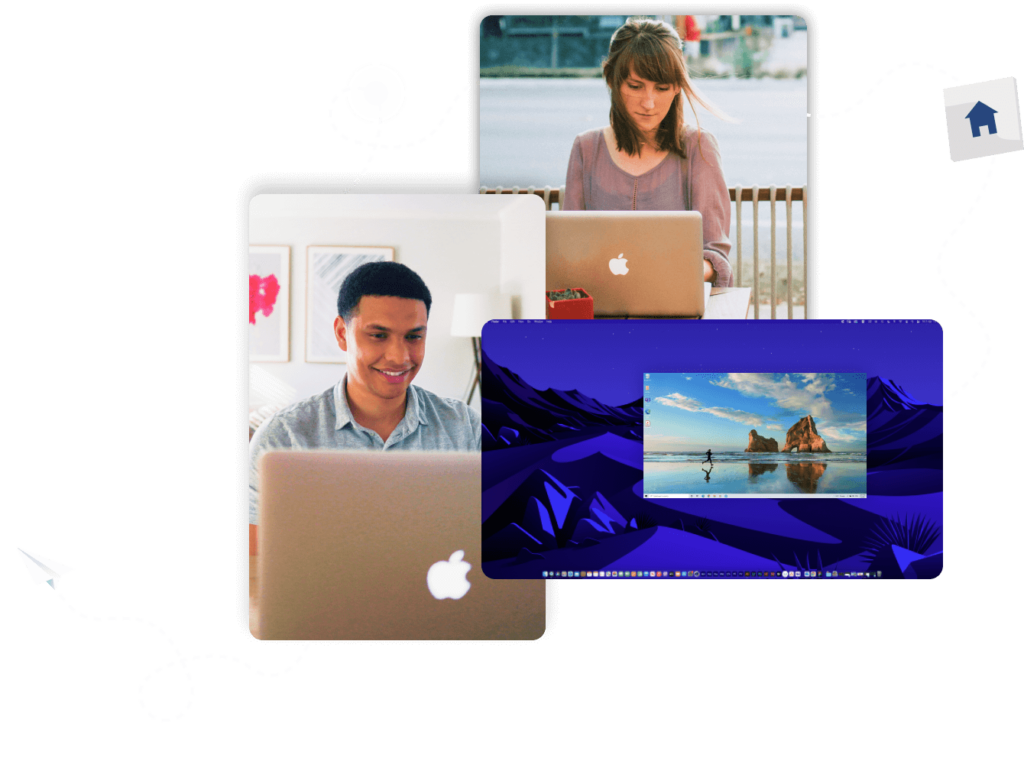
Access and operate all your Mac devices from your tablet, PC or phone.

Create without limits

Move fast with our lightweight solution that’s quick to download, fast to install and doesn’t cost you in valuable disk space or put a drain on power usage.

Collaborate remotely

Whether you need to offer support, access on-premise equipment, or want a way to collaborate on the next big project, VNC Connect makes it possible with a reliable, quality connection.

Connect across platforms

Do more with multi-platform support that lets you access devices running Windows, Linux and Raspberry Pi. Use our VNC Viewer app (iOS and Android) to access your desktop whilst on the go.

Fast, secure & reliable remote desktop software for macOS

Free from frustration

Feel as though you’re there at your devices with a responsive connection and exceptional image quality.

Tailored user permissions

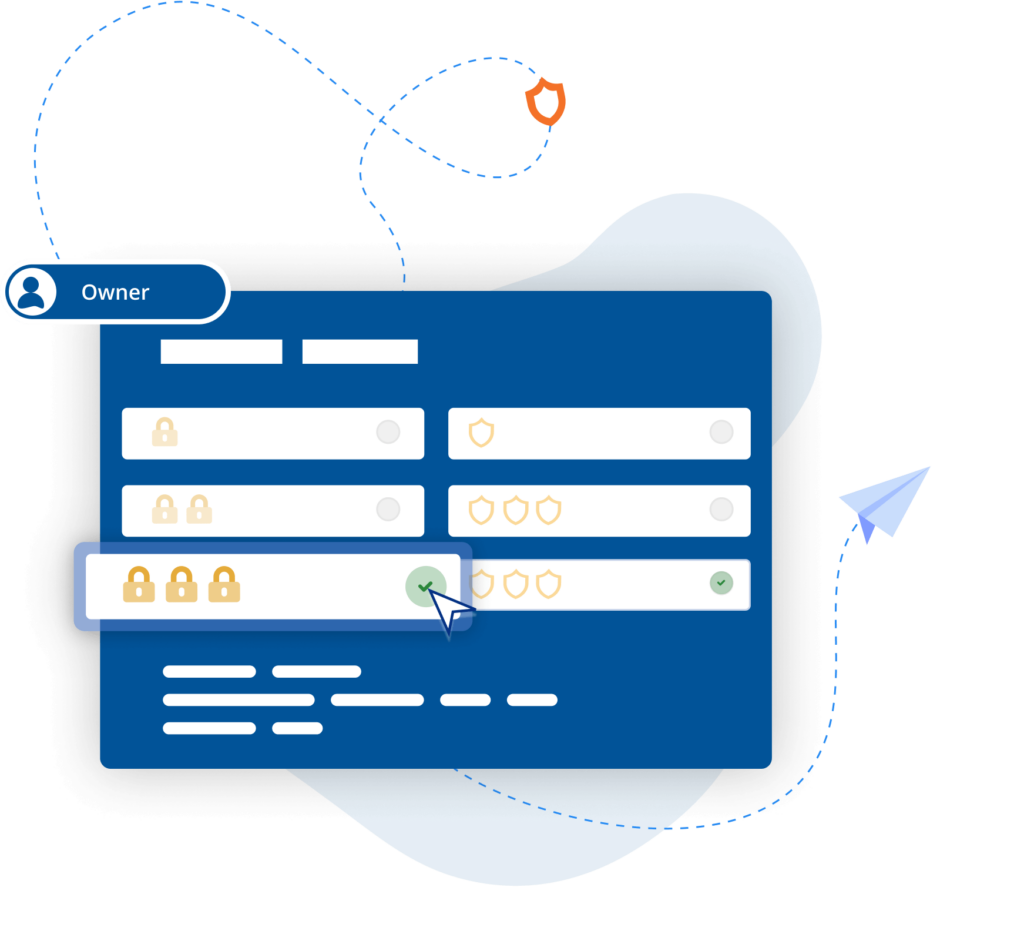
Ensure the right people have the right level of access with an easy-to-configure setup and granular permissions controls.

Centralized control

Simplify admin by managing permissions with policy templates that can then be distributed to remote devices.

Power productivity

Get more done with built-in support for two-way file transfer, remote printing, real-time chat, and screen recording.

Backwards compatibility

In addition to macOS Monterey, VNC Connect also supports older versions (up to OS X Yosemite), helping you extend the life and value of your IT estate.

Optimized performance

Auto-optimization algorithms ensure you get a reliable connection, even in low-bandwidth, high-latency environments.

Aardman

RealVNC remote access software allows us to assist editors and animators experiencing IT problems, without needing to leave our desks.

Paul Reeves

Production Engineer

Secure by design

Offer secure remote access at scale throughout your organization with confidence. VNC Connect features enterprise-grade security that protects against external threats, while a suite of admin tools gives you complete control of access across all devices.

Security is at the core of our solution – by design, we treat every connection as though it originated in a hostile environment. To safeguard against unsolicited access, an incoming connection must always be authorized from the end-user device on the Server side. And to ensure total privacy, sessions are always end-to-end encrypted at up to 256-bit AES.

Security

Trusted by leading IT teams worldwide

Shell
Intel
Dreamworks
Philips
NASA
IBM

REJI

「RealVNC Connectが幅広いOSに対応していることは、今後の成長にとって重要です。RealVNC Connectがあれば、Androidで動くデジタルサイネージも、WindowsベースのOSを搭載したキオスク端末もモニターできます。どのようなシステムにも柔軟に対応できることで、どのような潜在的な顧客にも「はい」と答えやすくなりました」

- フランク・ヨーダーCEO

緊急対応

MiPiサポート

"RealVNC®のおかげで、事実上どこからでも、携帯電話やタブレットを使って、何か問題が発生したときに調べて解決することが本当に簡単にできるようになりました。"

Matt Ireland, 創業者

BIOTRONIK、RealVNC Connectで作業効率とカスタマーサポートを向上させます

「RealVNC を使って、プログラミングデバイスに直接接続し、デバイスの制御を引き継ぎ、解釈を介さずに直接確認することもできます。構築はとても簡単で、現地のお客様のサポートに大いに役立ち、もちろん患者の安全性を高めるのにとても役立っています。」

— Jan Iden(Medical Engineer)

Qtrac

「私たちはすぐに、ユーザー・インターフェイスが私たちにとってはるかに優れており、ヘルプデスク・チームにとっても使いやすいものであることに気づきました。ほどなくして「すべてをRealVNCに切り替えよう」と判断しました」

Aleks Nikolovski

100.3 FM

「2つの市場で事業を展開できることは、私たちのビジネスにとって本当に重要です。VNC Connectのおかげで、ティマルとオアマルの間を常に車で移動する必要がなくなりました。これは私たちにとって画期的なことです」

James Valentine

Massage Robotics

“At Massage Robotics we don’t write programs that simply tell the robots to go from one point to the next. We create algorithms fed by databases that allow our robots to devise new routines. With hundreds of lines of code in each robot, and thousands more lines based in the cloud, RealVNC is a game changing solution for us.”

Try VNC Connect today for free

Frequently asked questions

Didn’t find the answer you were after? Check out our Help Center for more FAQs, technical docs and how-to guides.

VNC Connect (VNC Viewer and VNC Server) offers support for all releases since OS X Yosemite). View this Help page for more detail. 

You can download VNC Server here. It’s the software to install on every computer you want to control. 

You can download VNC Viewer here. It’s what you install on every desktop computer you want to control from. If you’re looking to control computers from a mobile device, search ‘RealVNC’ in the iOS App Store or Android Play Store. 

When using Device Access on either Professional or Enterprise subscriptions, you can have as many concurrent sessions as you like. With Instant Support, concurrent sessions are capped per technician and vary depending on your subscription level – up to 3 concurrent sessions on Professional subscriptions and up to 10 concurrent sessions on Enterprise subscriptions. 

Let’s talk

Complete the form if you would like to discuss the remote access strategy for your organization.