
RealVNC logomark

RealVNC Viewer

Produktivität

Symbol Kreis schließen

Remote desktop software for Linux

The secure way to access and operate a Linux device from your desktop, tablet or mobile.

Fast, secure & reliable remote desktop software for Linux

Support for major Linux distributions

VNC Connect supports Ubuntu, Red Hat, CentOS and SUSE.

Maximize your IT stack with Virtual Mode

Accomplish more from a single Linux device with Virtual Mode. Multiple users can create their own unique sessions via virtual desktops, where they can work without disturbing one other.

Connect across platforms

Do more with multi-platform support that lets you access devices running Windows, Mac, and Raspberry Pi. Use our VNC Viewer app (iOS and Android) to access your desktop whilst on the go.

Get more done with VNC Connect on Linux

Optimized performance

Even in environments with low-bandwidth and high-latency, VNC Connect offers a reliable connection by automatically optimizing for your network bandwidth.

Tailored user permissions

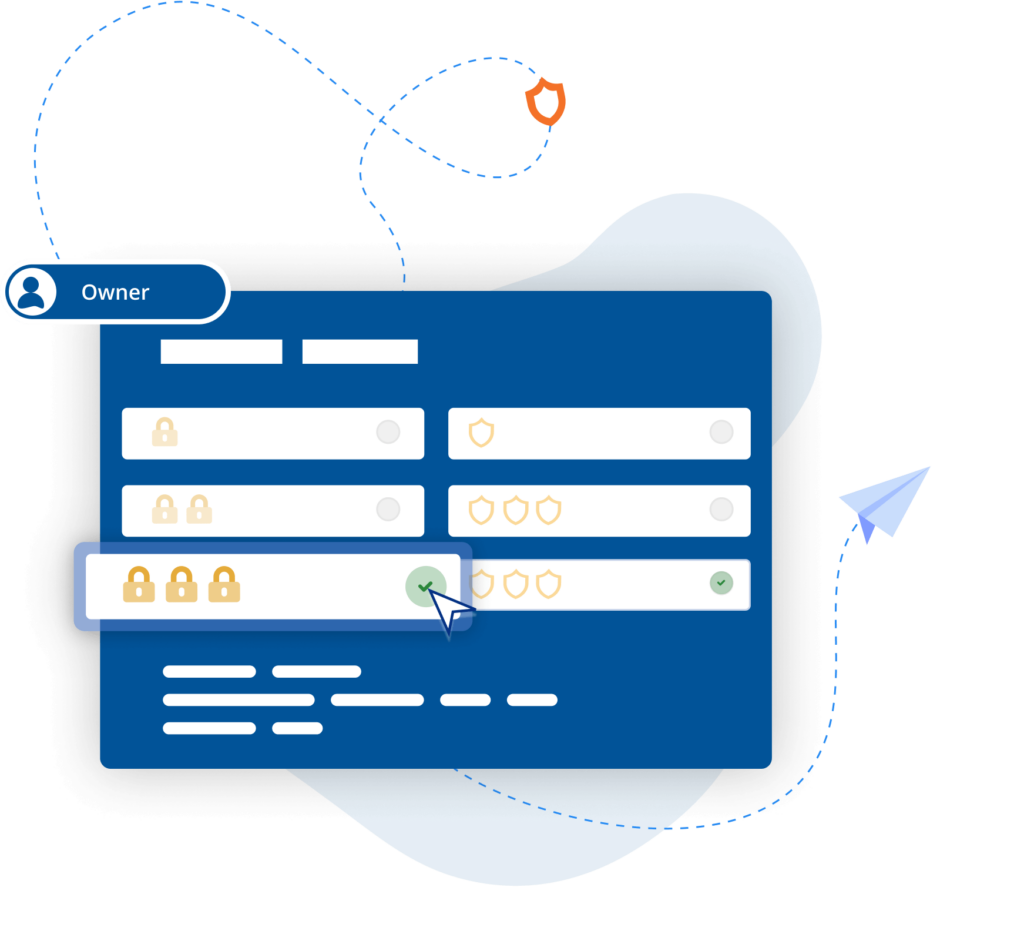
Set everyone up for success whilst ensuring the right people have the right level of access. VNC Connect makes it easy to configure setup to best fit team needs with granular controls.

Easy-to-administer access

Keep admin simple by managing permissions by policy templates and distributing remotely to devices, saving you considerable time and effort.

Power productivity

Packed with helpful tools like two-way file transfer, remote printing, and in-session chat, VNC Connect helps you get more done using remote access.

Backwards compatibility

VNC Connect also supports older versions of Ubuntu, Red Hat and CentOS, giving you flexibility and helping to extend the life of your IT estate.

Free from frustration

Use your remote devices as though you were actually in front of them, with a responsive connection and exceptional image quality.

BLP_Logo

“ We use RealVNC software daily and because of it we are able to resolve 95% of IT issues directly from where we are. ”

Wayne Murray

IT Helpdesk Supervisor

Secure by design

Offer secure remote access at scale across your organization with confidence. VNC Connect features enterprise-grade security that protects against external threats, while a suite of admin tools gives you complete control of access across all devices.

Security is at the core of our solution – by design, we treat every connection as though it originated in a hostile environment. To safeguard against unsolicited access, an incoming connection must always be authorized from the end-user device on the Server side. And to ensure total privacy, sessions are always end-to-end encrypted at up to 256-bit AES.

Sikkerhed

Trusted by leading IT teams worldwide

Shell
Intel
Dreamworks
Philips
NASA
IBM

An On Prem Management Console

"Moving from a small-scale deployment to an estate of several hundred industrial control systems requires a different level of security, visibility, and control. We're pleased to support the manufacturer as it standardises on RealVNC Connect, enabling secure offline remote access and centralised management that aligns with the long-term requirements of its automation environment."

Harness Roofing Inc.

"One of the reasons we chose RealVNC was its responsiveness during photo reviews. Our COO frequently connects remotely to review project and inspection photos as part of the estimating process, sometimes flipping through 80 or more images in a single session. With RealVNC, each photo appears almost instantly as he moves through the image set. Other remote-access and screen-sharing solutions we evaluated introduced noticeable lag when displaying the next photo, which made the review process frustrating. RealVNC provided a much smoother experience and allowed him to review large numbers of photos efficiently from a remote location."

REJI

"Die Tatsache, dass RealVNC Connect mit einer breiten Palette von Betriebssystemen kompatibel ist, ist wichtig für unser zukünftiges Wachstum. Mit RealVNC Connect können wir eine digitale Anzeigetafel überwachen, die auf Android läuft, oder Kundenkioske, die ein Windows-basiertes Betriebssystem haben. Die Flexibilität, mit jedem System arbeiten zu können, macht es für uns viel einfacher, jedem potenziellen Kunden 'Ja' zu sagen."

- Frank Yoder, CEO

BIOTRONIK steigert die Effizienz und den Kundensupport mit RealVNC Connect

"Wir können mit RealVNC eine direkte Verbindung zum Programmiergerät herstellen und sogar die Steuerung des Geräts übernehmen, um ... direkt nachzusehen, ohne auf Interpretationen angewiesen zu sein. Es ist sehr einfach einzurichten und eine große Hilfe für die Unterstützung unserer Kunden vor Ort und natürlich für die Erhöhung der Patientensicherheit."

– Jan Iden, Medizintechniker

Qtrac

Qtrac

"Wir haben sofort erkannt, dass die Benutzeroberfläche für uns viel besser und für das Helpdesk-Team viel benutzerfreundlicher ist. Schon bald sagten wir: 'Lassen Sie uns einfach alles auf RealVNC umstellen.'"

Aleks Nikolovski

100.3 FM

100.3 FM

„Die Möglichkeit, in zwei Märkten zu operieren, ist für unser Geschäft sehr wichtig. Mit VNC Connect können wir das tun, ohne ständig zwischen Timaru und Oamaru hin- und herfahren zu müssen. Das ist ein entscheidender Vorteil für uns.“

James Valentine

The best bit about VNC Connect, it’s simple to start

Frequently asked questions

Didn’t find the answer you were after? Check out our Help Center for more FAQs, technical docs and how-to guides.

VNC Connect (VNC Viewer and VNC Server) offers support for Ubuntu, Red Hat, CentOS, and SUSE. View this Help page for more detail.

Yes, if you have an Enterprise subscription, you can remotely configure VNC Connect (VNC Viewer and VNC Server) using policy templates and then provision target computers. Learn more here.

Yes, it is. With an Enterprise subscription, you can install VNC Server and supporting programs on a central computer and enable users to run programs from target computers. Learn more here.

Let’s talk

Get in touch today to discuss how we can help with your remote access needs: