





Elevate Client Satisfaction with Cutting-Edge Remote Support Software
Businesses today are discovering that the best remote desktop software can increase productivity by providing remote employees with the technical support they need, when they need it.
When promoting remote work, remote support software should be intuitive, easy to use, secure, and accessible as well. Remote access software should also enable remote support, ensuring full visibility into software updates and security threats, and allowing for fast IT troubleshooting.
Here at RealVNC, we empower businesses across the globe with secure, cloud-based remote support and remote access software to deliver the best IT support.
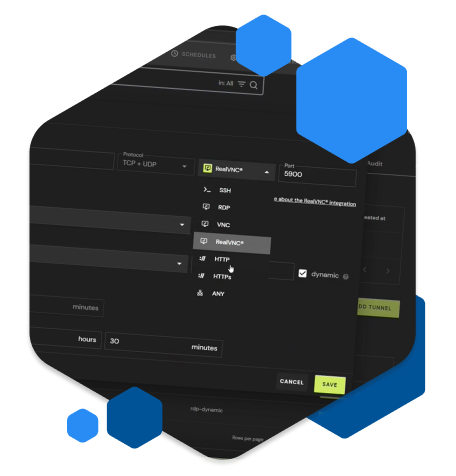
Advantages of using remote support software
Remote support solutions provide secure connections and cross-platform compatibility across common operating systems. It enhances the support experience for both customers and employees. Using remote PC support software for troubleshooting offers several major advantages.
Speed
When a problem arises, you look for quick solutions you can implement immediately. That’s where remote support systems come in handy. Rather than making an appointment and waiting for an expert to be available, or even traveling to resolve your issue in person, you can contact one on demand, in real time.
Most remote support tools use screen sharing to resolve problems swiftly. This approach minimizes expensive and frustrating downtime. Remote sessions ensure quick issue resolution, so you can get back to work without unnecessary delays.
Cost
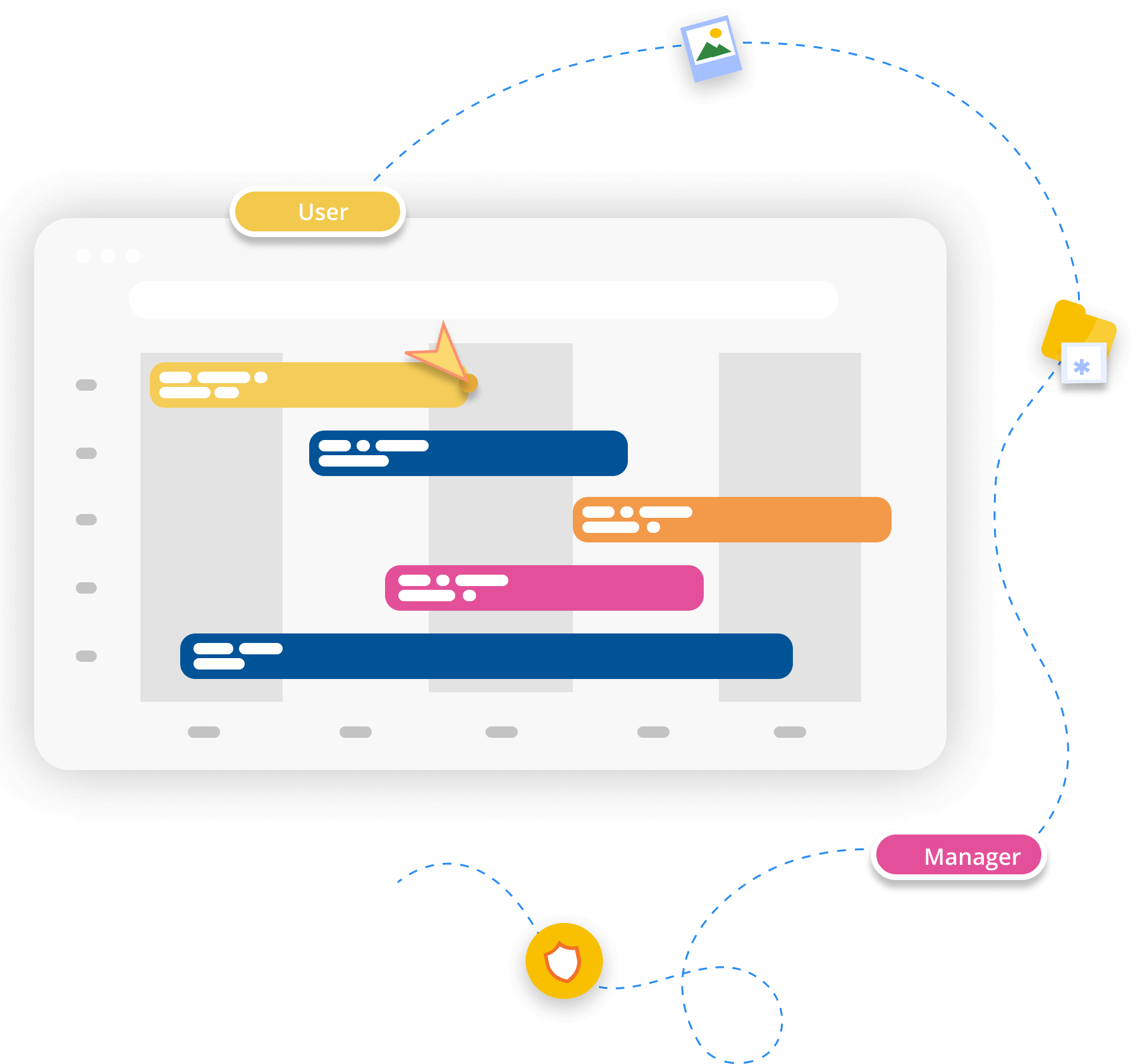
Remote access support software has eliminated the need for IT teams at every office location and the need for expensive infrastructure. This slashes the traditional operational costs of maintaining top-tier tech support for your personnel or clients. Remotely solving issues rapidly reduces staggering downtime costs, which can reach up to $25,000 per hour for SMBs. This is especially critical for small businesses where every dollar and minute of productivity counts. These savings can also be passed on to customers, helping you remain competitive.
Accessibility
The best part of remote help desk software is that it makes support readily accessible from anywhere at any time, as long as you have a stable internet connection. Whether you’re working on-site or remotely, getting assistance with technical hiccups is just a few clicks away. A good remote support system can help you with everything from Windows PCs to your latest Raspberry Pi project.
Security
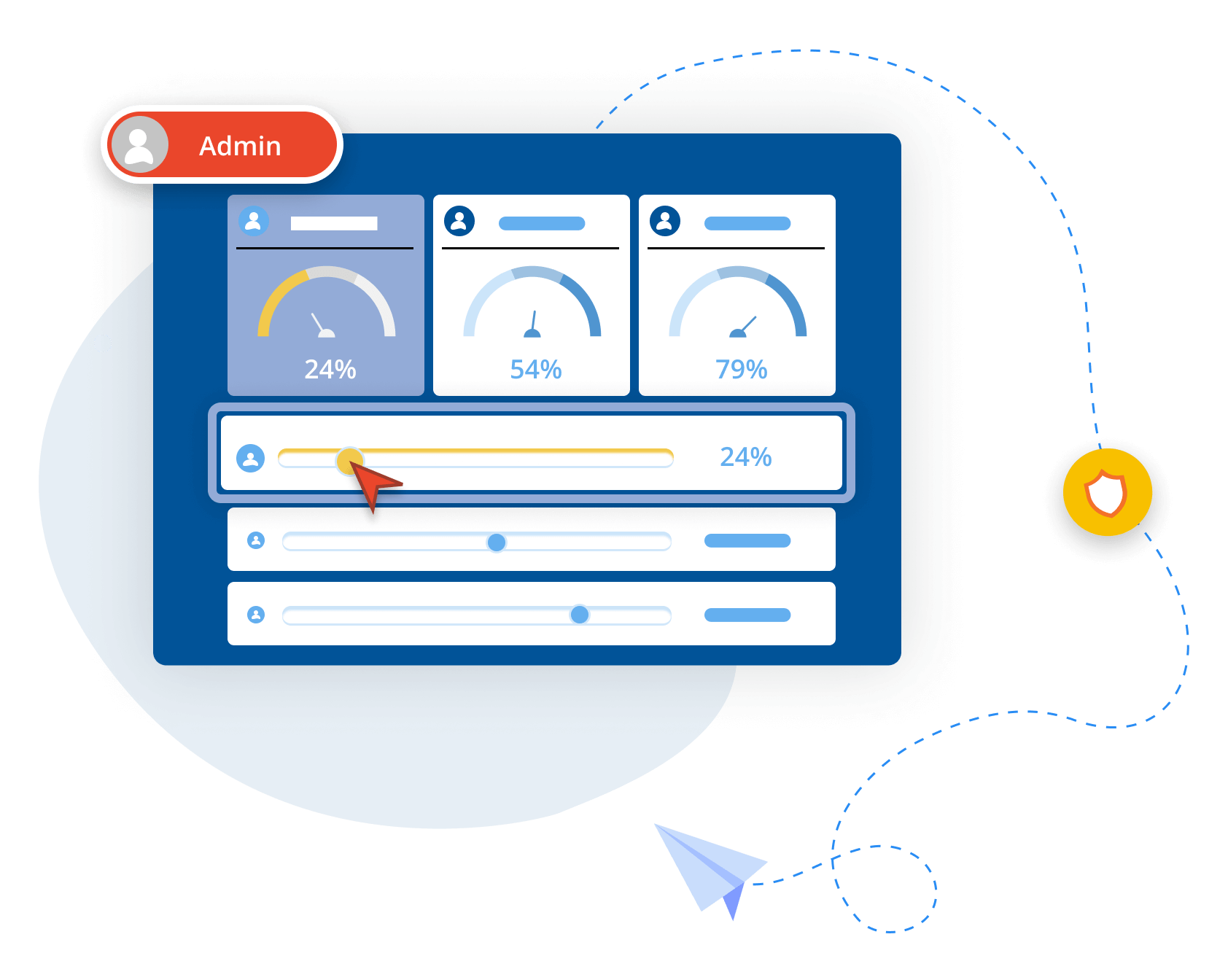
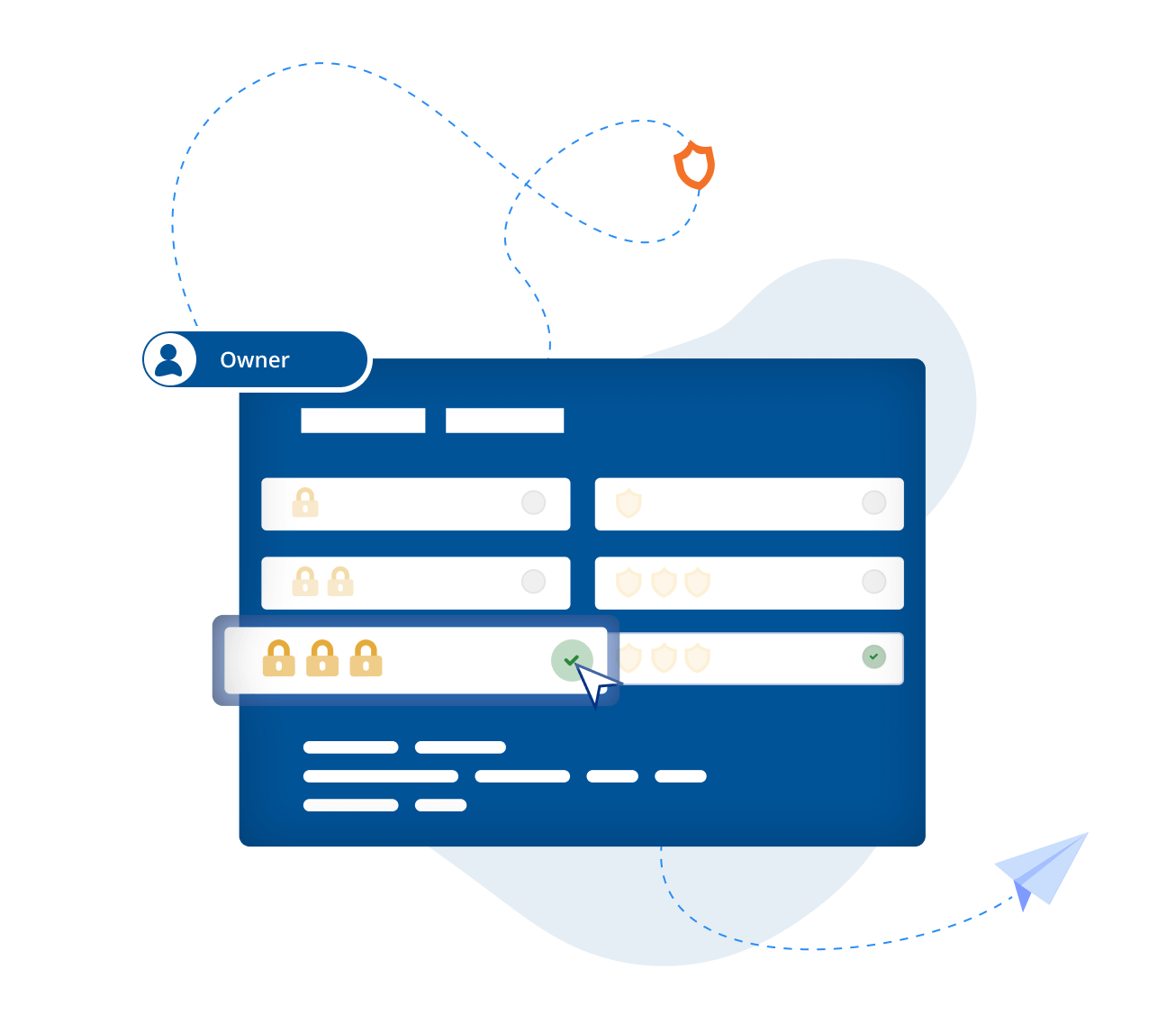
If you’re granting an outside agent access to your device and sensitive information, you’ll want to be able to depend on your security systems. The best remote computer support software solutions will minimize security risks while providing secure remote control features.
In fact, remote support providers can also meet businesses’ security needs by performing routine patching, updates, and maintenance on their behalf, with work completed by the remote access company’s security experts.
When required, new integrations can be completed remotely. This means security is automated and updated without the company having to worry about it.
Satisfaction
Overall, using secure remote support software makes life much easier. Your teams and your customers can get hassle-free solutions delivered instantly.
Remote users are particularly satisfied with the timely support they receive, which enables seamless remote desktop access and control. An increase in first-call resolution also increases employee and client satisfaction.
The two types of remote support
Various remote access tools provide support, enabling users to remotely control and troubleshoot computers from a distance. PC remote support can be delivered in two ways: on-demand or unattended.
On-demand remote support
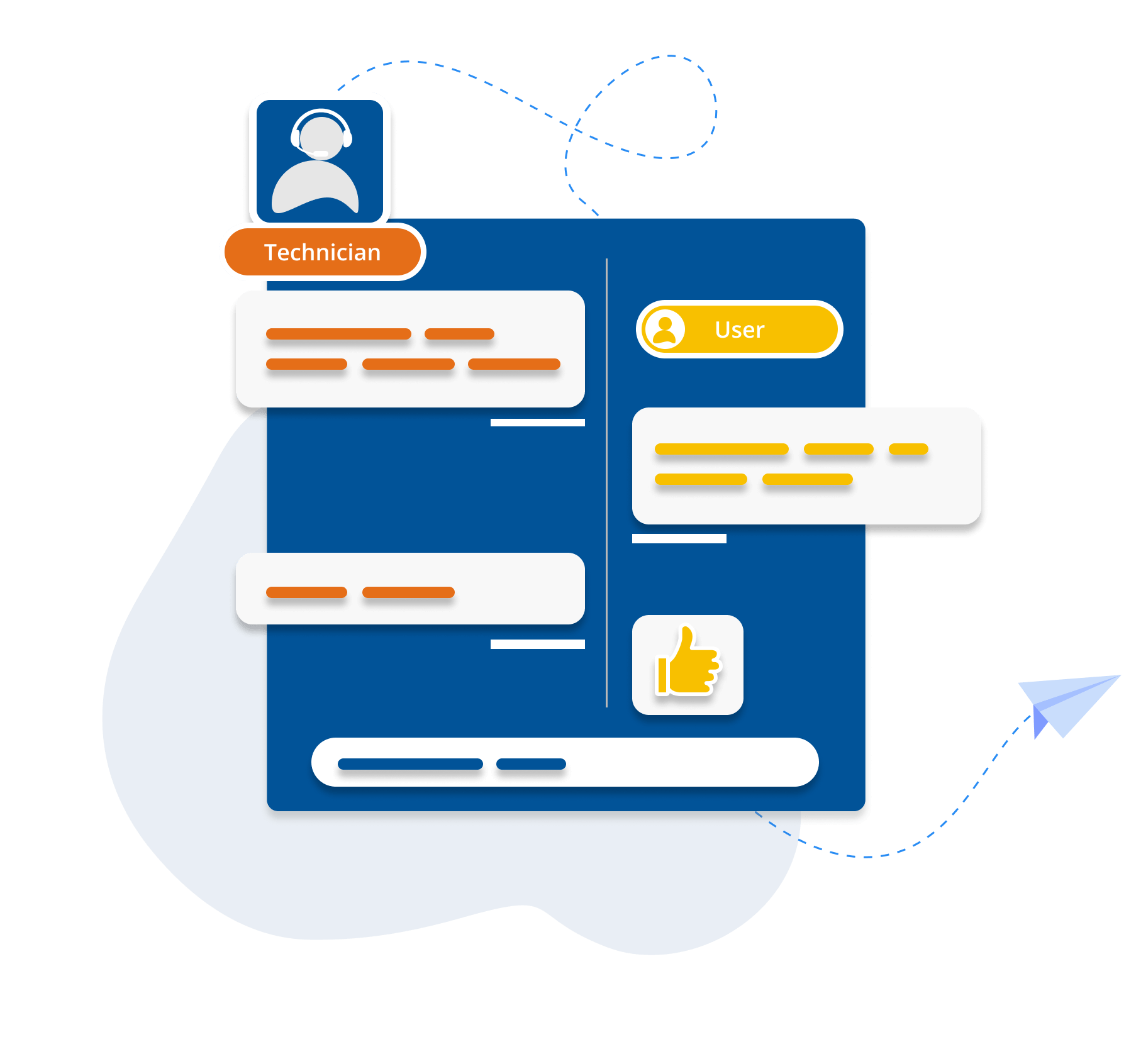
On-demand remote support allows IT teams to provide support instantly when users request it. With this approach, the technician takes control of a user’s device to resolve the issue once authorized. For this method to work, the user must be present to grant the technician access.
On-demand assistance can be completed using remote assistance software that the user has installed already. It can also be software downloaded specifically for the help session.
During on-demand support sessions, a seamless file transfer tool is often used to efficiently transfer necessary files between the technician and the user, enabling simple file transfers without disrupting the workflow.
A common approach to on-demand remote support is for the user to download a remote support app that generates a unique session code. The technician can then use this code to complete access to the device.
Unattended remote support
The second method of providing remote support is unattended, in which a technician provides support without the user being present. This method allows the technician to access computers remotely for unattended support.
This method requires the remote support software to be installed on the user’s device. For example, a company’s tech team will install an agent app on all the systems.
With this in place, a technician can remotely access these computers when needed. Although this can solve individual issues as they occur, it is more useful for routine maintenance.
One example is rolling out general patches or updates, which can help complete tasks when the device is not in use, minimizing the downtime needed for computer maintenance.
Useful features for remote assistance software
When choosing a remote support tool, it's important to consider the most useful remote support software features.
-
Screen sharing
-
Remote access
-
File sharing
-
Unattended access
-
Session sharing
-
Multi-monitor support
Screen sharing is a fundamental part of remote desktop support software. Technicians can see the device screen as they work, which is a key factor in the efficiency of remote support.
It also speeds up diagnoses and solutions; screen sharing lets device users follow along as technicians resolve their issues, enabling a deeper understanding that can prevent the issue from recurring.
In some software, screen sharing stops when viewing the other user's screen. Ensure your remote support software includes remote access and control capabilities, enabling technicians to take over devices and resolve issues quickly.
The ability to interact with remote devices is central to a strong remote support service, making it a must-have for IT professionals and managed service providers alike.
Sometimes, an issue can only be solved by adding or accessing files stored on another device or server. For instance, if the problem comes down to a corrupted or outdated file, or if you're unlucky enough to have malware lurking on your system.
In that situation, it's crucial that your remote access software includes a fully secure file-sharing capability that allows you to safely transfer files between connected devices.
If your team or clients' devices must be updated remotely, you need a service that provides unattended access. This feature lets a support technician access a computer without the user being present. It enables remote updating or patching on individual devices and is also useful for connecting to unattended servers. This makes it an essential tool for endpoint management across your organization.
Sometimes, a problem is so complex that it needs a team of people or at least a second pair of eyes to troubleshoot it. In this case, a support technician will need to call on a colleague or supervisor. Remote assistance software that supports session sharing enables this, broadening the range of issues that can be resolved remotely. It's one of the most valuable collaboration tools for support teams.
Multi-monitor support in remote support software allows technicians and users to view and interact with multiple screens connected to a remote computer.
This feature is essential for providing effective and efficient support, especially in professional environments where multiple monitors are commonly used.
Why you should choose RealVNC's software for your remote desktop solution
RealVNC®’s feature-rich remote access software provides a host of benefits that allow users to enjoy smooth, secure, and quick remote support. It also supports mobile devices, enabling users to control and access macOS and Android devices from a computer for tasks such as in-session chat messages, remote monitoring, and troubleshooting.
Ease of use
Deliver instant customer support in real-time, on any device, anywhere. The user-friendly RealVNC® Connect platform gives you full control like you’re in the driver’s seat. With full support for every operating system, including Windows, macOS, iOS, Linux systems, FreeBSD, Raspberry Pi, Chrome OS, Windows Server, and Android, it couldn’t be easier to establish a truly comprehensive remote support environment for your business.
The single consolidated platform simplifies support by eliminating the need to maintain multiple solutions, allowing you to focus on delivering the top-quality service your clients deserve. It integrates seamlessly with your existing systems without requiring a complete infrastructure overhaul.

Reliability
Any worthwhile remote customer support solution has to meet a gold standard of reliability. Your customers may turn to the competition if you cannot deliver the promised support. RealVNC is a solid choice, backed by a 20-year track record of providing top-tier customer service to over 90,000 satisfied enterprise clients. Rest assured that you’re in safe hands.
With auto-adjusting connections and high-speed streaming, RealVNC consistently achieves 99.9% uptime, providing a connection experience as close to in-person as possible, even over slower connections.
Security
RealVNC uses enterprise-grade security features, including two-factor authentication (2FA) and 128- or 256-bit AES-encrypted connections, to ensure that all your data remains completely safe. It begins with the RealVNC philosophy: every connection is treated as if it were created in a hostile environment. That means sessions are never recorded and can never be decrypted. The owner of the remote device always has the final say in who can connect to it.
There’s also full transparency at all times. If any vulnerabilities are detected, they are published immediately and fixed as quickly as possible. In addition, the RealVNC Connect platform supports PCI DSS, GDPR, NIS2, and HIPAA compliance, meeting the highest industry standards for securing remote access. In fact, RealVNC Connect is the first and only remote access solution to undergo an independent white box security audit.
Scalability
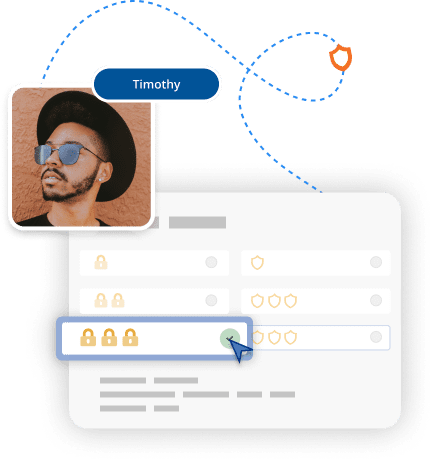
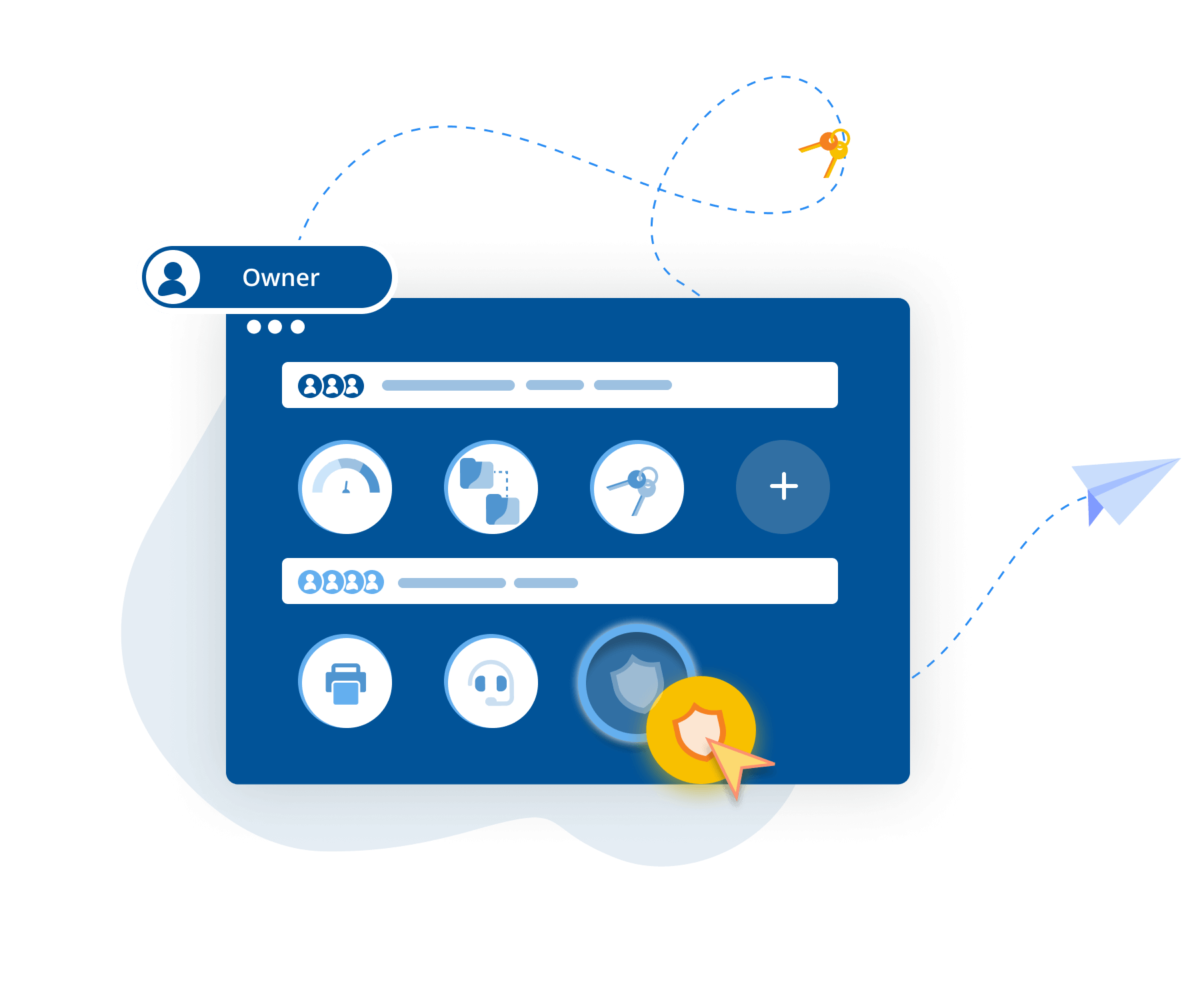
When your business grows, you need confidence that your remote support solution can grow with it. RealVNC Connect gives access control to thousands of devices with just a few clicks. You can manage user access at a granular level or define permissions centrally. It’s entirely up to you. Whether you’re a startup or among the large businesses managing thousands of endpoints, RealVNC scales to meet your needs.
So no matter what challenges your organization faces as it scales up operations, you can relax in the knowledge that your remote support software will be with you every step of the way.