

RealVNC® logomarca

RealVNC Viewer

Produtividade

ícone fechar círculo

Reliable remote desktop software for macOS

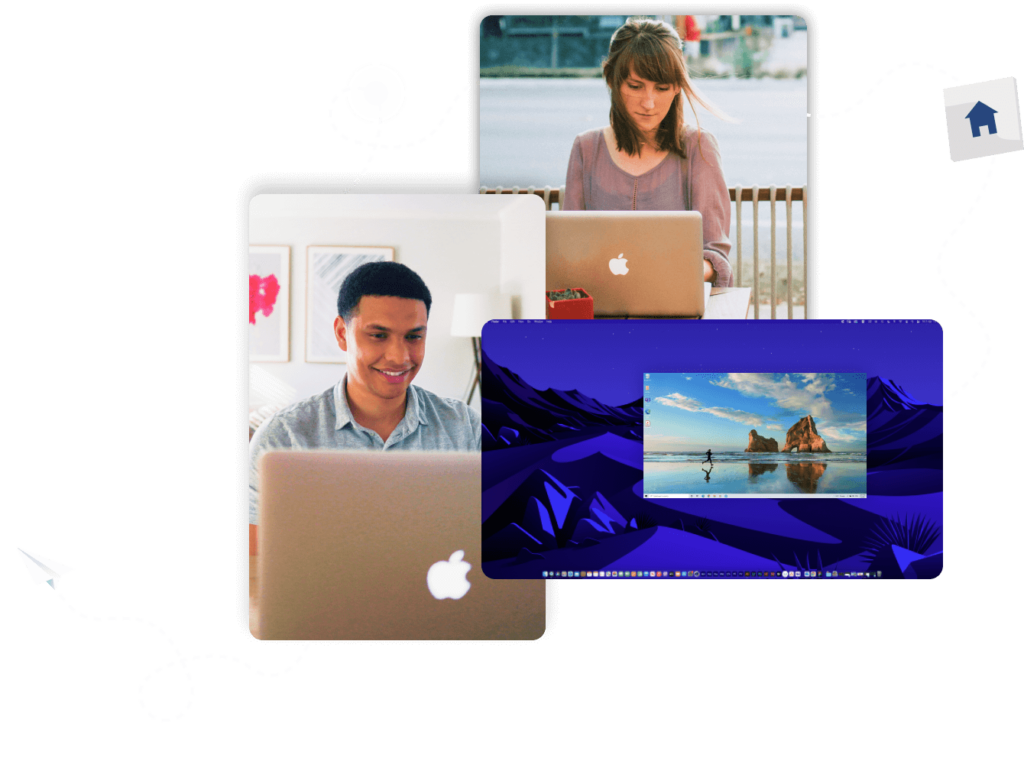
Access and operate all your Mac devices from your tablet, PC or phone.

Create without limits

Move fast with our lightweight solution that’s quick to download, fast to install and doesn’t cost you in valuable disk space or put a drain on power usage.

Collaborate remotely

Whether you need to offer support, access on-premise equipment, or want a way to collaborate on the next big project, VNC Connect makes it possible with a reliable, quality connection.

Connect across platforms

Do more with multi-platform support that lets you access devices running Windows, Linux and Raspberry Pi. Use our VNC Viewer app (iOS and Android) to access your desktop whilst on the go.

Fast, secure & reliable remote desktop software for macOS

Free from frustration

Feel as though you’re there at your devices with a responsive connection and exceptional image quality.

Tailored user permissions

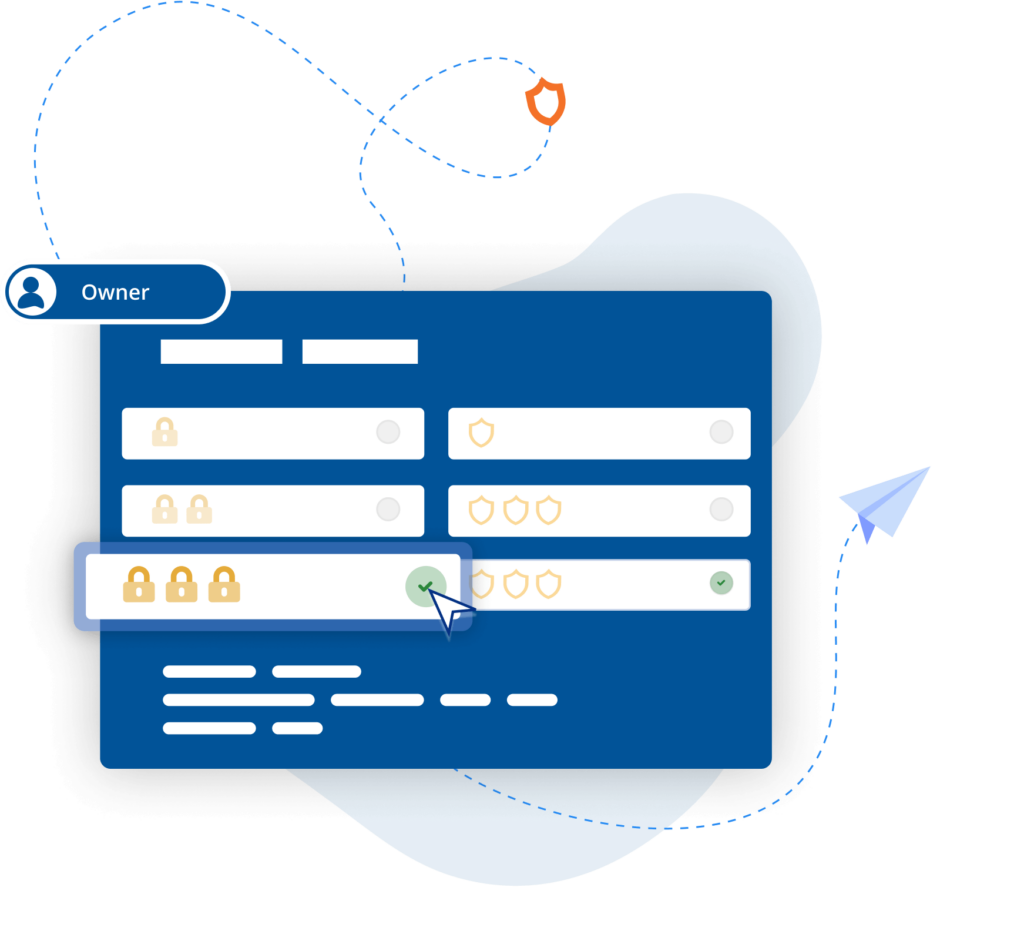
Ensure the right people have the right level of access with an easy-to-configure setup and granular permissions controls.

Centralized control

Simplify admin by managing permissions with policy templates that can then be distributed to remote devices.

Power productivity

Get more done with built-in support for two-way file transfer, remote printing, real-time chat, and screen recording.

Backwards compatibility

In addition to macOS Monterey, VNC Connect also supports older versions (up to OS X Yosemite), helping you extend the life and value of your IT estate.

Optimized performance

Auto-optimization algorithms ensure you get a reliable connection, even in low-bandwidth, high-latency environments.

Aardman

RealVNC remote access software allows us to assist editors and animators experiencing IT problems, without needing to leave our desks.

Paul Reeves

Production Engineer

Secure by design

Offer secure remote access at scale throughout your organization with confidence. VNC Connect features enterprise-grade security that protects against external threats, while a suite of admin tools gives you complete control of access across all devices.

Security is at the core of our solution – by design, we treat every connection as though it originated in a hostile environment. To safeguard against unsolicited access, an incoming connection must always be authorized from the end-user device on the Server side. And to ensure total privacy, sessions are always end-to-end encrypted at up to 256-bit AES.

Security

Trusted by leading IT teams worldwide

Shell
Intel
Dreamworks
Philips
NASA
IBM

REJI

"O facto de o RealVNC Connect ser compatível com uma vasta gama de sistemas operativos é importante para o nosso crescimento futuro. Com RealVNC Connect, podemos monitorizar um painel digital em execução em Android ou quiosques de clientes com um sistema operativo baseado em Windows. Ter a flexibilidade de trabalhar com qualquer sistema torna muito mais fácil para nós dizer 'sim' a qualquer potencial cliente."

- Frank Yoder, CEO

Biotronik

BIOTRONIK aumenta a eficiência e o suporte ao cliente com o RealVNC®

"Podemos utilizar a RealVNC® para ter uma ligação direta ao dispositivo de programação e até assumir o controlo do dispositivo para... ter uma visão direta sem quaisquer interpretações. É muito fácil de estabelecer e é uma grande ajuda para apoiar os nossos clientes e, claro, aumentar a segurança dos doentes."

- Jan Iden, Engenheiro Médico

Qtrac

Qtrac

"Percebemos imediatamente que a interface de utilizador era muito melhor para nós e muito mais fácil de utilizar para a equipa de suporte técnico. Logo dissemos: 'Vamos passar tudo para RealVNC'."

Aleks Nikolovski

100.3 FM

100.3 FM

"Ser capaz de operar em dois mercados é realmente importante para o nosso negócio. O VNC Connect permite-nos fazê-lo sem necessidade de nos deslocarmos constantemente entre Timaru e Oamaru. Isto representa uma mudança decisiva para nós."

James Valentine

resposta de emergência

Suporte MiPi

"A RealVNC® torna muito fácil para mim, de praticamente qualquer lugar, usar o meu telemóvel ou tablet para analisar e resolver um problema, caso surja algo."

Matt Ireland, fundador

massage robotics

Massage Robotics

"Na Massage Robotics não escrevemos programas que simplesmente dizem aos robots para irem de um ponto para o outro. Criamos algoritmos alimentados por bases de dados que permitem aos nossos robôs conceber novas rotinas. Com centenas de linhas de código em cada robô e milhares de outras linhas baseadas na nuvem, a RealVNC é uma solução revolucionária para nós."

Try VNC Connect today for free

Frequently asked questions

Didn’t find the answer you were after? Check out our Help Center for more FAQs, technical docs and how-to guides.

VNC Connect (VNC Viewer and VNC Server) offers support for all releases since OS X Yosemite). View this Help page for more detail. 

You can download VNC Server here. It’s the software to install on every computer you want to control. 

You can download VNC Viewer here. It’s what you install on every desktop computer you want to control from. If you’re looking to control computers from a mobile device, search ‘RealVNC’ in the iOS App Store or Android Play Store. 

When using Device Access on either Professional or Enterprise subscriptions, you can have as many concurrent sessions as you like. With Instant Support, concurrent sessions are capped per technician and vary depending on your subscription level – up to 3 concurrent sessions on Professional subscriptions and up to 10 concurrent sessions on Enterprise subscriptions. 

Let’s talk

Complete the form if you would like to discuss the remote access strategy for your organization.