
Logomarca RealVNC

RealVNC Viewer

Productividad

icono cerrar círculo

Remote desktop software for Windows

The secure way to access and operate a Windows desktop device from your PC, tablet or mobile device.

Fast, secure & reliable remote desktop software for Windows

Deploy at scale, fast

Move fast with our lightweight solution that’s quick to download, fast to install and doesn’t cost you in valuable disk space or CPU usage.

Improved network security

Better protect your network from external threats by using our cloud-brokered connectivity that prevents bad-actors from exploiting open TCP ports to gain access to your systems.

Connect across platforms

Do more with multi-platform support that lets you access devices running Mac, Linux and Raspberry Pi. Use our VNC Viewer app (iOS and Android) to access your desktop whilst on the go.

Get more done with VNC Connect on Windows

Optimized performance

Auto-optimization algorithms ensure you get a reliable connection, even in low-bandwidth, high-latency environments.

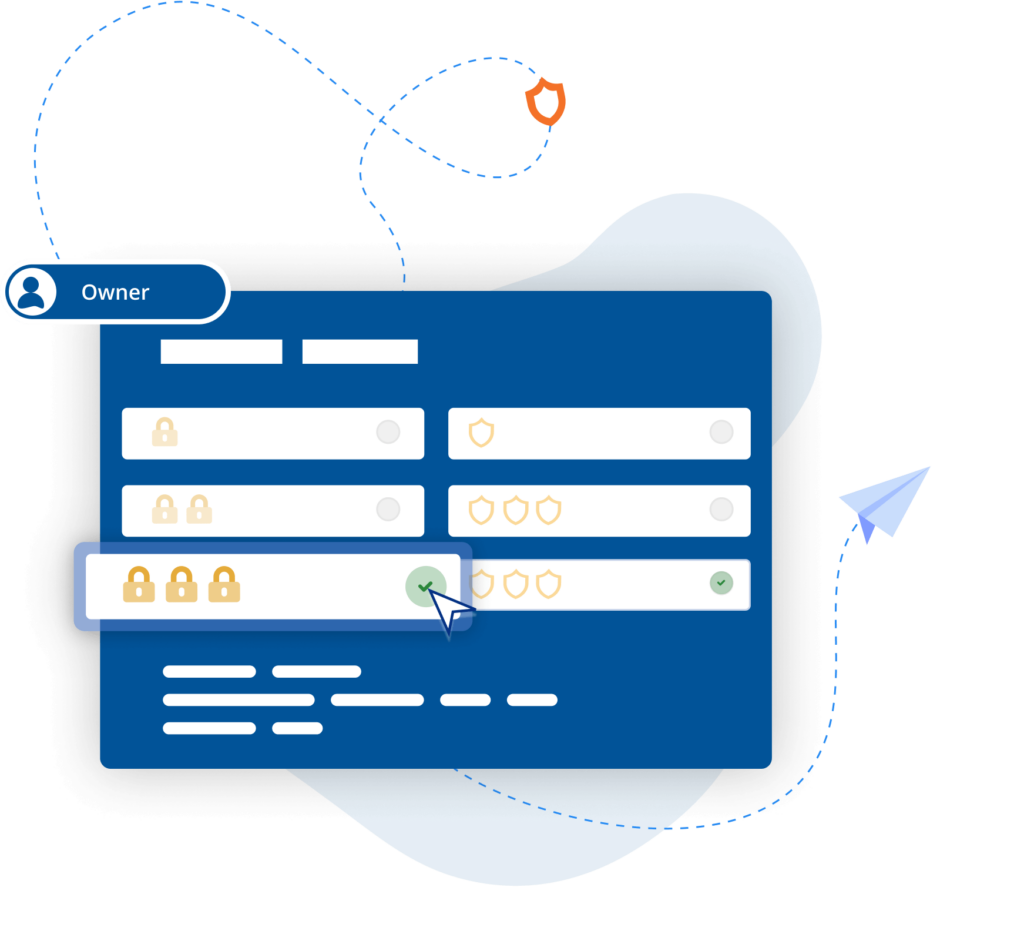
Tailored user permissions

Ensure the right people have the right level of access with an easy-to-configure setup and granular permissions controls.

Easy-to-administer access

Simplify admin with access levels set by Group Policy whilst easily managing user access and permissions company-wide.

Power productivity

Get more done with built-in support for two-way file transfer, remote printing, real-time chat, and screen recording.

Backwards compatibility

VNC Connect supports Windows 11 and earlier versions (up to Windows 7) helping you extend the life of your IT estate.

Immersive experience

Experience high-quality connections with crisp, HD audio from remote devices when connecting via Device Access.

BLP_Logo

“ We use RealVNC software daily and because of it we are able to resolve 95% of IT issues directly from where we are. ”

Wayne Murray

IT Helpdesk Supervisor

Secure by design

Offer secure remote access at scale throughout your organization with confidence. VNC Connect features enterprise-grade security that protects against external threats, while a suite of admin tools gives you complete control of access across all devices.

Security is at the core of our solution – by design, we treat every connection as though it originated in a hostile environment. To safeguard against unsolicited access, a connection must be authorized from the device that’s being connect to. And to ensure total privacy, sessions are always end-to-end encrypted at 128-bit AES as standard (Enterprise users can upgrade to 256-bit AES).

Seguridad

Trusted by leading IT teams worldwide

Shell
Intel
Dreamworks
Philips
NASA
IBM

REJI

"El hecho de que RealVNC Connect sea compatible con una amplia gama de sistemas operativos es importante para nuestro crecimiento futuro. Con RealVNC Connect, podemos supervisar un cartel digital que funcione con Android, o quioscos de clientes que tengan un sistema operativo basado en Windows. Tener la flexibilidad de trabajar con cualquier sistema hace que nos resulte mucho más fácil decir 'sí' a cualquier cliente potencial"

- Frank Yoder, CEO

Biotronik

BIOTRONIK aumenta la eficacia y la ASISTENCIA AL CLIENTE con RealVNC Connect

"Podemos utilizar RealVNC para tener una conexión directa con el dispositivo de programación e incluso hacernos con el control del dispositivo para... tener una visión directa sin interpretaciones. Es muy fácil de establecer y una gran ayuda para dar soporte a nuestros clientes allí y, por supuesto, para aumentar la seguridad de los pacientes."

- Jan Iden, Ingeniero Médico

Qtrac

Qtrac

"Enseguida nos dimos cuenta de que la interfaz de usuario era mucho mejor para nosotros, y mucho más fácil de usar para el equipo del servicio de asistencia. Muy pronto dijimos: 'Cambiemos todo a RealVNC'"

Aleks Nikolovski

100.3 FM

100.3 FM

«Poder operar en dos mercados es realmente importante para nuestro negocio. VNC Connect nos permite hacerlo sin necesidad de conducir constantemente entre Timaru y Oamaru. Esto supone un cambio radical para nosotros»

James Valentine

respuesta de emergencia

MiPi Support

"RealVNC® hace que me resulte realmente fácil, desde prácticamente cualquier lugar, utilizar mi teléfono o tableta para revisar y solucionar un problema en caso de que surja algo".

Matt Ireland, Fundador

massage robotics

Massage Robotics

"En Massage Robotics no escribimos programas que simplemente digan a los robots que vayan de un punto a otro. Creamos algoritmos alimentados por bases de datos que permiten a nuestros robots idear nuevas rutinas. Con cientos de líneas de código en cada robot, y miles de líneas más basadas en la nube, RealVNC es una solución que cambia las reglas del juego para nosotros."

Try VNC Connect for free today

Frequently asked questions

Didn’t find the answer you were after? Check out our Help Center for more FAQs, technical docs and how-to guides.

VNC Connect (VNC Viewer and VNC Server) offers support for Windows 11, Windows 10, Windows 8.1, Windows 8.0, and Windows 7. We also support several versions of Windows Server. View this Help page for more detail.

Yes, if you have an Enterprise plan, you can remotely configure VNC Connect (VNC Viewer and VNC Server) using policy templates and then provision target computers using Group Policy on Windows. Learn more

When using Device Access on either Professional or Enterprise subscriptions, you can have as many concurrent sessions as you like. With Instant Support, concurrent sessions are capped per technician and vary depending on your subscription level – up to 3 concurrent sessions on Professional subscriptions and up to 10 concurrent sessions on Enterprise subscriptions.

Let’s talk

Get in touch today to discuss how we can help with your remote access needs: