
Code Connect:
Instant Attended Access for those outside your Team
Easily connect to licensed RealVNC Connect accounts with a secure, time-restricted code
Connect Instantly with a Secure Access Code
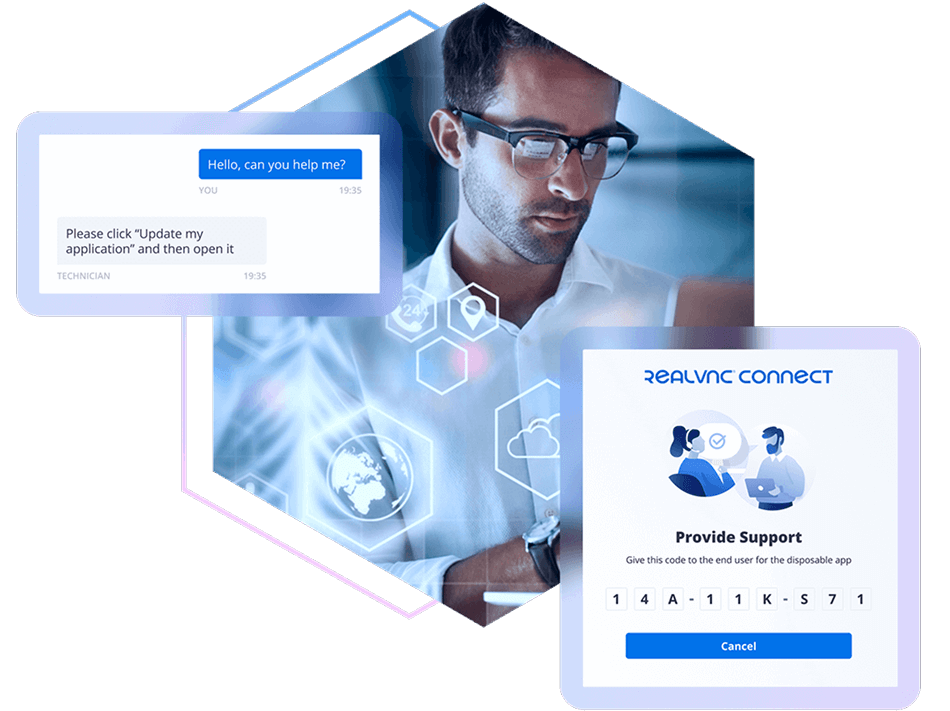
Code Connect is a new RealVNC Connect feature designed to simplify attended remote access across licensed accounts. With Code Connect, users can generate a unique, time-boxed access code valid for 120 seconds, enabling secure, one-time remote sessions with users outside their team or organization.
This feature is ideal for support scenarios, collaborative troubleshooting, or quick remote assistance—without the need for pre-configured permissions or persistent access. Built into RealVNC Connect, it ensures control stays with you, backed by industry-leading security.
Time-Limited Access
Access code expires after 120 seconds, reducing risk and ensuring sessions are not reused
Attended Access
Designed for real-time collaboration with users present at the remote machine.
Cross-Account Support
Enables remote access between licensed RealVNC Connect accounts without prior setup.
No Permanent Links
One-time codes ensure no lingering access beyond the session.
Secure by-design: Remote access that adapts to your organization’s needs
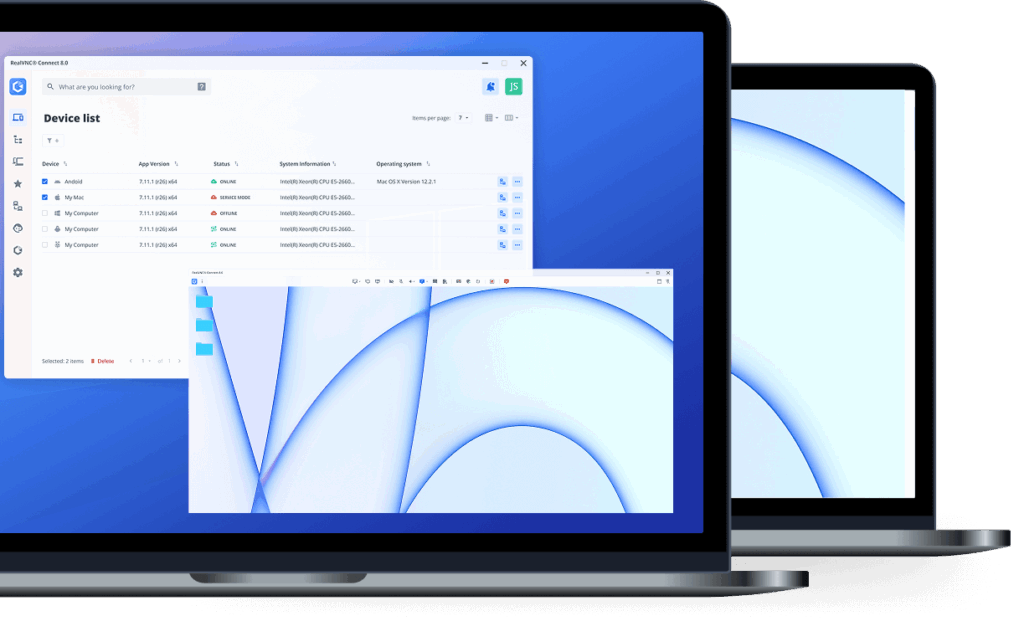
Gain access to remote devices effortlessly with a secure, invite-only access code.
Sharing a secure session code with another RealVNC Connect user, allows you to securely bring in external specialists to assess a piece of equipment or you need to collaborate with an external consultant.
Session codes carry industry-leading security; as they are self-expiring, lasting only 2 minutes before it’s replaced with a new code. This ensures that there are no persistent codes that can be misused for unsolicited access requests.
A choice of connectivity
With support for secure cloud-brokered and direct local network connectivity, VNC Connect lets you decide the setup that suits you best.
Secure by design
Enterprise-grade security and granular admin tools give you complete control over user access and permissions across all devices.
Built for collaboration
Device Access allows unlimited users and concurrent sessions, so everyone can have it – ideal for collaboration and idea sharing.
Getting Started with Code Connect
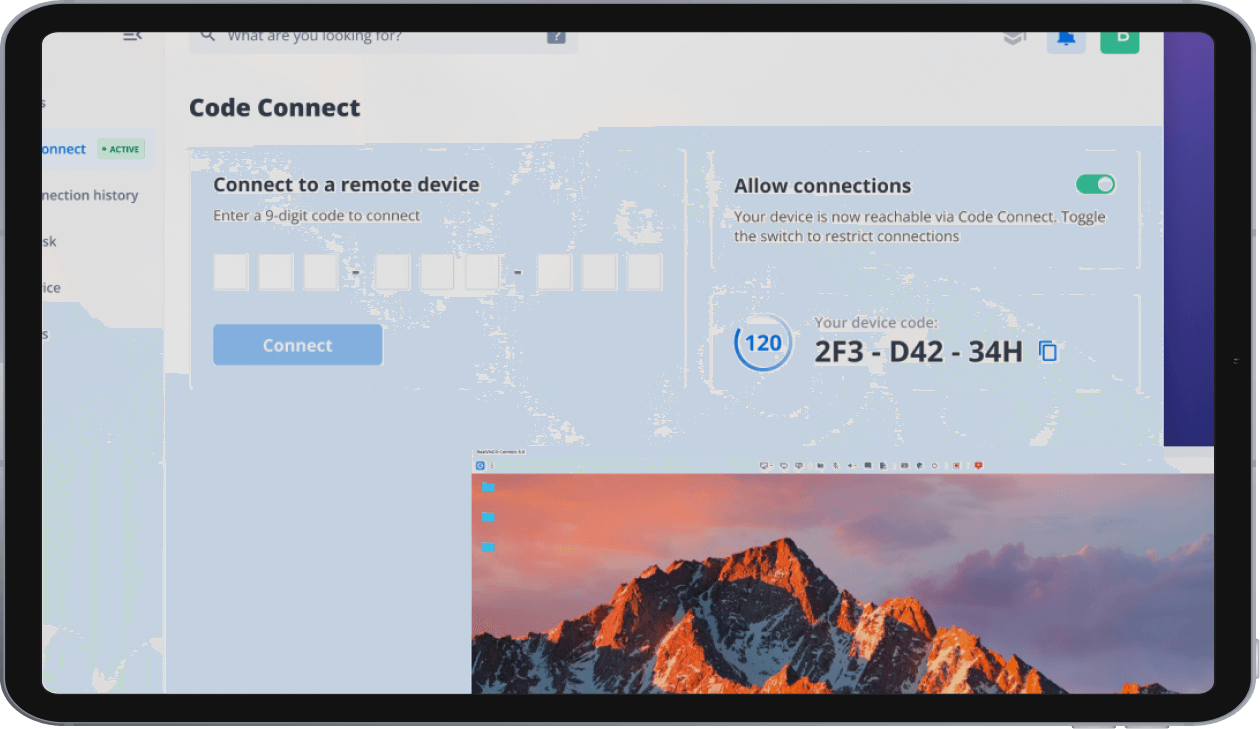
Watch how easy it is to unlock secure remote support in seconds with Code Connect. Share a temporary 120-second access code to enable attended sessions with external users — ideal for quick collaboration or troubleshooting.
Providing Support in 3 Easy Steps

Step 1
Ask the user to click ‘Allow connections’ and share the passcode with you.
(The code is valid for 120 seconds.)
Step 2
Input the passcode into the ‘Connect to a remote device’ space available.
Step 3
Click on Connect and you will start your secure remote access session
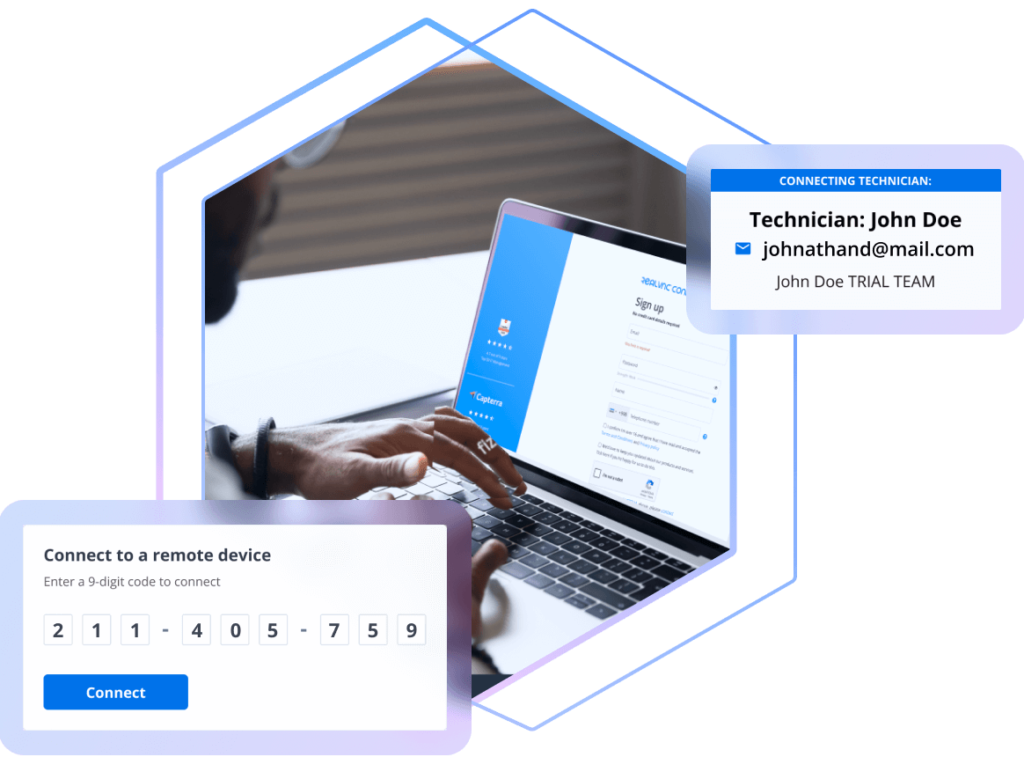
Connecting outside your team
Always know who's connecting in
Code Connect makes secure, attended remote access simple. With a unique, time-limited passcode valid for 120 seconds, you can connect to a licensed RealVNC Connect device outside your team—without needing pre-configured permissions. This ensures quick collaboration while maintaining strict control and security over every session.
Connecting with ease
All the Power of RealVNC Connect, Just More Flexible
Code Connect keeps everything you love about RealVNC Connect. While enabling secure, time-limited access via passcode, it still delivers the same high-performance remote experience—end-to-end encryption, cross-platform support, responsive control, and enterprise-grade reliability. Whether you’re connecting within your team or to an external device, Code Connect ensures you maintain full functionality, flexibility, and security throughout every session.


Want to learn more about RealVNC Connect for on-premise?
Whether you’re exploring solutions for remote sites, secure environments, or simply want to ensure uninterrupted access when connectivity is limited, we’re on hand to help discuss your options.
Security - Protecting Your Data
At RealVNC, we prioritize the security of your data and communication. Our comprehensive security features ensure that every remote support session is conducted with the highest level of protection.
End-to-End Encryption
Robust end-to-end encryption safeguards all interactions between helpdesk technicians and end-users, ensuring your data remains confidential and protected from potential threats.
Unique Session Codes
Each support session utilizes a unique single-time-use code to prevent unauthorized access.
Session Logging and Audit
Maintain a clear record of every remote support session with detailed logging and audit capabilities. Know who is making connections and keep track of all activities for accountability and transparency.
End-User Authentication
All sessions have to authenticated by the end user, who remains in control of their device throughout the whole session.
Try VNC Connect® today for free
We don’t require credit card data. 14 days of free, secure and fast access to your devices. Upgrade or cancel anytime