




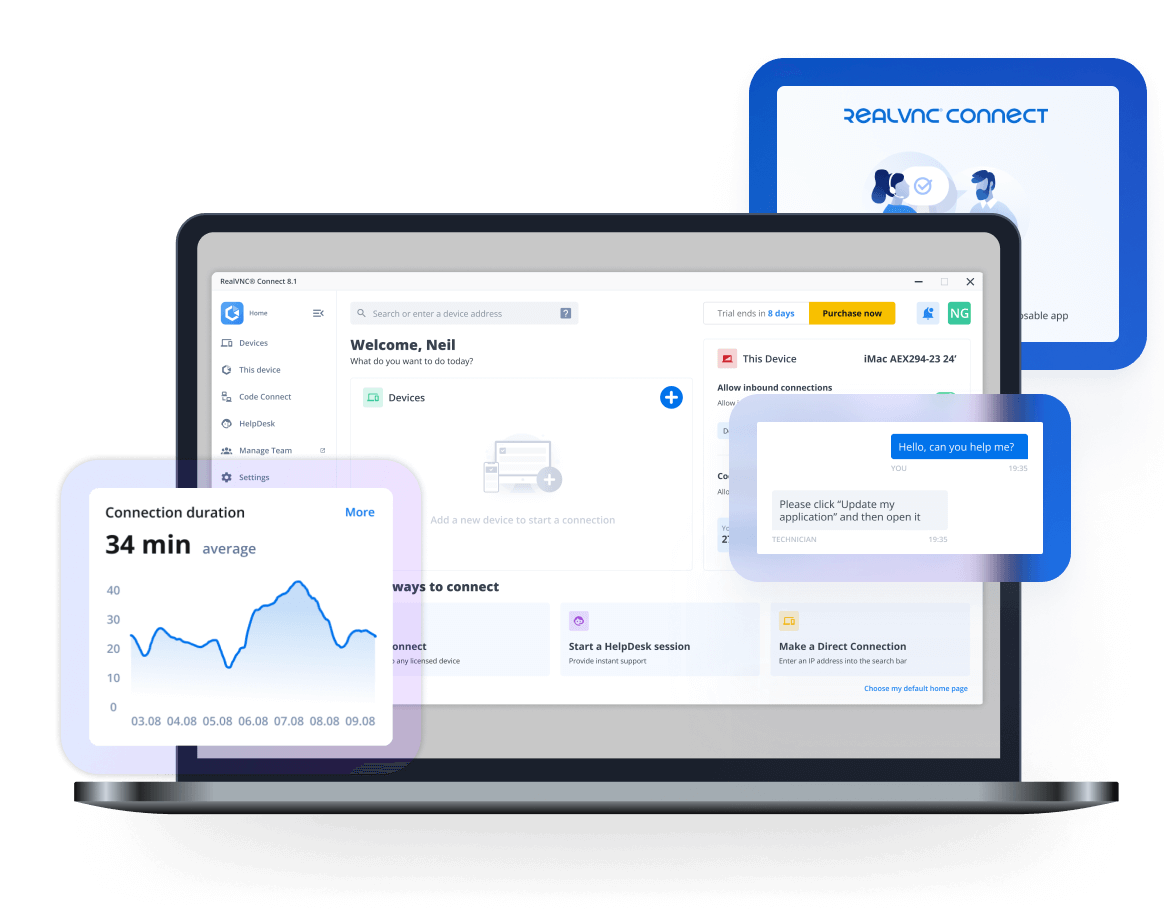

Download RealVNC® Viewer -
The Most Secure VNC Viewer for Linux

Download VNC Viewer for Linux to the device you want to control from.
For the best experience, install RealVNC® Viewer and RealVNC® Server
together using the RealVNC® Connect Setup app.

Visor RealVNC® para Windows

Instale RealVNC Viewer en el dispositivo desde el que desea ver y controlar.

Thank you for downloading

Your download of The Classic RealVNC VNC Connect for   has started.

Looking for RealVNC Server Click here.

Windows
macOS
Linux
Raspberry PI
Android
iOS

Al descargar, aceptas las Condiciones de uso y la Política de privacidad

Visor VNC trabajando a distancia

Looking for RealVNC Viewer and Server all-in-one app?

We recommend using RealVNC Connect for the best experience and for access to the latest features.

Streamline your setup experience with our RealVNC Connect Setup app that helps you install both RealVNC Viewer and RealVNC Server in one go.

RealVNC Connect remote access software

Disfruta de toda la experiencia RealVNC

RealVNC Viewer y RealVNC Server están diseñados para funcionar mejor juntos.
Utiliza ambos para disfrutar de una mayor seguridad, conexiones más fiables y acceso a funciones exclusivas de RealVNC Connect.

VNC Viewer with
3rd Party Server

VNC Viewer with
VNC Server

Download VNC Server
Full end-to-end session encryption No Yes
Session recording No Yes
Advanced multi-factor authentication No Yes
Cloud & Direct (LAN) connectivity No Yes
Granular access and user permission control No Yes
Remote printing, real-time chat and file sharing No Yes

Get started in three easy steps

step1

1. Download

Download and install VNC Viewer on your desktop.

step2-150x150

2. Sign in/up

Sign in or Create an account (and claim a free 14-day trial).
step 3

3. Setup and Connect

Add VNC Server to your remote devices and connect.

Descubra lo fácil que es utilizar RealVNC Connect.

  • Cómo empezar

Cómo comenzar a usar el acceso remoto de RealVNC Connect

En este vídeo, te mostraremos lo rápido y sencillo que es poner en marcha tu primera sesión de pantalla compartida con RealVNC Connect.

Tutorial: Cómo comenzar a usar el acceso remoto de RealVNC Connect

Comenzar a usar RealVNC Connect no podría ser más sencillo. Solamente tienes que crear una cuenta y obtener una versión de prueba gratuita (sin necesidad de tarjeta de crédito).

Este vídeo te mostrará cómo proporcionar acceso desatendido a tu ordenador Windows, Linux o Mac.

Ahora podrás controlar tu ordenador fácilmente desde cualquier parte del mundo. Si deseas seguir usando el software después de los 14 días de prueba, puedes continuar haciéndolo sin problemas tras adquirir una suscripción.

Related downloads

Preguntas frecuentes

¿Cómo se instala VNC Viewer?

Solo tiene que ejecutar el programa de instalación en el dispositivo desde el cual desee ejercer el control y seguir las instrucciones o ejecutar archivos MSI para la implementación remota en Windows. Si no tiene permiso para instalar VNC Viewer en plataformas de escritorio, elija la opción independiente.

¿Cómo se controla un equipo remoto?

Si cuenta con un teclado y un ratón, utilícelos de la manera normal. Con un dispositivo móvil, la pantalla táctil actúa como un panel táctil de ratón, con gestos de movimiento asignados a los botones del ratón. Consulte la ayuda.

¿Se necesita una licencia de software?

No. Recuerde que el uso de VNC Viewer siempre es gratuito. Solamente tiene que aceptar el CLUF la primera vez que lo ejecute.

¿Cómo me puedo conectar?

Para empezar, lea las P+F.

Find the right solution for your business

Talk to our sales team to start an Enterprise trial for 50+ users, or to discuss features, pricing and deployment options.