






iOS

Scan me for the App store

Android


Scan me for the App store
 VNC Viewer with |
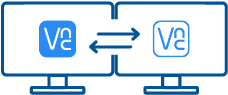 VNC Viewer with Download VNC Server |
|
|---|---|---|
| Full end-to-end session encryption | No | Yes |
| Session recording | No | Yes |
| Advanced multi-factor authentication | No | Yes |
| Cloud & Direct (LAN) connectivity | No | Yes |
| Granular access and user permission control | No | Yes |
| Remote printing, real-time chat and file sharing | No | Yes |
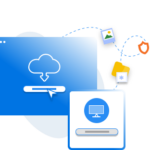
1. Download
Download and install VNC Viewer on your desktop.

2. Sign in/up
Sign in or Create an account (and claim a free 14-day trial).
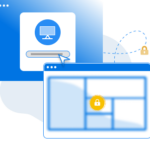
3. Setup and Connect
Add VNC Server to your remote devices and connect.