


Free remote access for your personal devices
Securely connect to and control your devices remotely, for free, with our Lite plan.
Looking to
keep things Lite?
Designed for solo use
Get a single-user account with 3 devices that you can connect to one at a time.
Multi-platform support
Easily access your Windows, Mac, and Linux devices from anywhere.
Do more with Raspberry Pi
Connect remotely (and headlessly) to your Raspberry Pi devices.
与众不同的 VNC Viewer
RealVNC Viewer 提供比以往更流畅、更安全的远程访问体验--将企业级加密、毫不费力的跨平台兼容性和出色的简洁界面结合在一起,让任何人都能轻松连接,而不必担心通常的联网麻烦。作为最初的 VNC Viewer,它基于 VNC 技术构建,并增强了现代安全性和云就绪的便利性,让您可以随时随地快速、可靠地访问设备。
运行您选择的操作系统
RealVNC Viewer支持
Windows
MacOS
Linux
树莓派
安卓
iOS
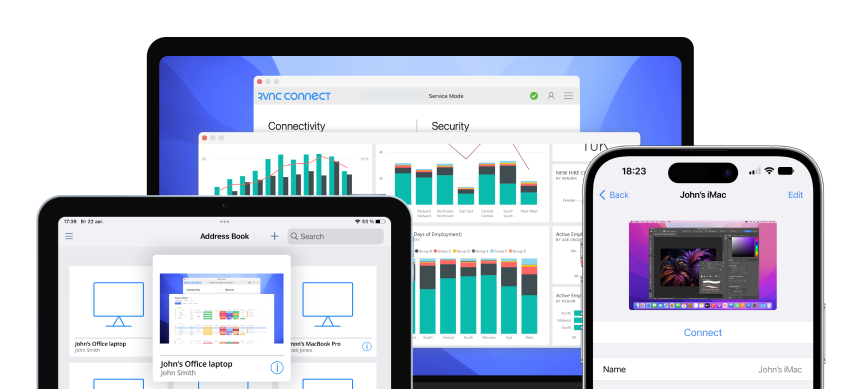
节省时间,使用保存的设备
RealVNC Viewer 会记住你的设备,让你即时重新连接,无需重新输入详细信息。
设计便于使用
大多数 VNC Viewer 都是为专家打造的,而 RealVNC Viewer 的现代界面让任何人都能轻松设置。
No need to compromise on security
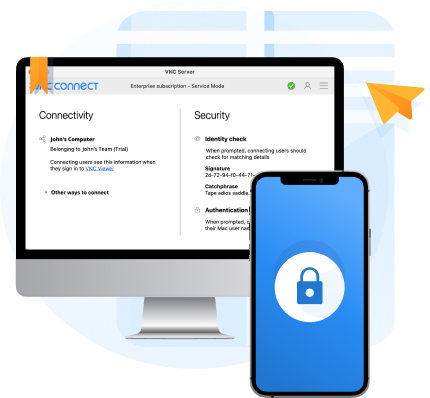
RealVNC® Connect is built to be secure by design. And even on our Lite plan, you get access to robust security features such as two-factor authentication and the same level of end-to-end encryption on connections that our largest clients trust day-in, day-out.
Looking to use
RealVNC® Connect commercially?
If you want to use RealVNC Connect for business purposes, you'll need a subscription to one of our paid plans.
Featuring additional features, granular permissions controls, and advanced functionality, our paid plans give teams of all sizes reliable, secure access to their remote devices.