


Free remote access for your personal devices
Securely connect to and control your devices remotely, for free, with our Lite plan.
Looking to
keep things Lite?
Designed for solo use
Get a single-user account with 3 devices that you can connect to one at a time.
Multi-platform support
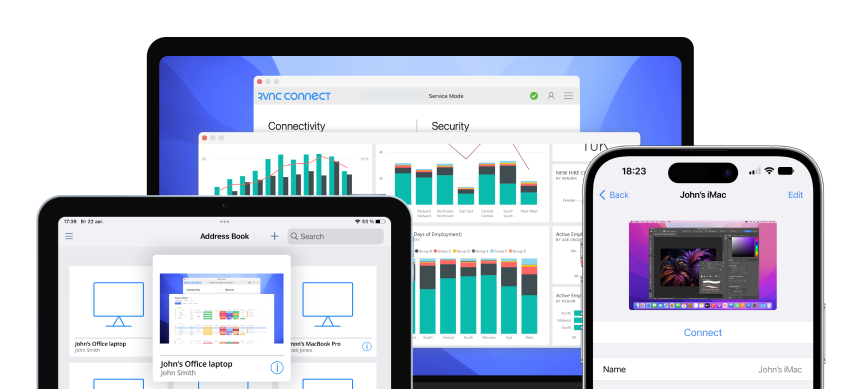
Easily access your Windows, Mac, and Linux devices from anywhere.
Do more with Raspberry Pi
Connect remotely (and headlessly) to your Raspberry Pi devices.
다른 제품과 차별화되는 VNC® Viewer
기업급 암호화, 손쉬운 크로스 플랫폼 호환성, 누구나 일반적인 네트워킹의 번거로움 없이 연결할 수 있는 놀랍도록 간단한 인터페이스를 결합하여 그 어느 때보다 원활하고 안전한 원격 액세스 환경을 제공하는 RealVNC Viewer를 소개합니다. 오리지널 VNC Viewer는 검증된 기술 기반 구축과 최신 보안 및 클라우드 지원 편의성으로 강화되어 어디서나 장치에 빠르고 안정적으로 액세스할 수 있습니다.
선택한 운영 체제에서 실행 가능
RealVNC Viewer는 지원
Windows
MacOS
Linux
라즈베리파이
안드로이드
iOS
저장된 장치와 함께 시간 절약
RealVNC Viewer는 장치를 기억하므로 세부 정보를 다시 입력할 필요 없이 즉시 다시 연결할 수 있습니다.
사용 편의성을 고려한 설계
대부분의 VNC 뷰어는 전문가를 위해 만들어진 것처럼 느껴지지만, RealVNC Viewer의 최신 인터페이스는 누구나 간단하게 설정할 수 있습니다.
No need to compromise on security
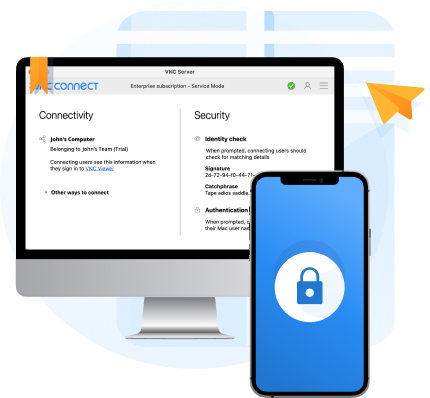
RealVNC® Connect is built to be secure by design. And even on our Lite plan, you get access to robust security features such as two-factor authentication and the same level of end-to-end encryption on connections that our largest clients trust day-in, day-out.
Looking to use
RealVNC® Connect commercially?
If you want to use RealVNC Connect for business purposes, you'll need a subscription to one of our paid plans.
Featuring additional features, granular permissions controls, and advanced functionality, our paid plans give teams of all sizes reliable, secure access to their remote devices.