

RealVNC keurmerk

RealVNC Viewer

Productiviteit

icoon cirkel sluiten

On-Demand Assist
(previously known as Instant Support)

Experience remote support that improves time to resolution while offering customers an in-person experience, even from afar.

instantsupporthero
  • IT Support
  • Service & Helpdesk

MicrosoftTeams-image

Offer timely assistance to teams across the business

When everyone depends on you to keep operations running smoothly, efficiency and time-to-resolution are everything.
On-Demand Assist helps you better manage and resolve support requests so teams can get back on track as soon as possible.
MicrosoftTeams-image

MicrosoftTeams-image

Boost customer satisfaction with improved, real-time support

Customers can sometimes struggle to describe their tech issues. Skip the confusion and save time with VNC Connect. On-Demand Assist helps service agents find and fix problems faster, resulting in improved service levels and happier customers.

MicrosoftTeams-image

Fix customers issues faster with on-demand assistance.

Just-in-time assistance

Lightweight and install-free,
On-Demand Assist lets you start a support session in seconds, improving time-to-resolution and customer satisfaction.

Affordable support that scales

Since you pay by number of technicians, not by sessions, your On-Demand Assist licensing can scale flexibly and affordably with your requirements.

Equipped to help

From Chat to two-way File Transfer,
On-Demand Assist's features give service teams the tools to find and fix support issues while in-session.

Get to the heart of the problem quicker

Every service team knows the challenge of deciphering support tickets, especially when it’s a very technical issue. Often you end up having to ask users more questions, which takes time and leads to frustration (on both sides). With On-Demand Assist, you can cut out all the back and forth and bypass the confusion.

Technicians can quickly connect to users’ devices to see the issue for themselves and take control to offer further assistance. All of which means less effort for the customer and faster time-to-resolution for you.

InstantSupport-Collaboration
InstantSupport-support

Deliver great support every time

Make it easier to offer a consistent level of service to customers.
On-Demand Assist works on Windows and Mac, so you can offer a consistent experience for users, regardless of the desktop device they’re on.

Assist customers with a fully secure solution

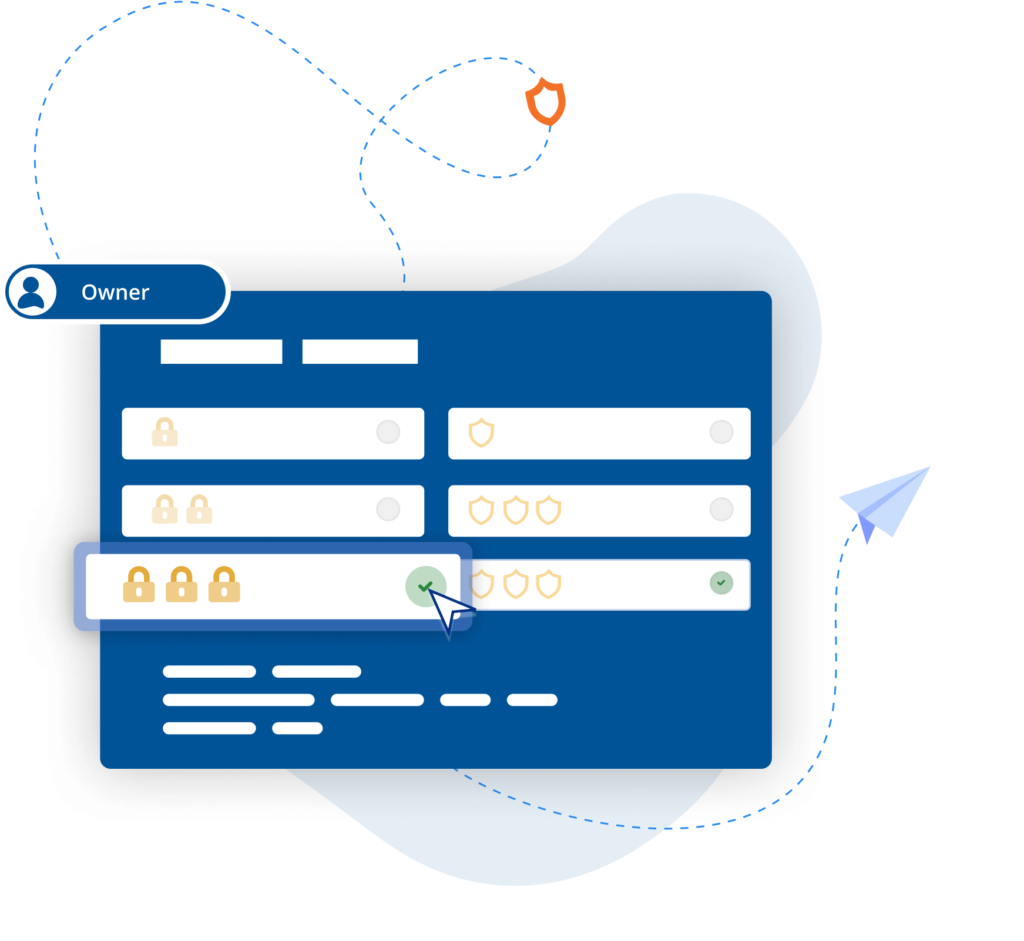
Protect user trust with a solution that’s safe and secure. Secure by design, On-Demand Assist features enterprise-grade security and administrator controls to help protect customer data as well as monitor performance and compliance across the helpdesk team.

03-InstantSupport-Secure-1

Frequently asked questions

Didn’t find the answer you were after? Check out our Help Center for more FAQs, technical docs and how-to guides.

Since we charge by technician seats, rather than devices, you can connect to as many devices as you need. You can run concurrent sessions, but the number is capped by subscription level. View our subscription pricing page for more detail. 

Although our cloud connections are fully encrypted, you also have the option of direct connections. That way, no data will ever leave your network.

If you need to change the number of licenses you have, you can do so in your RealVNC account. 

However, please contact Sales if you need to change your subscription. 

An On Prem Management Console

"Moving from a small-scale deployment to an estate of several hundred industrial control systems requires a different level of security, visibility, and control. We're pleased to support the manufacturer as it standardises on RealVNC Connect, enabling secure offline remote access and centralised management that aligns with the long-term requirements of its automation environment."

Harness Roofing Inc.

"One of the reasons we chose RealVNC was its responsiveness during photo reviews. Our COO frequently connects remotely to review project and inspection photos as part of the estimating process, sometimes flipping through 80 or more images in a single session. With RealVNC, each photo appears almost instantly as he moves through the image set. Other remote-access and screen-sharing solutions we evaluated introduced noticeable lag when displaying the next photo, which made the review process frustrating. RealVNC provided a much smoother experience and allowed him to review large numbers of photos efficiently from a remote location."

REJI

"Het feit dat RealVNC Connect compatibel is met een breed scala aan besturingssystemen is belangrijk voor onze toekomstige groei. Met RealVNC Connect kunnen we een digitaal bord monitoren dat op Android draait, of kiosken van klanten met een op Windows gebaseerd besturingssysteem. De flexibiliteit om met elk systeem te werken maakt het voor ons veel gemakkelijker om 'ja' te zeggen tegen elke potentiële klant."

- Frank Yoder, CEO

noodrespons

MiPi Support

"RealVNC® maakt het heel gemakkelijk voor mij om, vanaf vrijwel elke locatie, mijn telefoon of tablet te gebruiken om een probleem te onderzoeken en op te lossen, mocht er zich iets voordoen."

Matt Ireland, oprichter

BIOTRONIK verhoogt efficiëntie en klantondersteuning met RealVNC Connect

"We kunnen RealVNC gebruiken om een directe verbinding te maken met het programmeerapparaat en zelfs de besturing van het apparaat over te nemen om ... direct te kunnen kijken zonder interpretaties. Het is heel eenvoudig te realiseren en een grote hulp bij het ondersteunen van onze klanten en natuurlijk bij het verhogen van de patiëntveiligheid."

- Jan Iden, Medical Engineer

Qtrac

"We realiseerden ons meteen dat de gebruikersinterface veel beter was voor ons en veel gebruiksvriendelijker voor het helpdeskteam. Vrij snel zeiden we: 'Laten we gewoon alles op RealVNC overzetten.'"

Aleks Nikolovski

Try out VNC Connect for free today