





Why VNC® Connect
Our flagship product, VNC Connect, is the remote access solution for organizations that demand strong security, resilience, and peace of mind.

Prioritizing security to keep your systems safe and your users protected
Today’s teams have more freedom in where they can work, meaning IT support needs to be flexible in how they adapt to resolving challenges. On-premise support isn’t always feasible and costs time and money, while VPNs can feel cumbersome and clunky for users.
VNC Connect gives modern organizations of all sizes the remote access and support solution they need. Secure, reliable, and easy-to-use, you can deliver fast, effective IT support and servicing at scale.
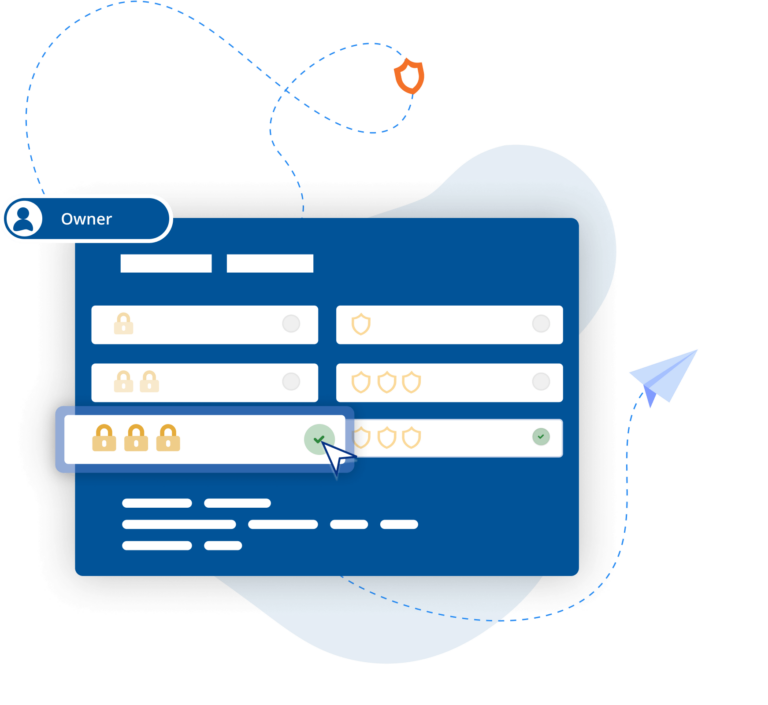
Security
Offer remote access at scale with confidence
Enterprise-grade security protects your systems from external threats, while a suite of admin tools gives you complete control of access across the organization.
End-to-end encryption
Every session is fully encrypted at
up to 256-bit AES.
Advanced authentication
Set up multi-factor authentication options to defend against unauthorized access.
Granular access control
Highly configurable options let you finetune access and permissions at individual, role or group level.
Collaboration
Help teams connect the dots, here, there… wherever
Bring cross-functional teams together, no matter where they are, to connect, collaborate and achieve their shared goals. Get everyone around the screen to discuss ideas and solutions or handover control and let a teammate take over.
Session recording
Capture sessions on video to support training materials or track compliance.
Easily share files
With file sharing you can easily send or retrieve files over sessions.
Real-time chat
Better assist users with the ability for technicians to message end-users in real-time whilst in a session.
Productivity
Set your team free by streamlining processes
Make light work of time-consuming admin with tools that make managing user access, permissions, and devices easy and efficient, and all at scale.
Mass deployment
Roll out remote access to devices at scale with ease using group policy.
Unlimited concurrent sessions
Run multiple Device Access sessions at once giving your team more freedom to work efficiently.
Access management
Easily assign and manage users, as well as their levels of access, across the organization.
Reliability & Performance
Exceed everyone’s expectations with a trusted solution
Deploy a remote solution that you can trust to deliver exceptional, reliable performance, every time.
High-speed streaming
Supports high-speed streaming, giving you a smooth, responsive remote experience.
Consistent uptimes
Know that everything’s in hand with a solution that consistently achieves 99.9% uptime.
Best-quality sessions
Connections auto-adjust to optimize for network speed to give you more reliable remote sessions.
Flexibility
Customizable remote access that flexes to fits your need
Meet the demands of your organization with our flexible, multi-platform remote access and support solution. Whether it’s enabling remote working, maintaining IT equipment, or enhancing your helpdesk, VNC Connect can be customized to comply with your unique security policies and deliver on your IT strategy.
Dual connectivity
Choose between a Direct (LAN) connection or Cloud-based connection for your sessions depending on your needs.
User modes
Control levels of access to user devices by launching in either User or Service Mode. Use Virtual Mode (Linux-only) to spin up virtual desktops.
Multi-platform
Simplify set up with a single solution that works across Windows, Mac, Linux and Raspberry Pi, as well as mobile devices.
Support & Assistance
With you every step of the way
Get the most from VNC Connect with access to the latest updates, dedicated customer support, technical experts, and a comprehensive knowledge base and community.
Latest Releases & Updates
Benefit from the latest releases to VNC Connect with new features and enhancements.
Backwards compatibility
Extend the life and value of your IT estate with backwards compatibility for older software versions.
World-class service
Set yourself up for success with customer service that’s available over email, chat, or phone.