





感谢您下载 RealVNC Connect!
观看快速入门视频,开始您的 RealVNC Connect 免费试用。

感谢您下载 RealVNC Connect!
请按照以下三个步骤开始您的免费试用,并连接到另一台设备。
第一步
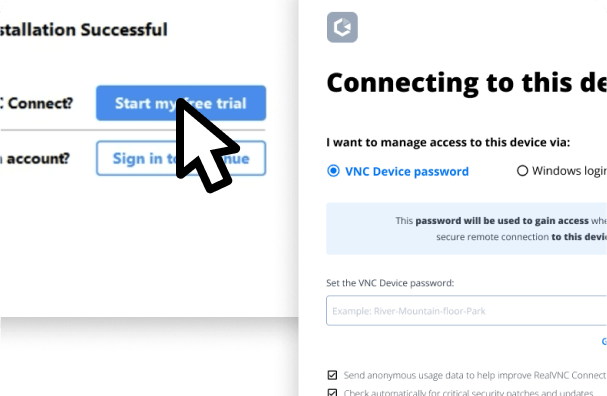
安装后,注册 7天免费试用,然后设置"VNC 设备密码",即可安全访问您的设备。
第二步
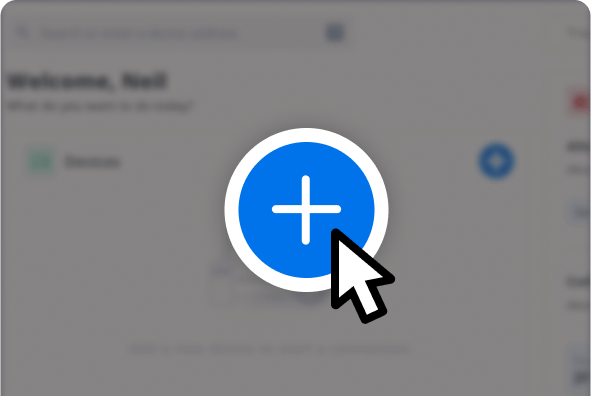
在要添加到您的 RealVNC® Connect 团队的任何其他设备上重复该过程。
第三步
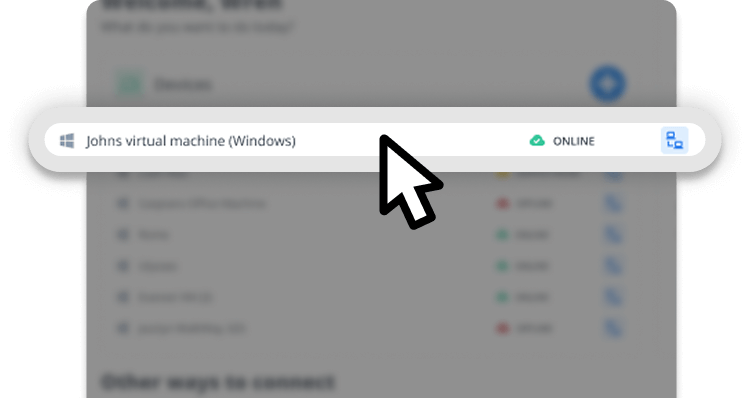
选择要连接的设备并输入其"VNC 设备密码"以授权连接。
更多操作视频
会话工具栏
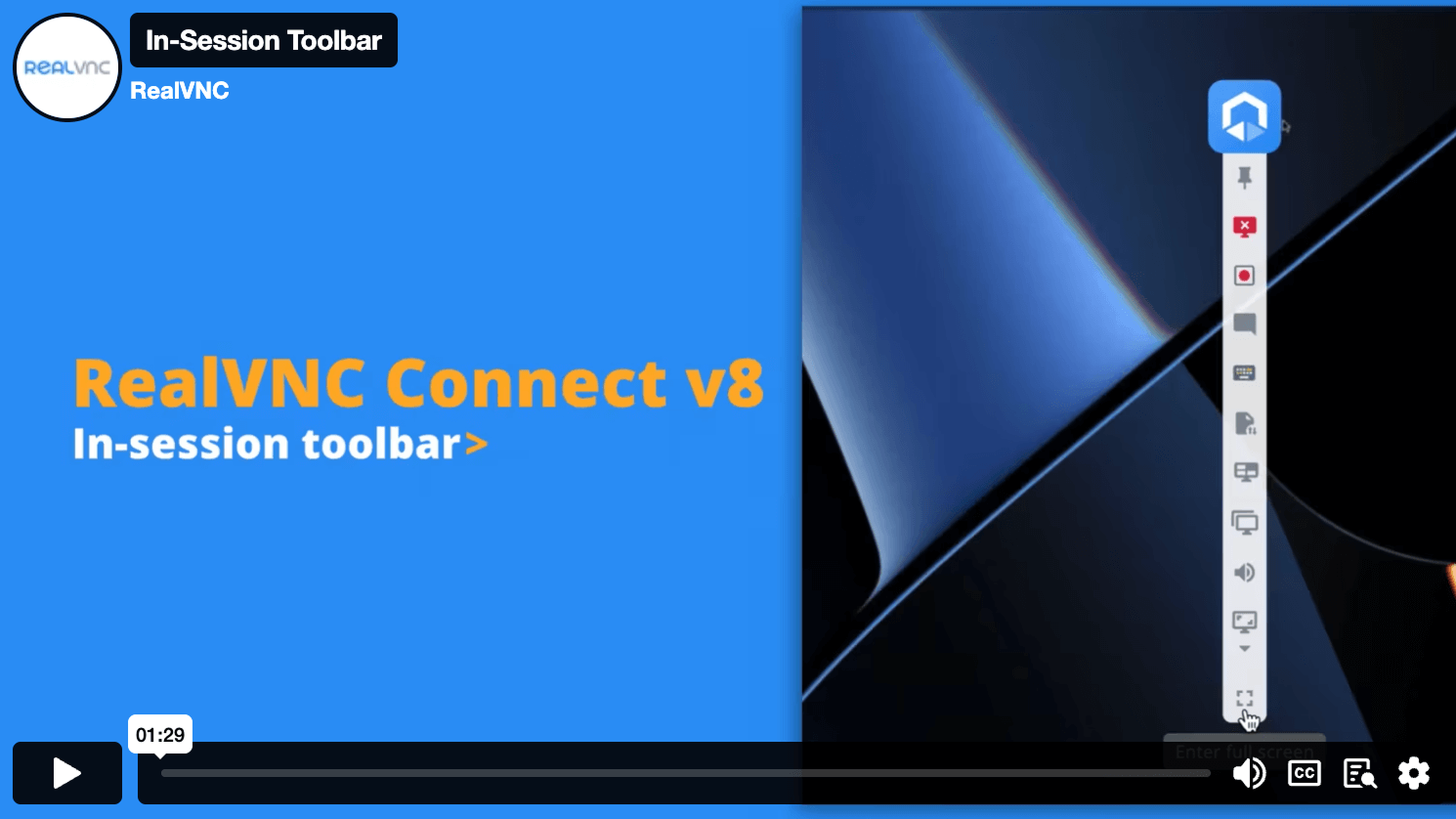
了解 RealVNC Connect v8 中改进的会话工具栏。
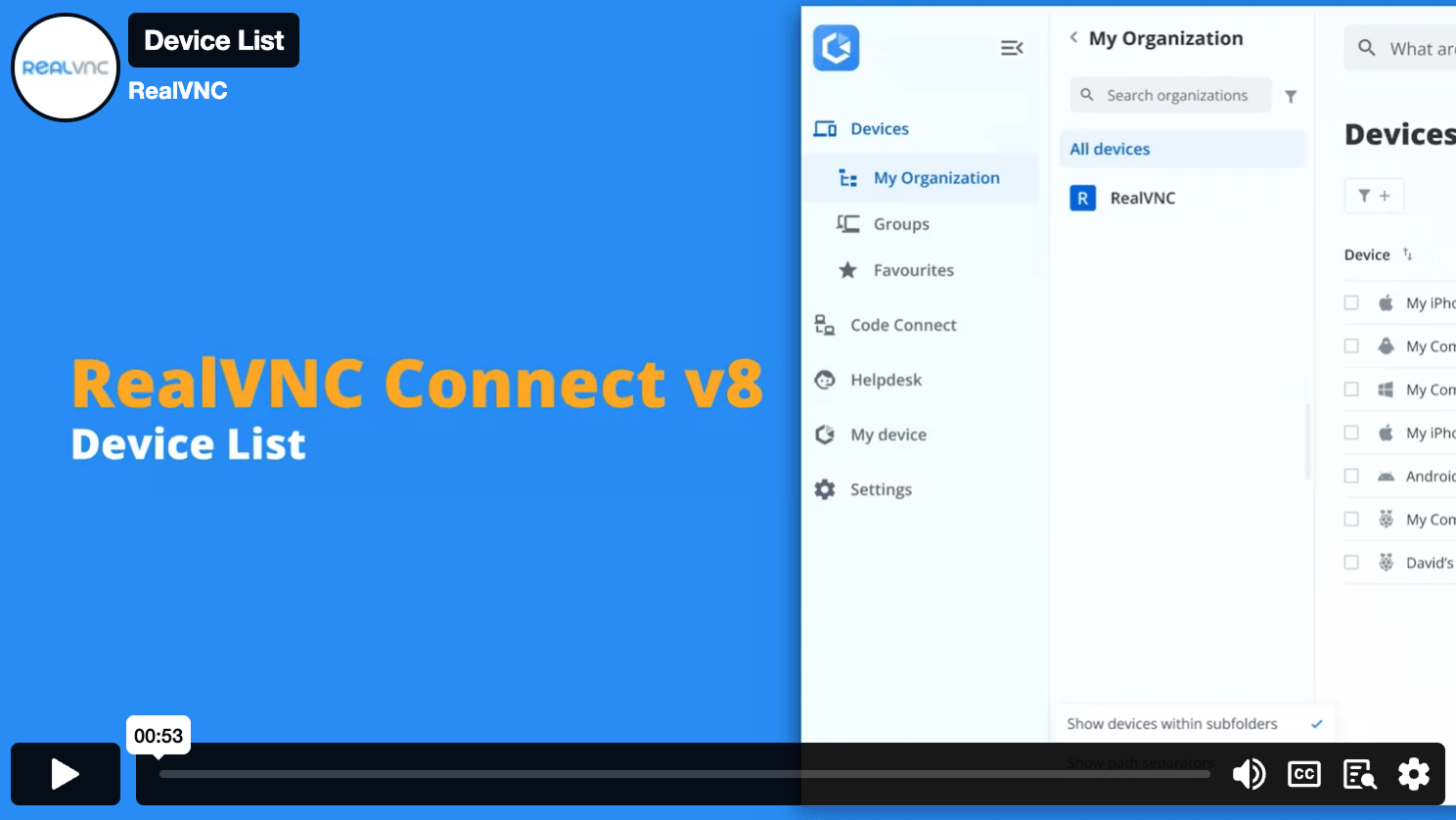
设备列表
通过设备列表,您可以查找、排序和连接您的所有远程设备。
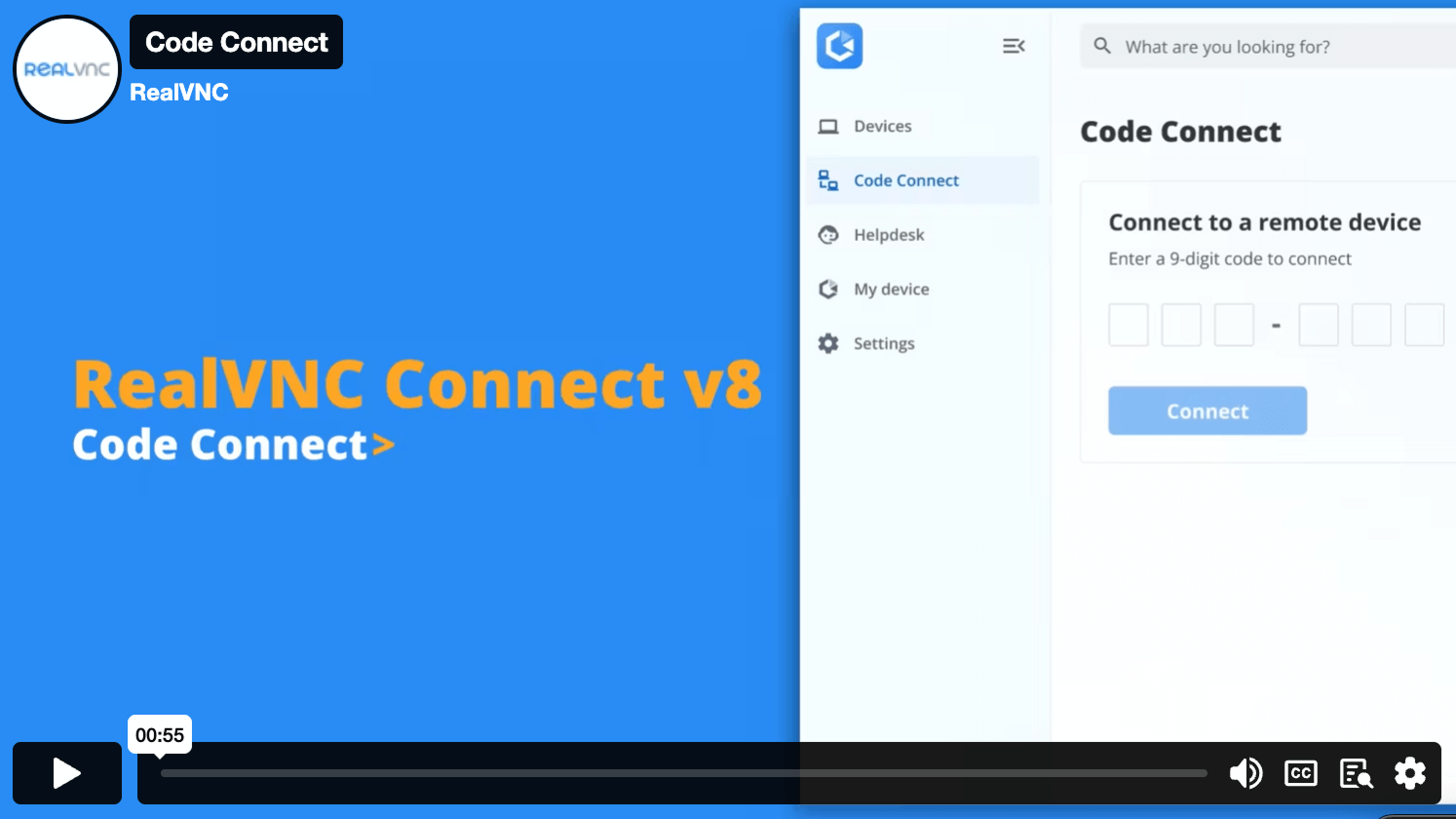
Code Connect
通过安全代码快速让访客用户一次性访问您的设备。
Personalize your plan and pricing
计划和功能比较
按可同时运行的远程会话数量付费。
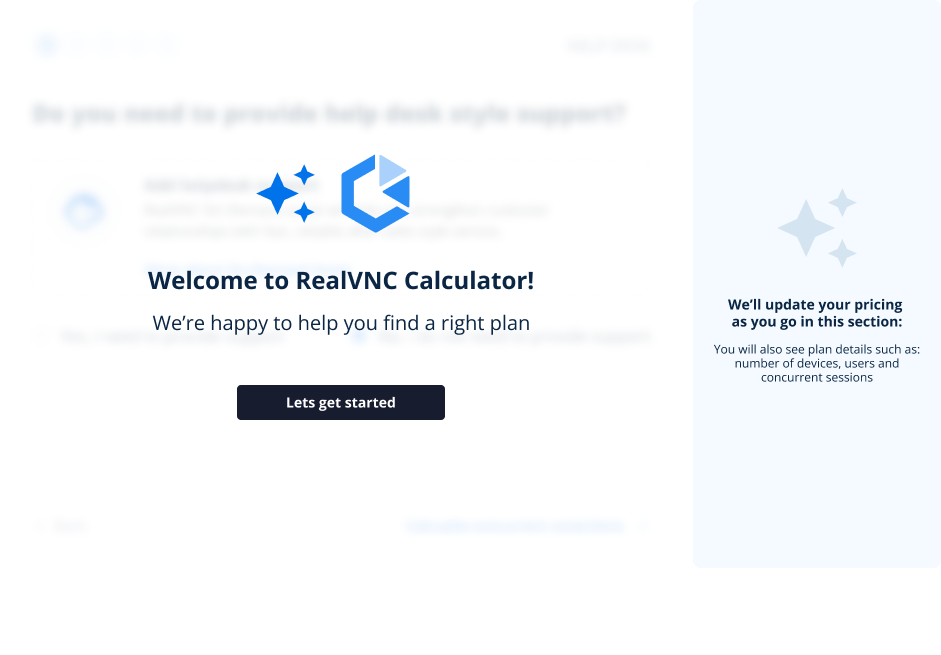
Let us help you find the best planOpen calculator |
Essentials
每个活跃连接每月费用
|
Plus
起
每个活跃连接每月费用
|
Premium
起
每个活跃连接每月费用
|
联系销售团队 |
|---|---|---|---|---|
|
活跃连接数
The total number of connections that you can make from a RealVNC Viewer to a RealVNC Server at any one time, across your RealVNC Connect Team. |
最多 1 个活跃连接 | 包含 1 个活跃连接 最多可购买 3 个。 | 包含 1 个活跃连接 最多可购买 5 个。 | 活跃连接数不限 |
| 用户数量 | 1 个用户 | 用户数不限 | 用户数不限 | 用户数不限 |
|
受管设备数量
Managed devices are those licensed to a Team within RealVNC® Connect. Unattended access is only possible to managed devices and some features, such as screen blanking and direct connectivity, are only available when connecting to managed devices. |
3 台受管设备 | 50 台受管设备 | 150 台受管设备 | 150 台以上受管设备 |
|
离线许可
Deploy RealVNC® Server to devices that aren't connected to the internet. Requires using direct connectivity and offers increased privacy and security for ultra-sensitive networks. |
||||
|
连接方式:直接连接(LAN)
Make a direct TCP/IP connection to your remote computer. Requires static IP addresses or hostnames to be made available to connecting users and for intermediate firewalls and routers to be reconfigured |
||||
|
最高支持 256 位 AES 端到端加密
Secure sessions end-to-end with up to 256-bit AES-GCM encryption. Every session is encrypted at a minimum of 128-bit AES-GCM. |
||||
| 支持 Windows、MacOS、Linux 和 PiOS 多平台 | ||||
|
支持多种语言
RealVNC® Connect can be configured to display in English, Spanish, German, Brazilian Portuguese, and French. |
||||
|
账户安全:双重身份验证和登录提醒
Set up two-factor authentication to protect against unwarranted access to your RealVNC® Connect account. Users also receive an authorization request via an email link for any new login from a new device. |
||||
|
连接方式:云连接
Connect securely to remote devices over the internet using our private cloud servers. No firewall or router reconfiguration needed. Exclusive to RealVNC® Connect. |
||||
|
多显示器支持
Work seamlessly across devices that have multiple monitors connected. |
||||
|
远程设备音频传输
Stream audio from remote Windows, Mac, and Linux devices for a more immersive desktop experience. |
||||
|
远程打印和文件传输
Print directly from a remote device to a local or remote printer, transfer files between connected computers. |
||||
|
屏幕黑屏
Allow users to blank the physical screen on Windows and Mac devices when remotely accessing them |
||||
|
会话内聊天
Chat to other users within a session. |
(交叉 | |||
|
标准权限管理
Assign users to one of the pre-defined permission profiles |
||||
|
会话录制
Keep a video record of remote access sessions to assist with auditing, quality control and training capabilities. |
||||
|
通过 API Access 管理账户
Create custom programs that extend the capabilities of RealVNC® Connect, helping to automate tasks and streamline processes. |
||||
|
虚拟显示驱动程序 (VDD)
Add virtual displays on a Windows device that you can then access as remote monitors. |
||||
| 通过电子邮件和在线聊天提供 24x5 客户支持 | ||||
|
HelpDesk:On-Demand Assist
Start a remote session with an end-user using a secure session code and either our zero-install On-Demand Assist desktop app or the RealVNC® Server mobile app. |
||||
|
自定义品牌标识(HelpDesk)
Customize the look of HelpDesk On-Demand Assist with your company name, logo, app icon, and custom download link so that your users see a brand that they know and trust. |
||||
|
重启后自动恢复会话(On-Demand Assist)
Perform a reboot and automatically resume an On-Demand session without requiring a new session code. |
||||
|
精细化用户权限控制
Specify what users can do within a remote session (e.g. give them full keyboard control, disable file transfer, or limit them to view-only access). |
||||
|
审计
Monitor user and session activity across your Team with key event logs. |
||||
|
高级权限管理
Granular control over user permissions with the ability to grant or deny access to individual features within RealVNC® Connect. |
||||
|
会话连接 MFA
Safeguard your systems with a range of MFA options such as digital certificates stored on smartcards, or integrate with an identity management provider such as Duo or RSA SecurID via the RADIUS protocol. Combine authentication factors to create a custom scheme. |
||||
|
本地管理控制台
The On-Prem Management Console gives you centralized control and visibility of your on-premise deployment, letting you see which devices are licensed, know when connections were made to which devices, and effortlessly manage your licensing. |
可作为附加项提供 | |||
| 电话客户支持 | ||||
|
账户单点登录
Users can sign into RealVNC®️ Connect using their corporate credentials via Microsoft Entra ID or Okta. |
||||
|
优先支持
Receive prioritised support from the RealVNC Customer Support team. |
||||
|
通过组策略对象部署权限
Remotely configure RealVNC® Server using policy , and simultaneously lock down deployments to prevent change. |
||||
|
批量部署(通过 MSI 安装包)
Deploy RealVNC® Server to multiple computers remotely, at once, using MSI packages on Windows. Signed package apps are available for MacOS. |
||||
|
远程访问移动设备(iOS/iPadOS 和 Android)
Connect to your mobile devices (iOS and Android) using the RealVNC® Server mobile app to view them. |
-
Users in my team
1
-
Devices
1
-
Add Helpdesk
No
-
Active Connections
1
-
Offline Licensing
-
Features
No
You've selected Enterprise
Our Sales team will provide you with a quote that's tailored to your needs.
常见问题
下载 RealVNC® Server
适用于 Windows 的 RealVNC® Server
在您希望远程查看和控制的设备上安装 RealVNC Server。
适用于 macOS 的 RealVNC® Server
在您希望远程查看和控制的设备上安装 RealVNC Server。
适用于 Linux 的 RealVNC® Server
在您希望远程查看和控制的设备上安装 RealVNC Server。
适用于 Raspberry Pi 的 RealVNC® Server
在您希望远程查看和控制的设备上安装 RealVNC Server。
适用于 Android 的 RealVNC® Server
在您希望远程查看和控制的设备上安装 RealVNC Server。
适用于 iOS 的 RealVNC® Server
可在您希望控制的 iOS 设备上安装旧版 RealVNC Server。


感谢您的下载
您所下载的 版 VNC Server 已开始下载。
下载即表示您接受使用条款和隐私政策

致 macOS Tahoe 用户:我们已发现一个影响 macOS Tahoe 上 RealVNC Server 功能的错误,并正在修复中。更多信息,请点击此处。