





RealVNC Connect をダウンロードいただきありがとうございます!
こちらのクイックスタート動画をご覧のうえ、RealVNC Connect の無料トライアルを開始してください。
RealVNC Connect をダウンロードいただきありがとうございます!
以下の3つのステップで無料トライアルを開始し、別のデバイスに接続してください。
ステップ 1
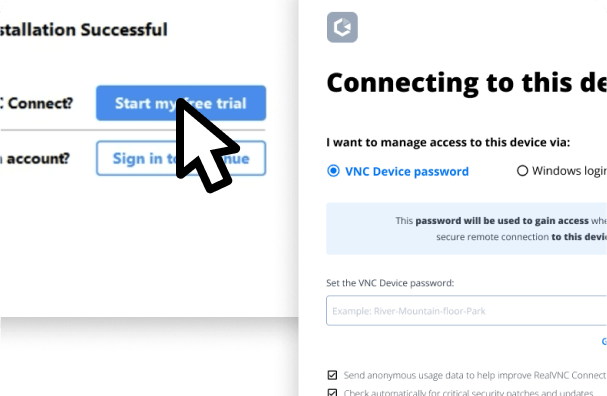
インストール後、7日間の無料トライアルにサインアップし、‘VNC Device Password’を設定してデバイスに安全にアクセスしてください。
ステップ 2
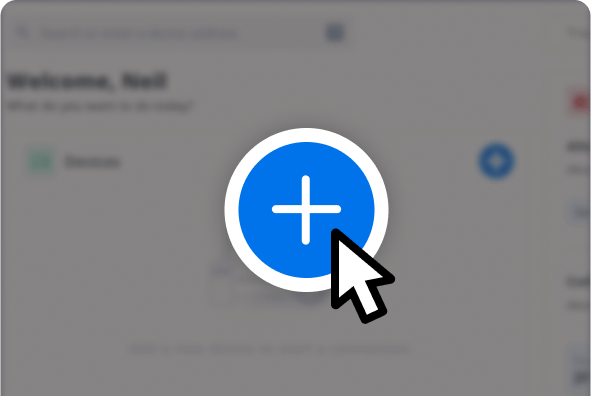
RealVNC® Connect Teamに追加したい他のデバイスでも同じ操作を繰り返します。
ステップ 3
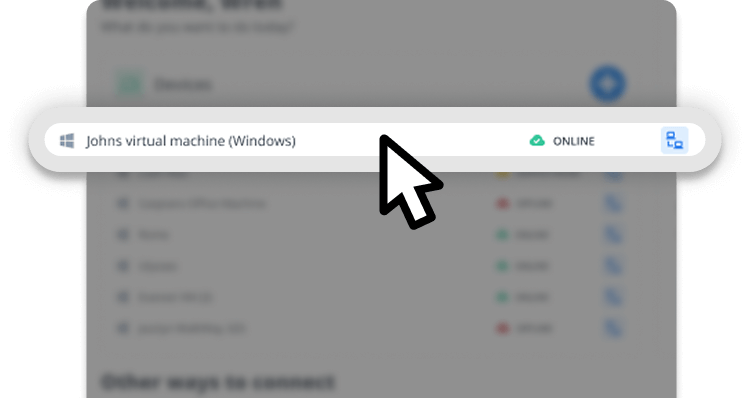
接続するデバイスを選択し、'VNC Device Password'を入力して接続を許可します。
その他のハウツービデオ
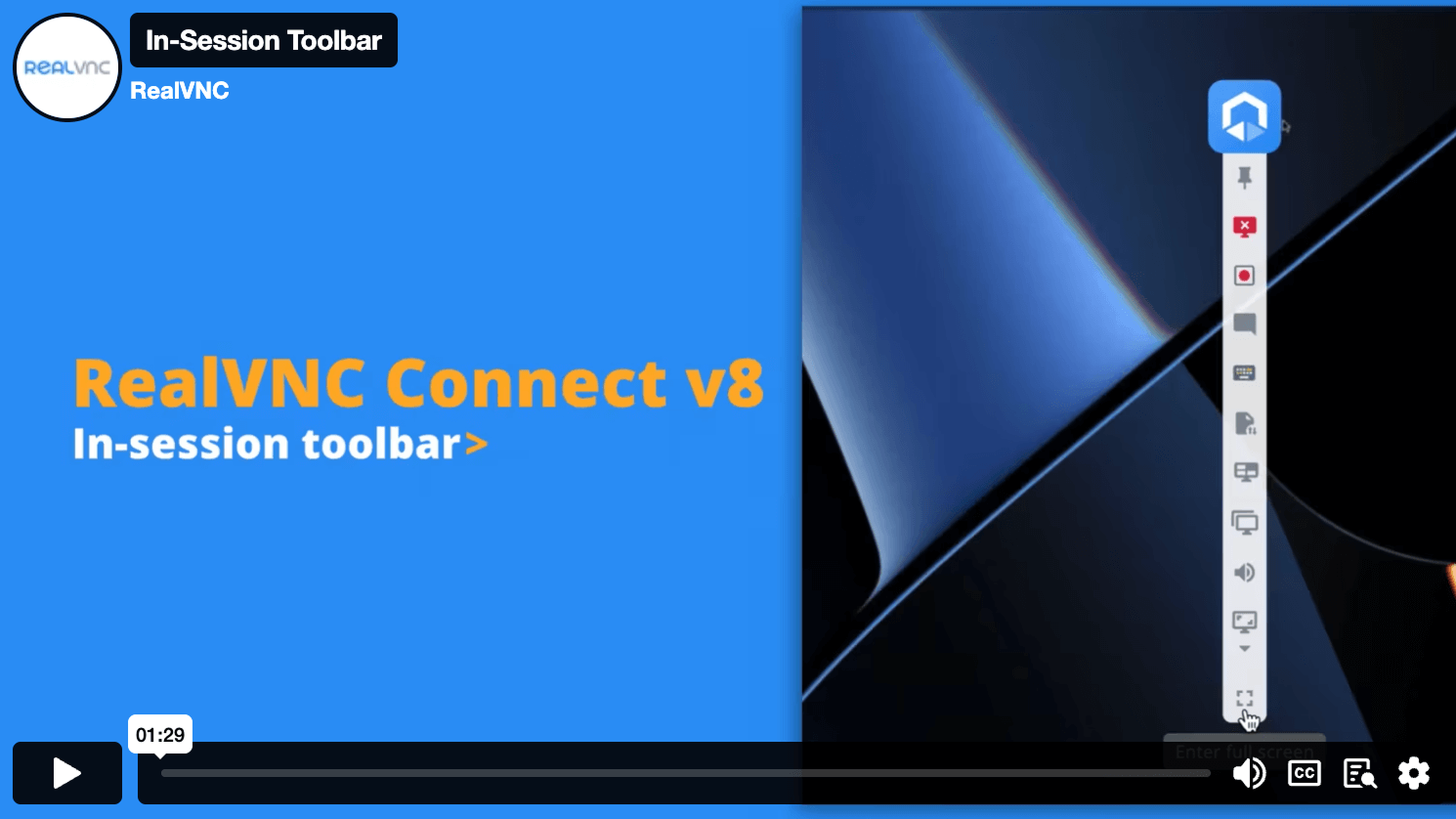
セッション内ツールバー
RealVNC Connect v8 で改善されたセッション内ツールバーについてご紹介します。
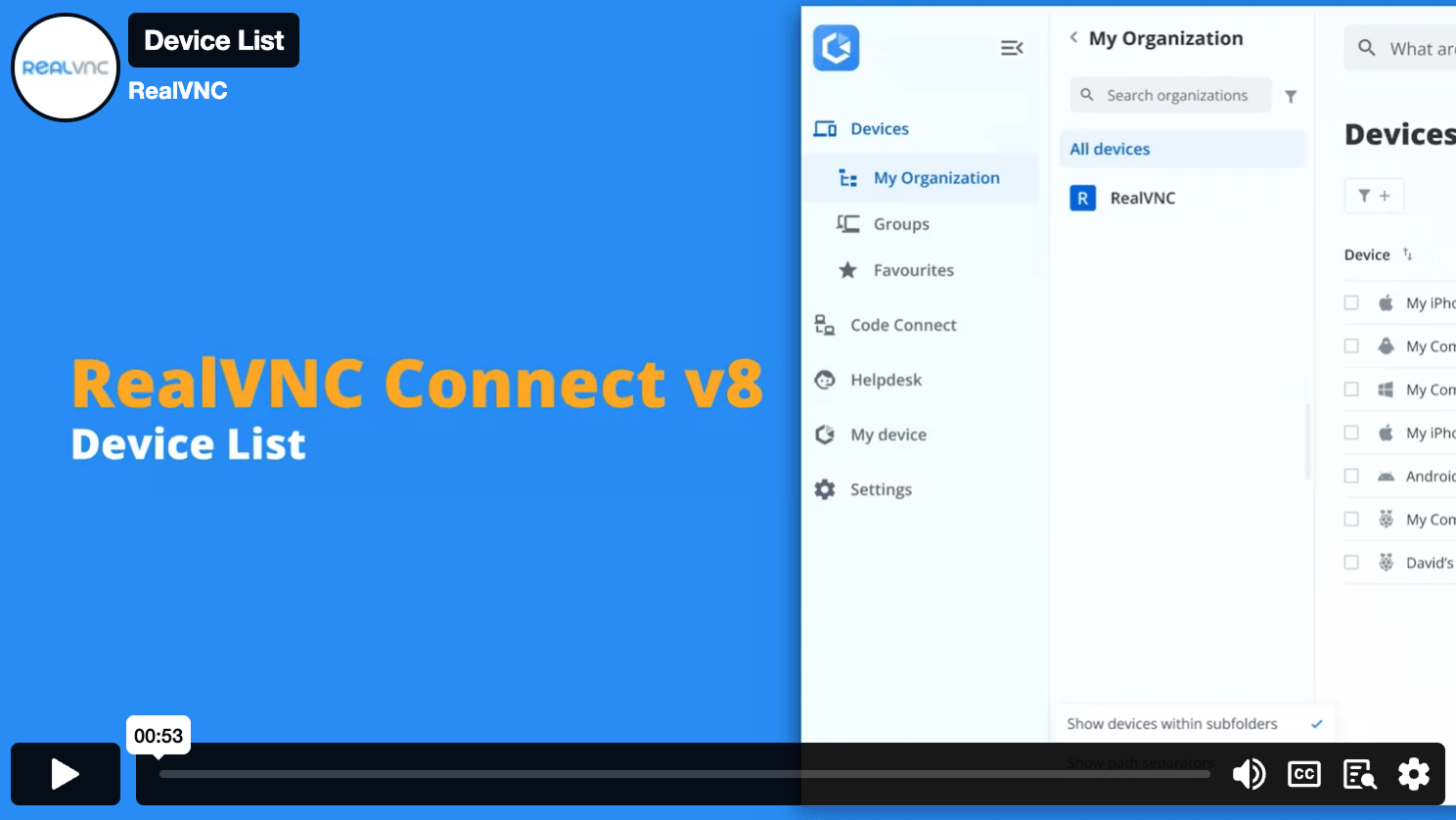
デバイスリスト
デバイスリストでは、すべてのリモートデバイスを検索、並べ替え、接続することができます。
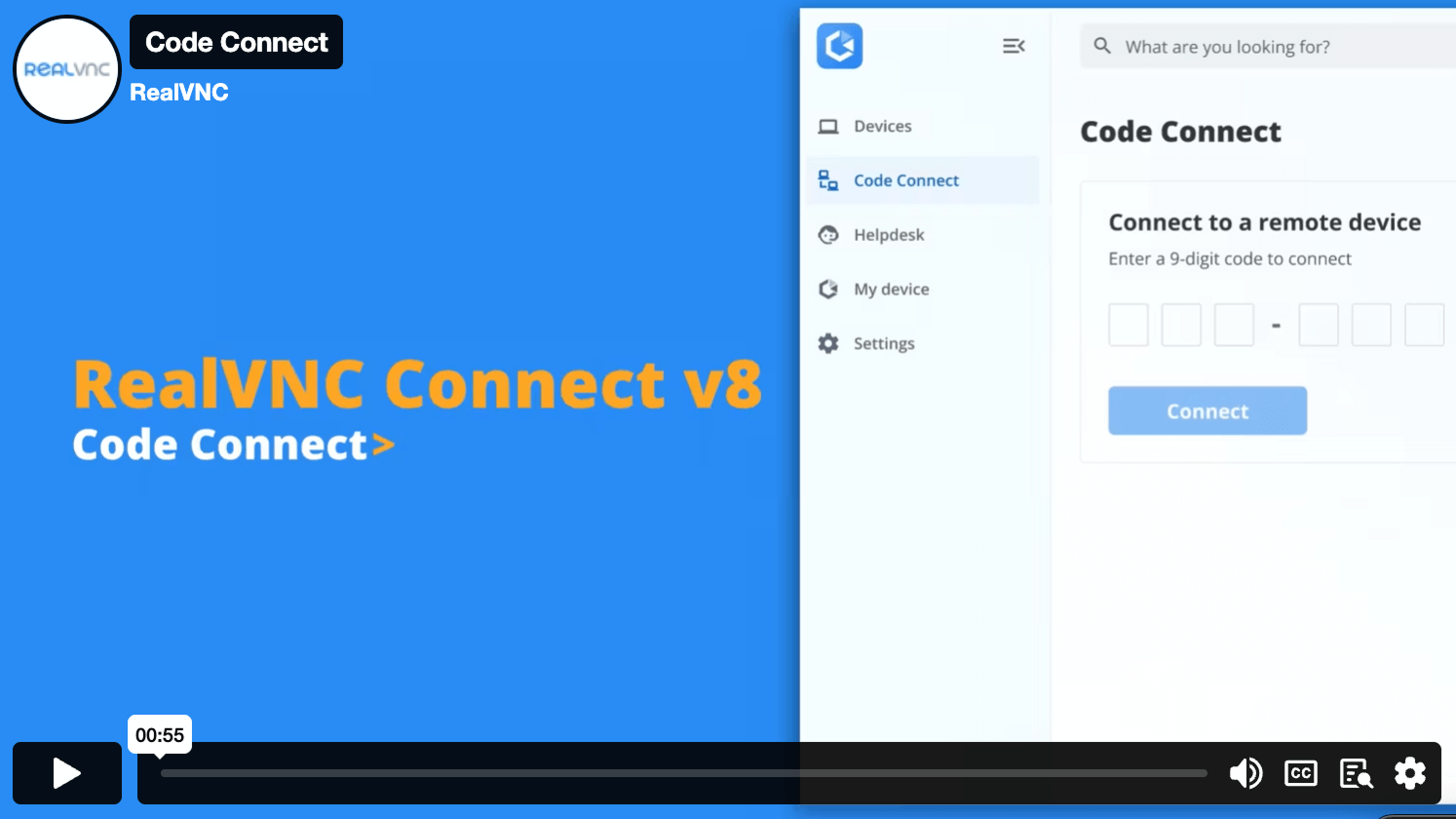
Code Connect
セキュアなコードで、ゲストユーザーにデバイスへのワンタイムアクセスを素早く提供します。
Personalize your plan and pricing
機能とプランの比較
同時に実行できるリモートセッションの数でお支払いください。
Let us help you find the best planOpen calculator |
Essentials
月/アクティブ接続性あたり
|
Plus
から
月あたりのアクティブ接続数
|
Premium
から
月/アクティブ接続性あたり
|
営業担当へのお問い合わせ |
|---|---|---|---|---|
|
アクティブ接続数
The total number of connections that you can make from a RealVNC Viewer to a RealVNC Server at any one time, across your RealVNC Connect Team. |
1アクティブ接続(最大) | 1アクティブ接続付き 最大3つまで購入可能 | 1アクティブ接続付き 最大5つまで購入可能 | 無制限のアクティブ接続 |
| ユーザー数 | 1 ユーザー | 無制限ユーザー | 無制限ユーザー | 無制限ユーザー |
|
デバイスの管理数
Managed devices are those licensed to a Team within RealVNC® Connect. Unattended access is only possible to managed devices and some features, such as screen blanking and direct connectivity, are only available when connecting to managed devices. |
3 管理デバイス | 50 管理デバイス | 150 管理デバイス | 150 以上の管理デバイス |
|
オフラインライセンス
Deploy RealVNC® Server to devices that aren't connected to the internet. Requires using direct connectivity and offers increased privacy and security for ultra-sensitive networks. |
||||
|
接続方式:ダイレクト(LAN)
Make a direct TCP/IP connection to your remote computer. Requires static IP addresses or hostnames to be made available to connecting users and for intermediate firewalls and routers to be reconfigured |
||||
|
最大256ビットAESエンドツーエンド暗号化
Secure sessions end-to-end with up to 256-bit AES-GCM encryption. Every session is encrypted at a minimum of 128-bit AES-GCM. |
||||
| Windows、MacOS、Linux、PiOSの複数プラットフォームのサポート | ||||
|
多言語サポート
RealVNC® Connect can be configured to display in English, Spanish, German, Brazilian Portuguese, and French. |
||||
|
アカウントセキュリティ:2FAとログインアラート
Set up two-factor authentication to protect against unwarranted access to your RealVNC® Connect account. Users also receive an authorization request via an email link for any new login from a new device. |
||||
|
接続方式:クラウド
Connect securely to remote devices over the internet using our private cloud servers. No firewall or router reconfiguration needed. Exclusive to RealVNC® Connect. |
||||
|
複数モニターのサポート
Work seamlessly across devices that have multiple monitors connected. |
||||
|
リモートデバイスからのオーディオストリーミング
Stream audio from remote Windows, Mac, and Linux devices for a more immersive desktop experience. |
||||
|
リモート印刷とファイル転送
Print directly from a remote device to a local or remote printer, transfer files between connected computers. |
||||
|
スクリーンブランキング
Allow users to blank the physical screen on Windows and Mac devices when remotely accessing them |
||||
|
セッションチャット
Chat to other users within a session. |
||||
|
標準的な権限管理
Assign users to one of the pre-defined permission profiles |
||||
|
セッション録画
Keep a video record of remote access sessions to assist with auditing, quality control and training capabilities. |
||||
|
APIアクセスによるアカウント管理
Create custom programs that extend the capabilities of RealVNC® Connect, helping to automate tasks and streamline processes. |
||||
|
仮想ディスプレイドライバ(VDD)
Add virtual displays on a Windows device that you can then access as remote monitors. |
||||
| メールとライブチャットによる24時間5日カスタマーサポート | ||||
|
HelpDesk:オンデマンドアシスト
Start a remote session with an end-user using a secure session code and either our zero-install On-Demand Assist desktop app or the RealVNC® Server mobile app. |
||||
|
Custom Branding (HelpDesk)
Customize the look of HelpDesk On-Demand Assist with your company name, logo, app icon, and custom download link so that your users see a brand that they know and trust. |
||||
|
リブート時の自動再開(On-Demand Assist)
Perform a reboot and automatically resume an On-Demand session without requiring a new session code. |
||||
|
きめ細かなユーザー権限
Specify what users can do within a remote session (e.g. give them full keyboard control, disable file transfer, or limit them to view-only access). |
||||
|
監査
Monitor user and session activity across your Team with key event logs. |
||||
|
高度な権限管理
Granular control over user permissions with the ability to grant or deny access to individual features within RealVNC® Connect. |
||||
|
セッション接続のMFA
Safeguard your systems with a range of MFA options such as digital certificates stored on smartcards, or integrate with an identity management provider such as Duo or RSA SecurID via the RADIUS protocol. Combine authentication factors to create a custom scheme. |
||||
|
On-Premise Management Console
The On-Prem Management Console gives you centralized control and visibility of your on-premise deployment, letting you see which devices are licensed, know when connections were made to which devices, and effortlessly manage your licensing. |
アドオン可能 | |||
| 電話によるカスタマーサポート | ||||
|
アカウントシングルサインオン
Users can sign into RealVNC®️ Connect using their corporate credentials via Microsoft Entra ID or Okta. |
||||
|
優先サポート
Receive prioritised support from the RealVNC Customer Support team. |
||||
|
グループポリシーオブジェクトを使用してアクセス許可を展開する
Remotely configure RealVNC® Server using policy , and simultaneously lock down deployments to prevent change. |
||||
|
大量導入(MSIパッケージ経由)
Deploy RealVNC® Server to multiple computers remotely, at once, using MSI packages on Windows. Signed package apps are available for MacOS. |
||||
|
モバイルデバイス(iOS/iPad OS & Android)へのリモートアクセス
Connect to your mobile devices (iOS and Android) using the RealVNC® Server mobile app to view them. |
-
Users in my team
1
-
Devices
1
-
Add Helpdesk
No
-
Active Connections
1
-
Offline Licensing
-
Features
No
You've selected Enterprise
Our Sales team will provide you with a quote that's tailored to your needs.
よくある質問
ご質問に対する答えが見つからない場合は、ヘルプセンターをご覧いただくか、
Essentials、Plus、またはPremiumプランのサブスクリプションをご購入の場合は、クレジットカード、デビットカード、またはPayPalでお支払いいただけます.銀行振込をご希望の方は 弊社のサブスクリプションは12ヶ月のコミットメントで、年間課金です。月払いはできません。 サブスクリプションの容量を増やす必要がある場合、または上位プランにアップグレードする場合は、Webブラウザの RealVNC Connect Portal からアカウントの変更を簡単に行えます。 RealVNC Connect のサブスクリプションは、デフォルトで自動更新されるように設定されています。更新を希望されない場合は、RealVNC Connect ポータルの請求ページで自動更新をオフにしてください。
RealVNC® Server のダウンロード
Windows用RealVNC®サーバー
遠隔操作したいデバイスに RealVNC® Server をインストールします。
RealVNC®サーバー(MacOS版
遠隔操作したいデバイスに RealVNC® Server をインストールします。
Linux用RealVNC®サーバー
遠隔操作したいデバイスにRealVNC® Serverをインストールします。
RaspberryPi用RealVNC®サーバー
遠隔操作したいデバイスにRealVNC® Serverをインストールします。
RealVNC®サーバー for アンドロイド
遠隔操作したいデバイスにRealVNC® Serverをインストールします。
iOS用RealVNC®サーバー
RealVNC® Serverは、コントロールしたいiOSデバイスにインストールすることができます。


ダウンロードいただきありがとうございます
VNC Server( 版)のダウンロードを開始しました。
ダウンロードすることにより、利用規約およびプライバシーポリシーに同意したものとみなされます。
macOS Tahoe ユーザーへのお知らせ:macOS Tahoe における RealVNC Server の機能に影響する不具合を確認しており、現在修正を進めています。詳細はこちらをご覧ください。