

RealVNC 로고마크

RealVNC 뷰어

생산성

닫기 아이콘

Download RealVNC® Viewer
The Most Secure Remote Access Solution

Download RealVNC® Viewer, the indispensable remote access client that allows you to securely connect to and control devices running RealVNC® Server. RealVNC® Viewer is the perfect tool for remote support, telecommuting, or accessing your files on the go.

  • Desktop
  • Mobile

iOS 로고

iOS

QR 코드를 스캔하여 앱 스토어에서 다운로드하세요

안드로이드

QR 코드를 스캔하여 앱 스토어에서 다운로드하세요
다운로드해 주셔서 감사합니다

용 클래식 RealVNC VNC Connect 다운로드가 시작되었습니다.

RealVNC Server 다운로드를 원하시면 여기를 클릭하세요.

Looking for RealVNC Viewer and RealVNC Server?

Streamline your setup experience with our RealVNC Connect Setup app
that helps you install both RealVNC Viewer and RealVNC Server in one go.

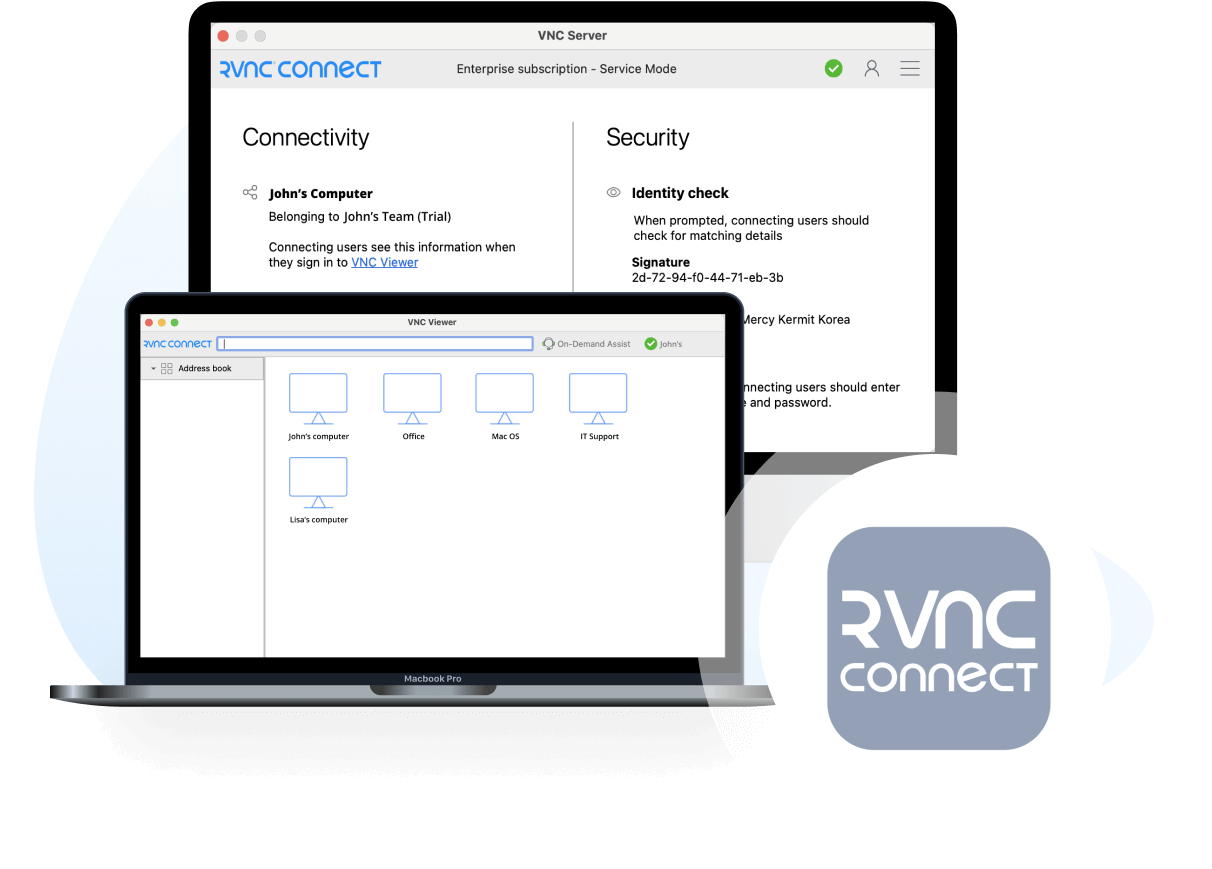
RealVNC Connect combines the best VNC viewer and client server.

Get the full VNC® Connect experience

VNC Viewer and VNC Server are designed to work best together. Use them both to experience enhanced security, more reliable connections, and access to exclusive features within VNC Connect.

VNC Viewer with
3rd Party Server

VNC Viewer with
VNC Server

Download VNC Server
Full end-to-end session encryption No Yes
Session recording No Yes
Advanced multi-factor authentication No Yes
Cloud & Direct (LAN) connectivity No Yes
Granular access and user permission control No Yes
Remote printing, real-time chat and file sharing No Yes

Get started in three easy steps

step1

1. Download

Download and install VNC Viewer on your desktop.

step2-150x150

2. Sign in/up

Sign in or Create an account (and claim a free 14-day trial).

step 3

3. Setup and Connect

Add VNC Server to your remote devices and connect.

See how easy VNC Connect is to use

  • How to get started

RealVNC Connect 원격 접속 시작 가이드

이번 영상에서는 RealVNC Connect를 활용해 누구나 쉽고 간편하게 첫 원격 화면 공유를 시작하는 방법을 소개해 드리겠습니다.

튜토리얼: RealVNC Connect 원격 접속 시작하는 방법

RealVNC Connect는 매우 간편하게 시작하실 수 있습니다. 계정을 생성하기만 하면 신용카드 등록 없이 무료 체험판을 이용할 수 있습니다.

이 영상에서는 Windows, Linux, Mac 컴퓨터에 무인 접속(Unattended Access)을 설정하는 방법을 소개해 드립니다.

이제 전 세계 어디서나 간편하게 컴퓨터를 제어할 수 있습니다. 14일간의 무료 체험 종료 후 정기 구독을 구매하시면 끊김 없이 서비스를 계속 이용하실 수 있습니다.

자주 묻는 질문

찾으시던 답변을 찾지 못하셨나요? 더 많은 FAQ, 기술 문서, 그리고 사용 방법 가이드를 도움말 센터에서 확인하십시오.

SHA256 체크섬 목록은 도움말 센터에서 확인할 수 있습니다.

제어하려는 기기에서 설치 프로그램을 실행한 다음 안내에 따라 진행하면 됩니다. Windows에서는 원격 배포용 MSI도 제공됩니다. 데스크톱 플랫폼에 VNC® Viewer를 설치할 권한이 없다면, 독립 실행형 옵션을 선택하십시오.

앞에 키보드와 마우스가 있다면 평소처럼 사용하시면 됩니다. 모바일 기기에서는 터치스크린이 마우스 트랙패드처럼 작동하며, 제스처는 마우스 버튼에 매핑됩니다. 기기 내 도움말도 확인해보세요!

아니요. VNC® Viewer는 항상 무료로 사용할 수 있습니다. 처음 실행시 EULA에 동의하기만 하면 됩니다.

FAQ에서 확인하실 수 있습니다.

Try VNC Connect today for free