

Marchio RealVNC®

RealVNC Viewer

Produttività

icona chiudi cerchio

Download RealVNC® Viewer
The Most Secure Remote Access Solution

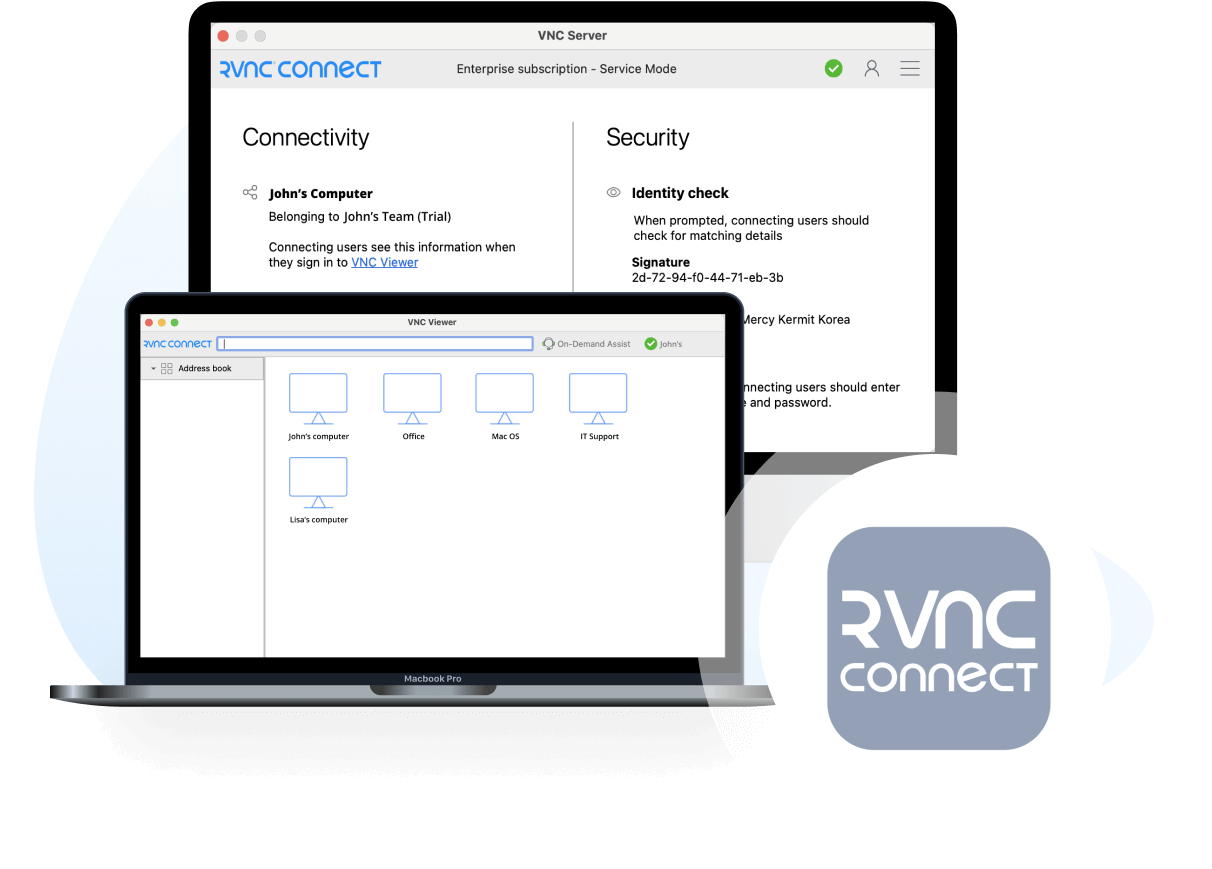
Download RealVNC® Viewer, the indispensable remote access client that allows you to securely connect to and control devices running RealVNC® Server. RealVNC® Viewer is the perfect tool for remote support, telecommuting, or accessing your files on the go.

  • Desktop
  • Mobile

IOS Logo

iOS

Ios-Download-icon-

Scansionami per l'App store

android-download-icon

Android

Scansionami per l'App store
Grazie per il download

Il download di Classic RealVNC VNC Connect per è iniziato.

Se cerchi RealVNC Server clicca qui.

Looking for RealVNC Viewer and RealVNC Server?

Streamline your setup experience with our RealVNC Connect Setup app
that helps you install both RealVNC Viewer and RealVNC Server in one go.

RealVNC Connect combineert de beste VNC viewer en client server.

Get the full VNC® Connect experience

VNC Viewer and VNC Server are designed to work best together. Use them both to experience enhanced security, more reliable connections, and access to exclusive features within VNC Connect.

VNC Viewer with
3rd Party Server

VNC Viewer with
VNC Server

Download VNC Server
Full end-to-end session encryption No Yes
Session recording No Yes
Advanced multi-factor authentication No Yes
Cloud & Direct (LAN) connectivity No Yes
Granular access and user permission control No Yes
Remote printing, real-time chat and file sharing No Yes

Get started in three easy steps

step1

1. Download

Download and install VNC Viewer on your desktop.

step2-150x150

2. Sign in/up

Sign in or Create an account (and claim a free 14-day trial).

step 3

3. Setup and Connect

Add VNC Server to your remote devices and connect.

See how easy VNC Connect is to use

  • How to get started

Come iniziare con l'accesso remoto di RealVNC Connect

In questo video ti mostreremo quanto sia facile e veloce avviare la tua prima sessione di condivisione dello schermo con RealVNC Connect.

Tutorial: come iniziare con l'accesso remoto di RealVNC Connect

Iniziare a usare RealVNC Connect® non potrebbe essere più facile. Devi solo creare un account e ottenere una prova gratuita (nessuna carta di credito richiesta).

Questo video ti mostrerà come fornire un accesso non presidiato al tuo computer Windows, Linux o Mac.

Ora potrai controllare facilmente il tuo computer da qualsiasi parte del mondo. Se vuoi continuare a usare il software dopo i 14 giorni di prova, puoi continuare a farlo senza problemi dopo aver acquistato un abbonamento.

Domande frequenti

Non hai trovato la risposta che cercavi? Dai un’occhiata al nostro centro assistenza per trovare altre domande frequenti, documenti tecnici e guide.

Consulta il nostro centro assistenza per l’elenco delle checksum SHA256

È sufficiente eseguire il programma di installazione sul dispositivo da controllare e seguire le istruzioni, oppure sono disponibili pacchetti MSI per la distribuzione remota in Windows. Se non è disponibile l’autorizzazione per installare VNC® Viewer sulle piattaforme desktop, selezionare l’opzione singola.

In presenza di una tastiera e di un mouse, utilizzarli come di consueto. Su un dispositivo mobile, il touchscreen funge da trackpad del mouse, con i gesti associati ai pulsanti del mouse. Consulta la guida integrata!

No. L’utilizzo di VNC® Viewer è sempre gratuito. Basta accettare l’EULA al primo avvio.

Try VNC Connect today for free