
RealVNC 图标标识

RealVNC Viewer

效率

关闭圆形图标

Remote access software built into Raspberry Pi

Securely access any of your Raspberry Pi devices using your desktop PC, tablet or mobile.

Connect to your Raspberry Pi from anywhere

Remote access built-in

Every Raspberry Pi is pre-installed with VNC Connect, which means you can fire up a remote session quickly and easy. Just register for a RealVNC account and away you go.

A world of endless innovation

From community projects to elementary school classes, whatever plans you have for your Raspberry Pi devices, bring them to life with VNC Connect.

Supercharge learning

Inspire a new generation of innovators and engineers by showing them what’s possible when you’re no longer limited by location.

Innovation made easy

Optimized performance

Stay connected even in environments with low-bandwidth and high-latency. VNC Connect automatically optimizes your connections for network speeds.

Do more with direct render capture

VNC Connect is the only remote access solution that captures direct render overlay, letting you view and control modules like the Pi camera module or even interact with text-based consoles.

Works without a monitor

Access and use your devices as though they have a monitor even if you’re running them headless by creating a virtual desktop using Virtual Mode.

Power productivity

Packed with helpful tools like two-way file transfer, remote printing, in-session chat, and screen recording, VNC Connect helps you get more done using remote access.

Backwards compatibility

In addition to Raspberry Pi OS 11, VNC Connect also supports older versions (up to Pi OS 9) so you can make the most of all your devices, even the well-loved ones.

Immersive experience

Feel like you’re there with a high-quality connection that lets you capture high-definition audio from remote devices when connecting via Device Access.

CS_logo

By using RealVNC® together with Centurion Solar, we are able to remotely monitor, manage and support thousands of solar installations, ensuring uptime, performance, value for money and more importantly, a return on investment for every customer that bought our software.

Johan Booysen

Owner

Secure by design

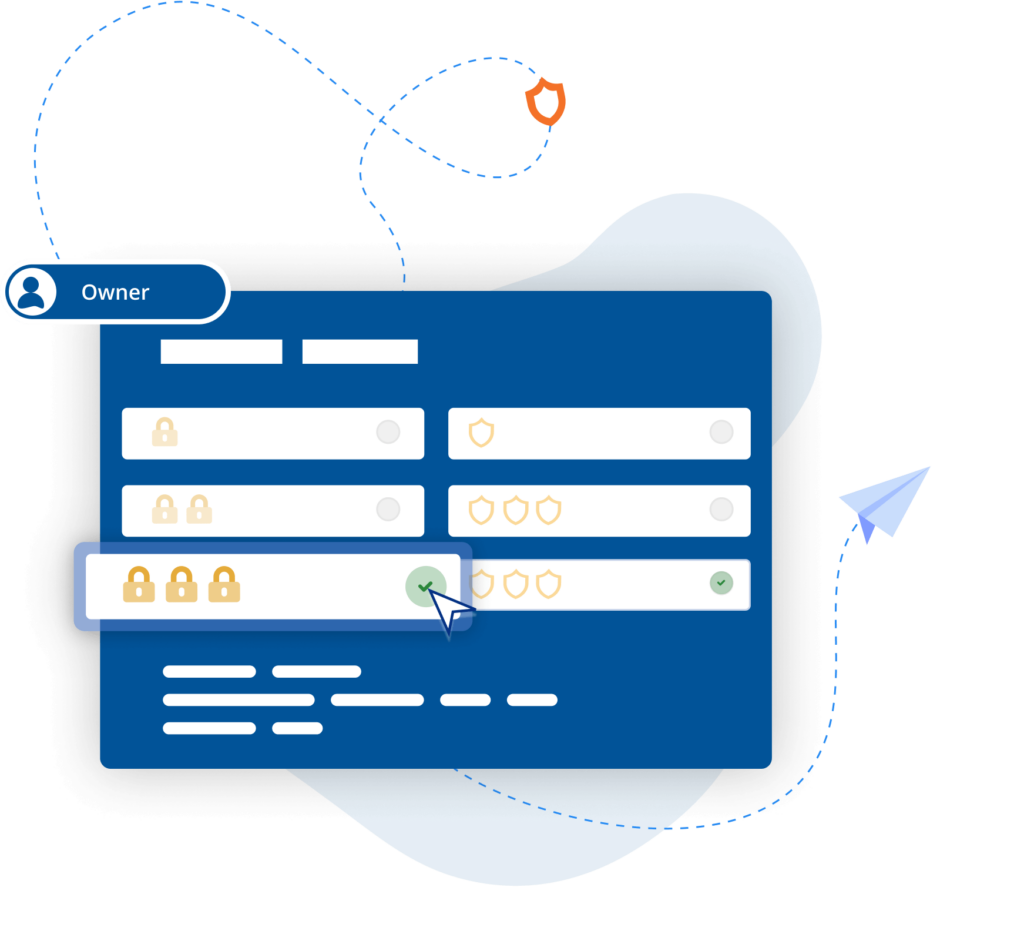
Any device connected to the internet poses risks to your network. VNC Connect features high-grade security features that are trusted by governmental institutions and large organizations the world over to protect them from external threats. You’ve also access to a suite of admin tools that give you complete control of access across all devices.

Sikkerhed

Trusted by leading IT teams worldwide

Shell
Intel
Dreamworks
Philips
NASA
IBM

REJI

"RealVNC Connect 兼容多种操作系统,这对我们未来的发展非常重要。有了 RealVNC Connect,我们可以监控在安卓系统上运行的数字标牌,也可以监控采用基于 Windows 操作系统的客户自助终端。拥有与任何系统兼容的灵活性,让我们更容易满足任何潜在客户的需求。"

- 首席执行官 Frank Yoder

MiPi 支持

"RealVNC®让我在几乎任何地方都能非常轻松地使用手机或平板电脑查看并解决出现的问题。"

Matt Ireland,创始人。

BIOTRONIK 借助 RealVNC Connect 提高效率和客户支持水平

"我们可以使用 RealVNC Connect 直接连接到编程设备,甚至接管设备的控制权,......无需任何解释即可直接查看。建立起来非常容易,对支持我们的客户有非常大的帮助,当然也提高了病人的安全性。"

- Jan Iden,医疗工程师

Qtrac

"我们立即意识到,用户界面对我们更好,对服务台团队也更友好。很快我们就说,'我们干脆把所有内容都切换到 RealVNC 吧'。"

Aleks Nikolovski

调频 100.3

"能够在两个市场运营对我们的业务非常重要。VNC Connect 使我们无需经常开车往返于 Timaru 和 Oamaru 之间。这对我们来说意义重大。"

James Valentine

Massage Robotics

“At Massage Robotics we don’t write programs that simply tell the robots to go from one point to the next. We create algorithms fed by databases that allow our robots to devise new routines. With hundreds of lines of code in each robot, and thousands more lines based in the cloud, RealVNC is a game changing solution for us.”

Getting started in 3 easy steps

Set up your Raspberry Pi

Activate the built-in version of VNC Server on your Raspberry Pi OS (formerly Raspbian).

Create your account

Register for a VNC Connect account and get a free 14-day trial of VNC Connect Professional or Enterprise.

Download VNC Viewer

Download and install our free VNC Viewer app on every computer or mobile device you want to connect from.

Try VNC Connect today for free

Frequently asked questions

Didn’t find the answer you were after? Check out our Help Center for more FAQs, technical docs and how-to guides.

VNC Connect (VNC Viewer and VNC Server) offers support for Raspberry Pi OS 11, Raspberry Pi OS 10, and Raspberry Pi OS 9. View this Help page for more detail.

You certainly can. Use Virtual Mode to create virtual desktops that exist within the memory for your Raspberry Pi device. You will be able to view and use the device as though you had a monitor connected to it. Learn more here.

If you’re on our Home subscription, then you’re limited to just 5 devices. Our Home subscription is only for non-commercial use.

If you have more devices or are using VNC Connect commercially, then you need to take out a Professional or Enterprise subscription. These give you unlimited devices. There are more details on our Pricing page.

HARDWARE

ACCESSORIZE YOUR RASPBERRY PI WITH OKdo

Need to use VNC® Connect commercially?

Looking to use VNC Connect on Raspberry Pi as part of a product or service? Get in touch today to discuss how we can help: