RealVNC keurmerk

RealVNC Viewer

Productiviteit

icoon cirkel sluiten

Remote desktop software for Windows

The secure way to access and operate a Windows desktop device from your PC, tablet or mobile device.

Fast, secure & reliable remote desktop software for Windows

Deploy at scale, fast

Move fast with our lightweight solution that’s quick to download, fast to install and doesn’t cost you in valuable disk space or CPU usage.

Improved network security

Better protect your network from external threats by using our cloud-brokered connectivity that prevents bad-actors from exploiting open TCP ports to gain access to your systems.

Connect across platforms

Do more with multi-platform support that lets you access devices running Mac, Linux and Raspberry Pi. Use our VNC Viewer app (iOS and Android) to access your desktop whilst on the go.

Get more done with VNC Connect on Windows

Optimized performance

Auto-optimization algorithms ensure you get a reliable connection, even in low-bandwidth, high-latency environments.

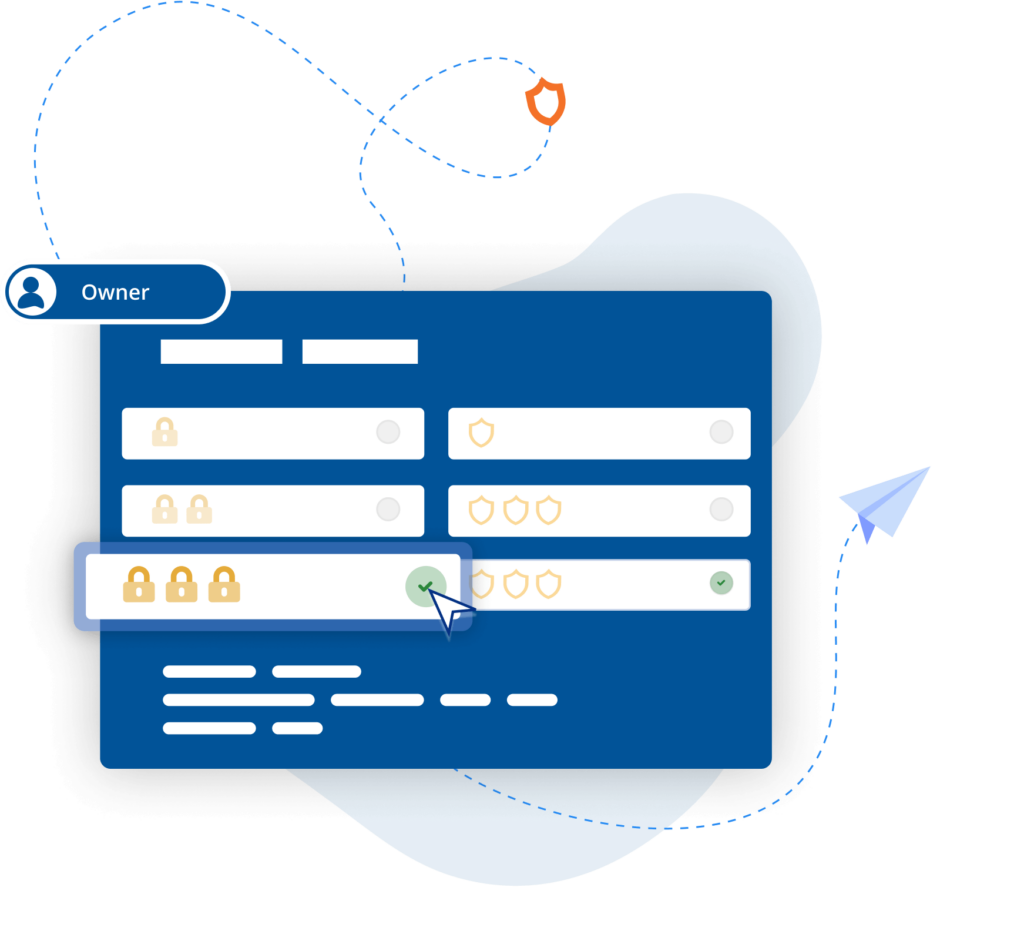
Tailored user permissions

Ensure the right people have the right level of access with an easy-to-configure setup and granular permissions controls.

Easy-to-administer access

Simplify admin with access levels set by Group Policy whilst easily managing user access and permissions company-wide.

Power productivity

Get more done with built-in support for two-way file transfer, remote printing, real-time chat, and screen recording.

Backwards compatibility

VNC Connect supports Windows 11 and earlier versions (up to Windows 7) helping you extend the life of your IT estate.

Immersive experience

Experience high-quality connections with crisp, HD audio from remote devices when connecting via Device Access.

BLP_Logo

“ We use RealVNC software daily and because of it we are able to resolve 95% of IT issues directly from where we are. ”

Wayne Murray

IT Helpdesk Supervisor

Secure by design

Offer secure remote access at scale throughout your organization with confidence. VNC Connect features enterprise-grade security that protects against external threats, while a suite of admin tools gives you complete control of access across all devices.

Security is at the core of our solution – by design, we treat every connection as though it originated in a hostile environment. To safeguard against unsolicited access, a connection must be authorized from the device that’s being connect to. And to ensure total privacy, sessions are always end-to-end encrypted at 128-bit AES as standard (Enterprise users can upgrade to 256-bit AES).

Security

Trusted by leading IT teams worldwide

Shell
Intel
Dreamworks
Philips
NASA
IBM

REJI

"Het feit dat RealVNC Connect compatibel is met een breed scala aan besturingssystemen is belangrijk voor onze toekomstige groei. Met RealVNC Connect kunnen we een digitaal bord monitoren dat op Android draait, of kiosken van klanten met een op Windows gebaseerd besturingssysteem. De flexibiliteit om met elk systeem te werken maakt het voor ons veel gemakkelijker om 'ja' te zeggen tegen elke potentiële klant."

- Frank Yoder, CEO

noodrespons

MiPi Support

"RealVNC® maakt het heel gemakkelijk voor mij om, vanaf vrijwel elke locatie, mijn telefoon of tablet te gebruiken om een probleem te onderzoeken en op te lossen, mocht er zich iets voordoen."

Matt Ireland, oprichter

Biotronik

BIOTRONIK verhoogt efficiëntie en klantondersteuning met RealVNC Connect

"We kunnen RealVNC gebruiken om een directe verbinding te maken met het programmeerapparaat en zelfs de besturing van het apparaat over te nemen om ... direct te kunnen kijken zonder interpretaties. Het is heel eenvoudig te realiseren en een grote hulp bij het ondersteunen van onze klanten en natuurlijk bij het verhogen van de patiëntveiligheid."

- Jan Iden, Medical Engineer

Qtrac

"We realiseerden ons meteen dat de gebruikersinterface veel beter was voor ons en veel gebruiksvriendelijker voor het helpdeskteam. Vrij snel zeiden we: 'Laten we gewoon alles op RealVNC overzetten.'"

Aleks Nikolovski

100.3 FM

“In twee markten kunnen opereren is echt belangrijk voor ons bedrijf. Dankzij VNC Connect kunnen we dit doen zonder constant van Timaru naar Oamaru te hoeven rijden. Dit is een game changer voor ons.”

James Valentine

Massage Robotics

“At Massage Robotics we don’t write programs that simply tell the robots to go from one point to the next. We create algorithms fed by databases that allow our robots to devise new routines. With hundreds of lines of code in each robot, and thousands more lines based in the cloud, RealVNC is a game changing solution for us.”

Try VNC Connect for free today

Frequently asked questions

Didn’t find the answer you were after? Check out our Help Center for more FAQs, technical docs and how-to guides.

VNC Connect (VNC Viewer and VNC Server) offers support for Windows 11, Windows 10, Windows 8.1, Windows 8.0, and Windows 7. We also support several versions of Windows Server. View this Help page for more detail.

Yes, if you have an Enterprise plan, you can remotely configure VNC Connect (VNC Viewer and VNC Server) using policy templates and then provision target computers using Group Policy on Windows. Learn more

When using Device Access on either Professional or Enterprise subscriptions, you can have as many concurrent sessions as you like. With Instant Support, concurrent sessions are capped per technician and vary depending on your subscription level – up to 3 concurrent sessions on Professional subscriptions and up to 10 concurrent sessions on Enterprise subscriptions.

Let’s talk

Get in touch today to discuss how we can help with your remote access needs: