RealVNC 로고마크

RealVNC 뷰어

생산성

닫기 아이콘

Download secure Windows remote access software

RealVNC® provides a straightforward and secure solution for Windows remote desktop access.

A fast, secure, and reliable remote desktop software for Windows

Quickly deploy at scale

RealVNC Connect® is a powerful but lightweight Windows remote desktop solution, meaning you can rapidly download, install, and start using it. The software also won't cost you valuable disk space or slow down CPU usage.

Strong network security

Our cloud-brokered connectivity provides you with peace of mind when using your Windows remote desktop. With our commitment to enterprise-grade security, your network will be protected from external threats, such as bad actors exploiting open TCP ports to gain access to your systems.

Connect across platforms

RealVNC Connect’s multi-platform support allows you to connect to the Windows remote desktop client from Mac, Linux, and even Raspberry Pi devices. You can also use our RealVNC Viewer app on various mobile devices like iPads, iPhones, and Android devices for limitless productivity on the move.

Get more done with RealVNC Connect and Windows remote access

Optimized performance

High-speed streaming allows you to remotely control Windows devices with the same responsiveness you'd expect sitting in front of them. RealVNC Connect also uses auto-optimization algorithms to ensure that you can rely on experiencing the best connection every time, even in low-bandwidth, high-latency environments.

Tailor permissions and access

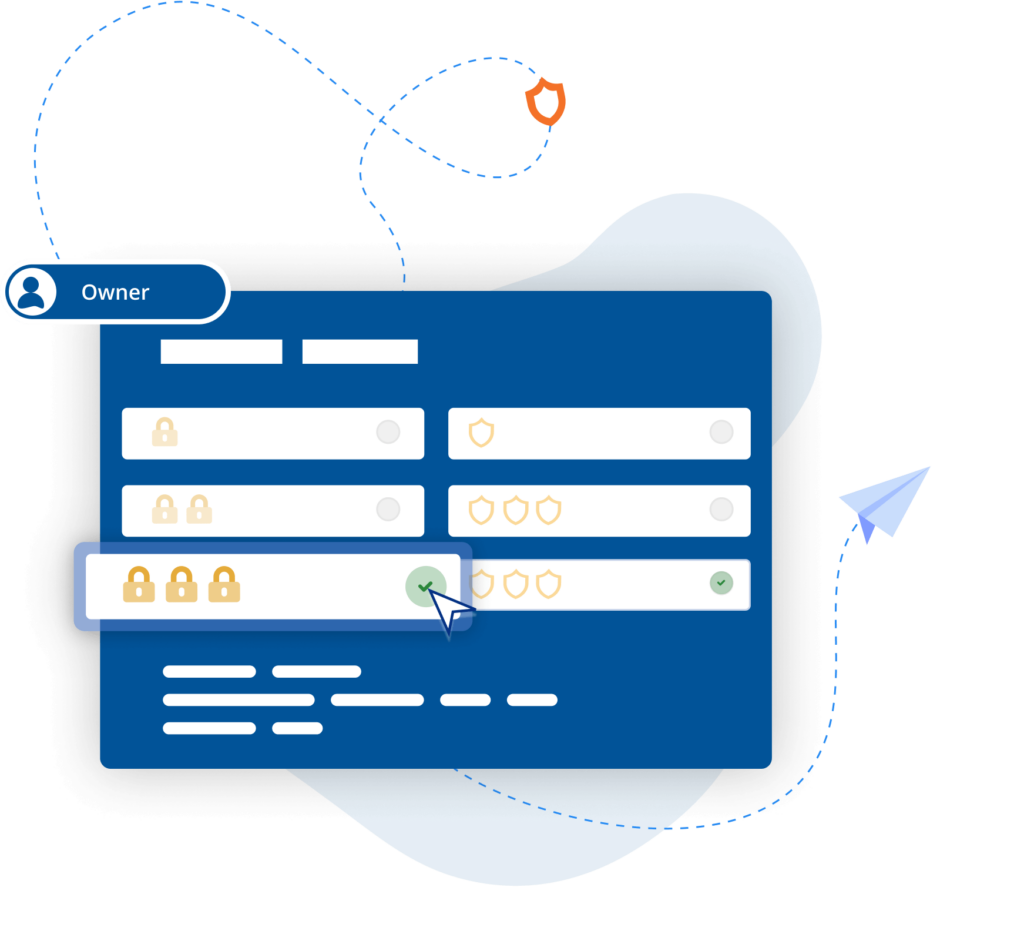
With an easy-to-configure setup and granular controls, you can customize access at individual, group, and role levels. Furthermore, the Group Policy settings allow you to easily manage user access and permissions across your entire company. Add customizable
multi-factor authentication options for extra defense against unauthorized access.

Easy-to-administer access

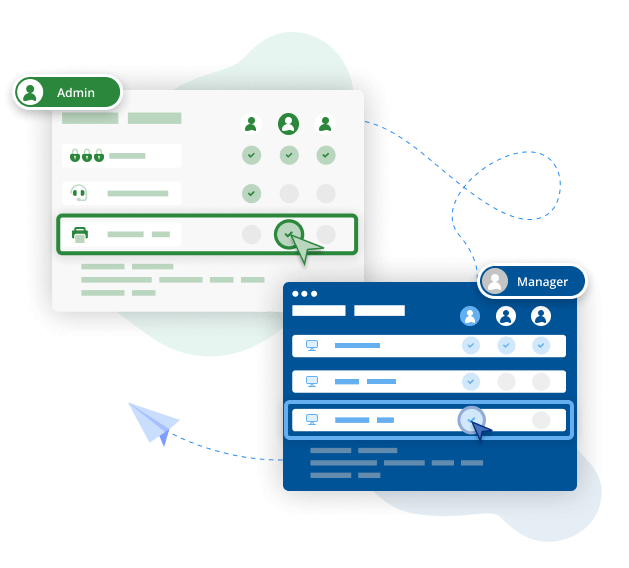
Simplify admin with access levels set by Group Policy whilst easily managing user access and permissions company-wide.

Power productivity

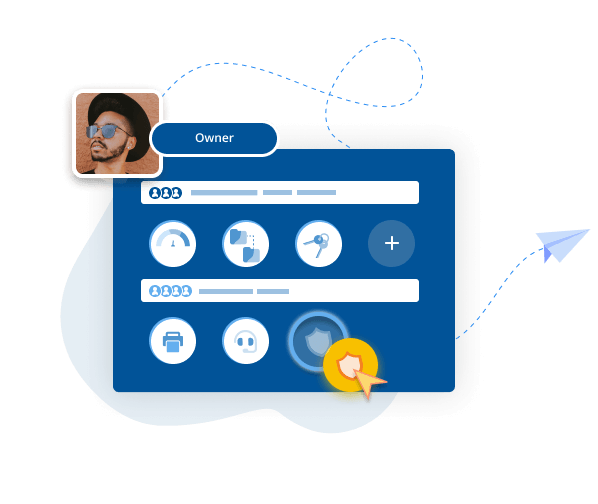
Windows remote access software opens up limitless options for productivity. RealVNC Connect is packed with features to support working anywhere and at any time. Remote printing, seamless file transfers between devices, two-way file transfer, session recording, and real-time chat will set your company up for successful remote working and remote support.

Backward-compatible

RealVNC Connect is fully backward compatible and can be used as a Windows 11 remote desktop, a Windows 10 remote desktop, or even a Windows 7 remote desktop. With RealVNC, you can extend the life and value of your current IT estate while benefitting from the latest updates, features, and enhancements.

Immersive experience

RealVNC’s high-quality connections make remote computer access feel like sitting at your office desk when you work on your Windows remote desktop. As well as smooth, reactive visuals, you can enjoy crisp, HD audio from remote devices when connecting via Device Access.

BLP_Logo

“ We use RealVNC® software daily and because of it we are able to resolve 95% of IT issues directly from where we are. ”

Wayne Murray

IT Helpdesk Supervisor

Secure by design

RealVNC Connect is trusted by leading IT teams worldwide thanks to our enterprise-grade security. With a suite of admin tools that give you complete access control across all devices, you can confidently offer secure remote desktops for Windows devices throughout your organization. 

Security is at the core of our solution, from multi-factor authentication to end-to-end encryption. As part of our design, we treat every connection as though it originated in a hostile environment. To safeguard against unsolicited access, a connection must be authorized by the server-side device. When a connection is established, end-to-end encryption of up to 256-bit AES ensures total privacy for all sessions.

Beveiliging

How a Windows remote desktop can help your business

As remote working continues to rise in popularity, secure and effective remote access is an essential part of any successful modern business. But, what remote desktop benefits can your business actually expect?

Productivity

The most well-known benefit of a remote desktop for Windows is that it allows employees to continue working from home as well as during travel or unexpected disruptions. The ease of initiating a remote PC connection ensures secure access to essential business databases, programs, and resources from anywhere, allowing seamless collaboration across cities or even time zones.

However, remote desktop solutions also increase productivity by streamlining IT management. Centralized software updates, maintenance, and security measures free up IT teams to focus on strategic initiatives and innovation. Furthermore, remote desktops can accelerate troubleshooting and issue resolution, reducing downtime, saving money, and increasing employee satisfaction.

Beveiliging

Security

A Windows remote desktop allows businesses to consolidate data, enforce security measures, and control access, enhancing business security and reducing vulnerabilities.

Remote desktops also provide opportunities to automate desktop management. IT teams can schedule updates across a company’s entire network, ensuring security measures are always up-to-date. The ability to monitor and track remote desktop user activity also allows businesses to quickly spot and stop any malicious activity.

Flexibility

A Windows remote desktop also enhances business flexibility. Employees who can work anywhere have the ability to choose their optimal working conditions, boosting job satisfaction and employee retention. Seamless access to business systems also creates the option to use a Mac remote desktop on Windows, a Linux remote desktop on Windows, or even a Windows remote desktop on a mobile device, enhancing agility and collaboration.

With remote desktops, businesses can also scale up or down quickly. Administrative and hardware overheads are reduced when new employees or contractors only need the correct access permissions to start working. By embracing a remote desktop set-up, businesses can evolve with changing work dynamics, and provide employees with a flexible work experience. The ease of initiating a remote PC connection allows users to access their files and applications seamlessly from any device by simply pressing a connect button after installation.

Cost savings

Remote desktops reduce the need for extensive hardware investments. Businesses can use less expensive devices and instead rely on the processing power of the central remote server. Thanks to backward compatibility, there’s also no need to update your tech stack to access the benefits of a Windows remote desktop. 

Another benefit of remote working is the reduced need for extensive office space, which in turn reduces overheads as more employees work from home or other locations. This can also lead to reduced energy consumption, as remote desktop servers typically require less power compared to multiple individual devices, which translates to lower electricity bills.

Download the Windows remote desktop app from RealVNC

RealVNC can help you achieve all these benefits with a remote desktop for Windows. To download remote desktop software from RealVNC simply make an account and follow the instructions for installation on the device of your choosing. With a free 14-day trial, you can fully explore all the great features of RealVNC Connect before you buy.

RealVNC-hero

Trusted by leading IT teams worldwide

Shell
Intel
Dreamworks
Philips
NASA
IBM

REJI

"RealVNC Connect가 다양한 운영 체제와 호환된다는 사실은 향후 성장에 중요한 요소입니다. RealVNC Connect를 사용하면 안드로이드에서 실행되는 디지털 사이니지나 Windows 기반 OS를 사용하는 고객 키오스크를 모니터링할 수 있습니다. 모든 시스템에서 작업할 수 있는 유연성을 갖추면 잠재 고객에게 '예'라고 답하기가 훨씬 쉬워집니다."

- Frank Yoder, CEO

비상 대응

MiPi 지원

"RealVNC®를 사용하면 거의 모든 곳에서 휴대폰이나 태블릿을 사용하여 문제가 발생했을 때 쉽게 조사하고 해결할 수 있습니다."

Matt Ireland, 설립자

바이오트로닉, RealVNC Connect로 효율성 및 고객 지원 강화

"RealVNC를 사용하여 프로그래밍 장치에 직접 연결할 수 있고 심지어 장치를 직접 제어할 수 있고 해석 없이 직접 볼 수 있습니다. 연결을 설정하기가 매우 쉬워서 그곳의 고객을 지원하고 환자의 안전을 높이는 데 큰 도움이 됩니다."

– Jan Iden, 의료 엔지니어

Qtrac

"사용자 인터페이스가 저희에게는 훨씬 더 편리하고 헬프 데스크 팀에게는 훨씬 더 사용자 친화적이라는 것을 즉시 깨달았습니다. 곧바로 '모든 것을 RealVNC로 전환하자'고 결정했습니다."

Aleks Nikolovski

100.3 FM

"두 시장에서 사업을 운영할 수 있다는 것은 우리 비즈니스에 매우 중요합니다. VNC Connect를 사용하면 티마루에서 오아마루까지 계속 운전할 필요 없이 이 작업을 수행할 수 있습니다. 이것은 우리에게 획기적인 변화입니다."

James Valentine

Massage Robotics

“At Massage Robotics we don’t write programs that simply tell the robots to go from one point to the next. We create algorithms fed by databases that allow our robots to devise new routines. With hundreds of lines of code in each robot, and thousands more lines based in the cloud, RealVNC is a game changing solution for us.”

Windows remote desktop FAQs

RealVNC Connect supports Windows 11, Windows 10, Windows 8.1, Windows 8.0, and Windows 7. We also support several versions of Windows Server. A full list of our supported platforms can be found here.

Although they are both remote desktop solutions, the differences between VNC and Remote Desktop Protocol (RDP) are considerable. Windows RDP is a propriety software that is designed and optimized for connecting Windows devices. In comparison, VNC, which stands for Virtual Network Computing, is platform-independent. It works by transmitting the graphical desktop interface from the remote device and allows users to interact with remote computers across different devices and operating systems. You can read more about VNC and RDP in our blog post on the topic.

Yes! With RealVNC, it’s as easy as downloading the Windows remote desktop client and the Mac VNC Viewer to connect to your Windows remote desktop on a Mac device.

RealVNC offers a free 14-day trial for you to explore our solution. After this period, our sales team can help you choose one of our pricing models or work out a custom enterprise pricing plan for your business.

Let’s talk

Get in touch today to discuss how we can help with your remote access needs: