
Download RealVNC® Server
The Most Secure Remote Access Host
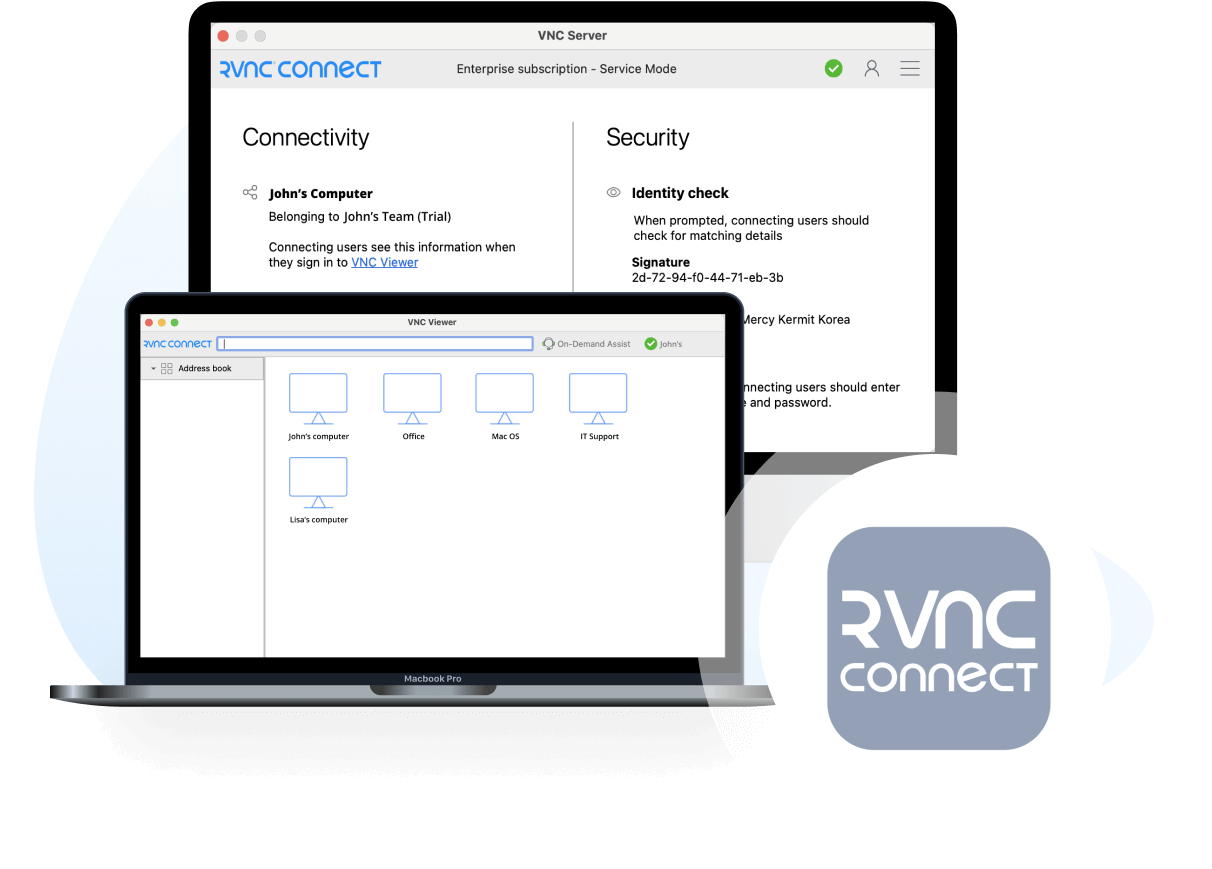
Download RealVNC® Server, the crucial remote access host that allows you to share control of your devices with remote users securely.
Installing RealVNC® Server on the devices you want to access remotely enables seamless remote control and collaboration using RealVNC® Viewer or the complete RealVNC® Connect solution.
-
Desktop
-
Mobile
ダウンロードいただきありがとうございます
VNC Server( 版)のダウンロードを開始しました。
Looking for RealVNC Viewer and RealVNC Server?
Streamline your setup experience with our RealVNC Connect Setup app
that helps you install both RealVNC Viewer and RealVNC Server in one go.
Get the full VNC® Connect experience
![]() VNC Server with |
![]() VNC Server with Download VNC Viewer |
|
|---|---|---|
| Connect to both desktop and mobile devices | No | Yes |
| Full end-to-end session encryption | No | Yes |
| Session recording | No | Yes |
| Advanced multi-factor authentication | No | Yes |
| Cloud & Direct (LAN) connectivity | No | Yes |
| Granular access and user permission control | No | Yes |
| Remote printing, real-time chat and file sharing | No | Yes |

Get started in three easy steps

1. Download
Install VNC Server on your remote devices.

2. Sign in/up
Sign in or Create an account (and claim a free 14-day trial).

3. Setup and Connect
Install VNC Viewer on your device and connect.
See how easy VNC Connect is to use
-
How to get started
RealVNC Connect リモートアクセスの始め方
この動画では、RealVNC Connect を使って初めての画面共有セッションをすばやく簡単に開始する方法をご紹介します。
チュートリアル:RealVNC Connect リモートアクセスの始め方
RealVNC Connect の利用開始はとても簡単です。アカウントを作成して無料トライアルを開始するだけです(クレジットカードは不要です)。
この動画では、Windows、Linux、Mac のコンピュータで無人アクセスを設定する方法をご紹介します。
これで、世界中のどこからでも簡単にコンピュータを操作できるようになります。14 日間のトライアル終了後も引き続きソフトウェアを使用したい場合は、サブスクリプションを購入することでそのまま継続して利用できます。
Related downloads
よくある質問
お探しの答えが見つかりませんでしたか?さらに詳しい FAQ、技術文書、操作ガイドについては、Help Center をご覧ください。
VNC® Connectは、個人および商用利用が可能なリモートアクセスソフトウェアの最新バージョンです。コントロールしたいコンピュータ用のVNC® Serverアプリ(ライセンスが必要)と、コントロールしたいすべてのデバイスに自由にダウンロードできるVNC® Viewerアプリで構成されています。
最も簡単なのは、コントロールしたいコンピュータ上でインストーラを実行し、指示に従うことです。エンタープライズサブスクリプションのシステム管理者には、さまざまな導入オプションがあります。
RealVNC® のアカウント情報を使って VNC® Server にサインインし、サブスクリプションを適用するか、14日間の無料トライアルを開始します。エンタープライズ版をご利用の場合は、コマンドラインまたはリモートからオフラインキーを適用することができます。
はい。詳細はサポートまでお問い合わせください。